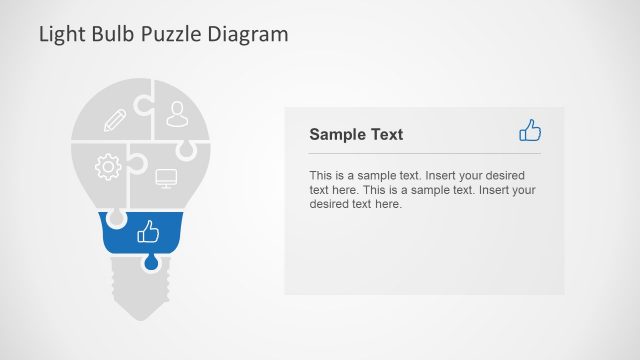
Slide 1 of 7 from 5 Segments Light Bulb Puzzle Diagram for PowerPoint
Blue Background Bulb Shape Puzzle Template
Light Bulb Puzzle Diagram for Presentations
- Diagram
- Matrix Quadrant
- Concept Explanation Slide
- 16:9
- 100% Editable
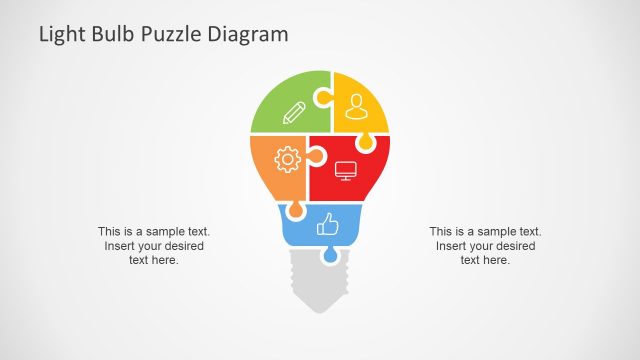
The Light Bulb Puzzle Diagram slide from the 5 Segments Light Bulb Puzzle Diagram for PowerPoint template offers a clear visual tool for introducing or summarizing concepts in business presentations. This editable slide features a segmented light bulb shape with vector icons and text placeholders, ideal for brainstorming sessions or pitch decks. Its design supports easy customization, making it a practical choice among presentation templates for conveying interconnected ideas effectively.
What’s on This Slide
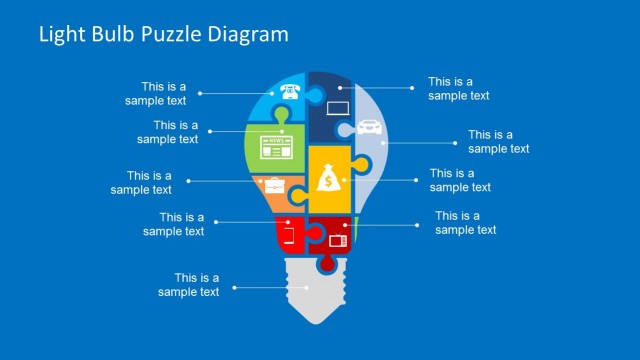
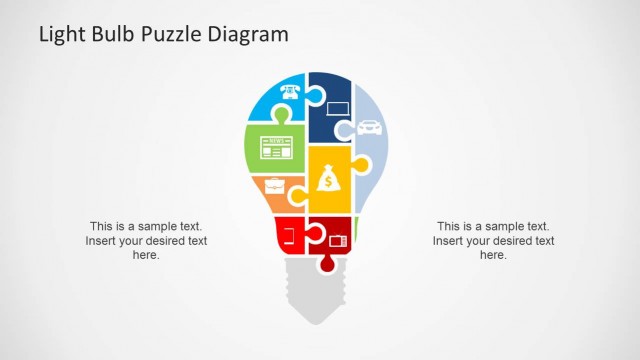
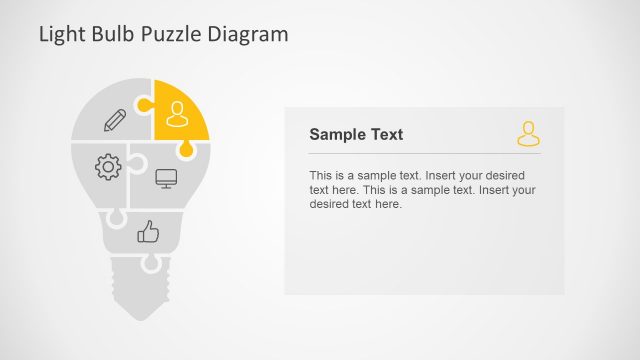
The layout features a light bulb shape divided into five segments, each colored differently: green, yellow, red, blue, and white. The segments contain icons representing various concepts, such as a pencil, gear, computer, and thumbs up. Text placeholders are positioned near each segment, aligned to the left and right, indicating where to insert content. The overall background is a solid blue, providing contrast to the colorful segments. The light bulb's base is depicted in gray, enhancing the visual hierarchy of the diagram.
How to Use It
This layout serves as a visual representation of five interconnected ideas or steps, making it suitable for brainstorming sessions or presentations focused on innovation. It fits well at the beginning of a presentation to introduce key concepts or at the end to summarize main points. The structure allows for easy modification to suit various topics, such as project phases, strategic initiatives, or creative processes, providing flexibility in content delivery.
Text Placeholders & Capacity
Keep your copy within these limits so it fits without resizing. Node body slots can hold about 40 characters each.
| Placeholder | Count | Max characters (approx.) |
|---|---|---|
| Item body | 5 | 40 |
| Slide title | 1 | 30 |
Slide Keywords
Download unlimited PowerPoint templates, charts and graphics for your presentations with our annual plan.
DOWNLOADReturn to 5 Segments Light Bulb Puzzle Diagram for PowerPoint.