Slide 4 of 7 from 5 Segments Light Bulb Puzzle Diagram for PowerPoint
Editable Light Bulb Shape Puzzle Slide
Light Bulb Puzzle Diagram for Presentations
- Diagram
- Segmented Wheel
- Concept Explanation Slide
- 16:9
- 100% Editable
The Light Bulb Puzzle Diagram slide from the 5 Segments Light Bulb Puzzle Diagram for PowerPoint template offers a segmented wheel layout ideal for illustrating process breakdowns or project planning. This slide features editable shapes arranged in a light bulb form with vector icons, making it suitable for business presentations and team brainstorming sessions. Its design supports clear communication of complex concepts within a corporate presentation or pitch deck template.
What’s on This Slide
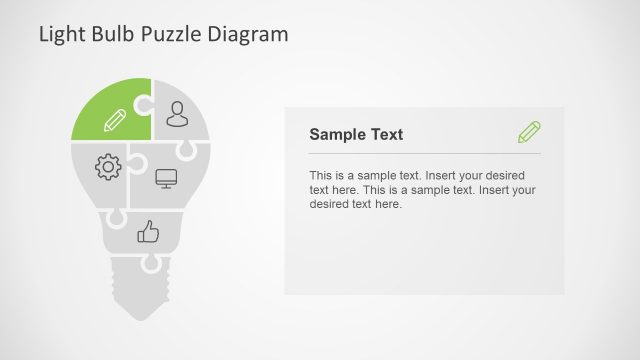
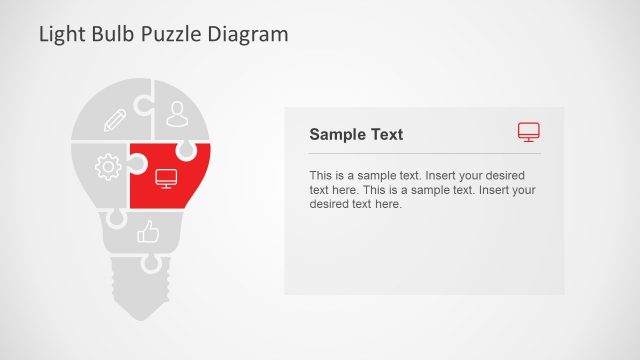
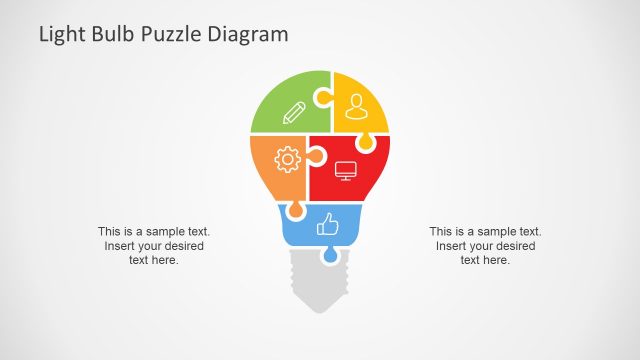
The layout features a light bulb shape divided into five segments, each containing an icon. The segments are colored in shades of gray, with one segment highlighted in yellow. Icons include a person, a gear, a computer, a thumbs-up, and a pencil. To the right, a text placeholder is present, aligned vertically, containing a title and body text area. The overall composition emphasizes the light bulb shape, with the segments arranged in a circular pattern. The background is light, enhancing the visibility of the elements.
How to Use It
This layout serves as a visual representation of ideas or concepts divided into five parts. It fits well in presentations that require a breakdown of processes, strategies, or components. Suitable for brainstorming sessions, team discussions, or project planning, it allows for clear communication of individual elements within a cohesive framework. This slide works effectively in a sequence that builds on previous problem statements or concepts, leading into detailed discussions or action plans.
Text Placeholders & Capacity
Keep your copy within these limits so it fits without resizing. Body text slots can accommodate around 30-40 words each.
| Placeholder | Count | Max characters (approx.) |
|---|---|---|
| Slide title | 1 | 30 |
| Body paragraph | 1 | 200 |
Slide Keywords
Download unlimited PowerPoint templates, charts and graphics for your presentations with our annual plan.
DOWNLOADReturn to 5 Segments Light Bulb Puzzle Diagram for PowerPoint.