Slide 3 of 7 from 5 Segments Light Bulb Puzzle Diagram for PowerPoint
Colorful Jigsaw Puzzle Shapes of PowerPoint
Light Bulb Puzzle Diagram for Presentations
- Diagram
- Other
- Concept Explanation Slide
- 16:9
- 100% Editable
What’s on This Slide
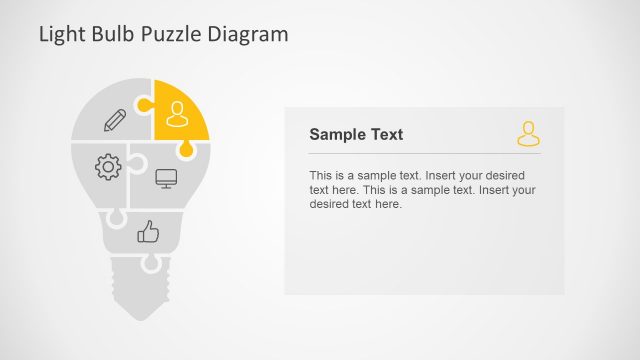
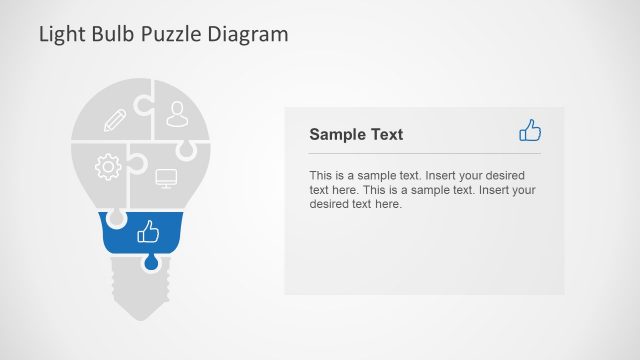
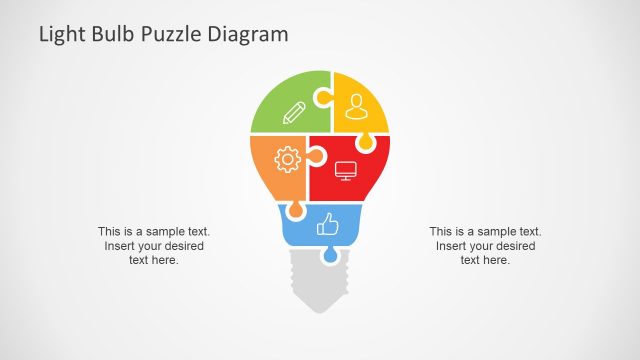
The slide features a light bulb shape divided into five segments, each containing an icon. The segments are arranged in a circular layout with a green segment at the top left, featuring a pencil icon. Other icons include a person, a gear, a computer, and a thumbs-up, each in their respective segments. To the right, a text box is present with a placeholder for sample text, aligned vertically. The background is light, enhancing the visibility of the icons and text. The overall composition emphasizes the light bulb as a central theme.
How to Use It
This layout serves as a visual representation of ideas or concepts segmented into five parts. It is suitable for presentations that require a breakdown of a process, strategy, or innovative ideas. Positioned after an introduction slide, it can effectively summarize key points or steps. This structure is useful in business contexts such as brainstorming sessions, project planning, or product development discussions, where clarity and creativity are essential.
Text Placeholders & Capacity
Keep your copy within these limits so it fits without resizing. Text slots can accommodate concise phrases or sentences, roughly 20 words each.
| Placeholder | Count | Max characters (approx.) |
|---|---|---|
| Item heading | 5 | 20 |
| Body paragraph | 1 | 200 |
Slide Keywords
Download unlimited PowerPoint templates, charts and graphics for your presentations with our annual plan.
DOWNLOADReturn to 5 Segments Light Bulb Puzzle Diagram for PowerPoint.