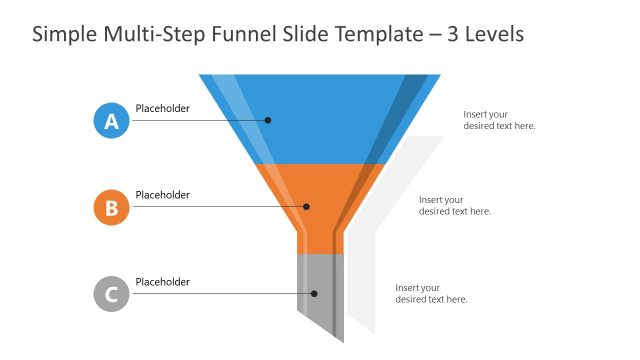
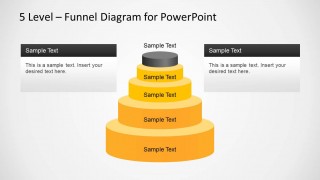
5 Level Stacked Funnel Diagram Template for PowerPoint. This is a Funnel Diagram Template for PowerPoint, which is suitable for making a funnel diagram or analysis slide.
The template offers multiple sample slides which can be edited with ease to create a professional looking funnel diagram in a matter of minutes.
While the slides in this template provide a five level diagram, you can also edit the stacks to remove or move them within the template as per requirement. Furthermore, the textboxes in each slide provide additional flexibility in elaborating or labeling the diagram.
What’s inside this template
Example presentation scenarios
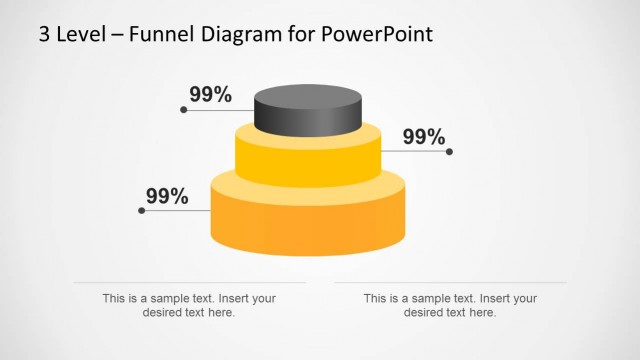
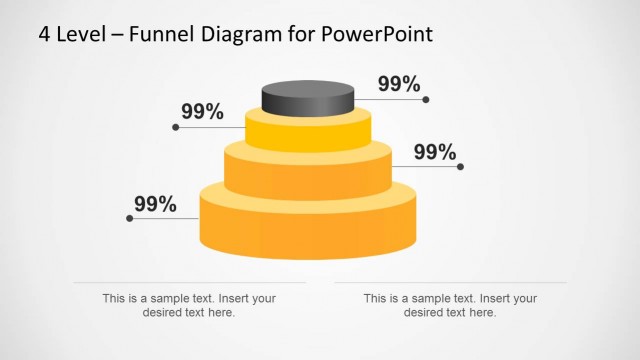
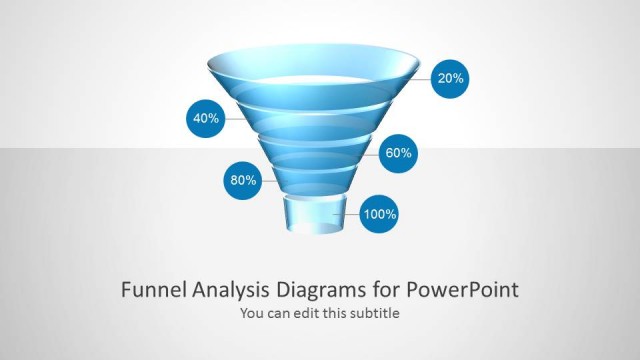
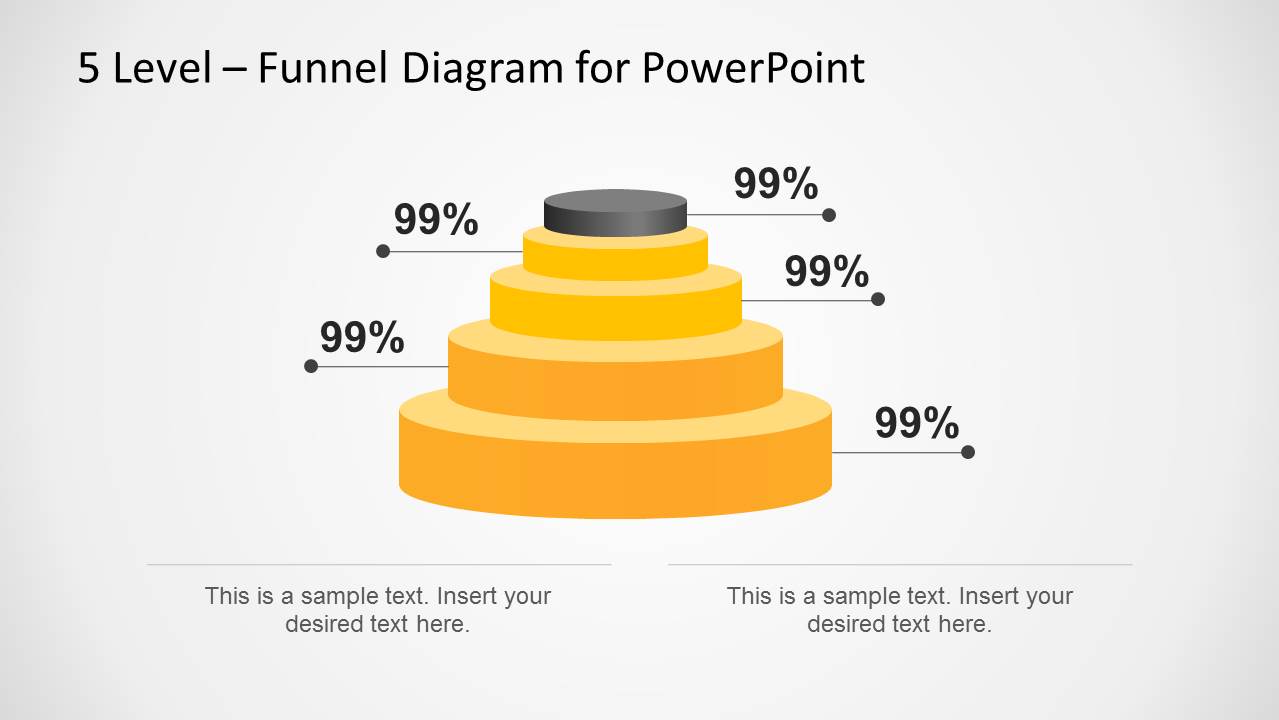
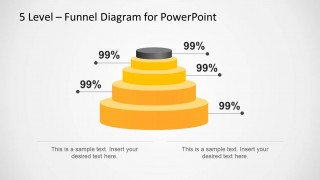
- A sales manager can present pipeline health to executives by using the percentage callout funnel to connect each stage with a key conversion or retention figure.
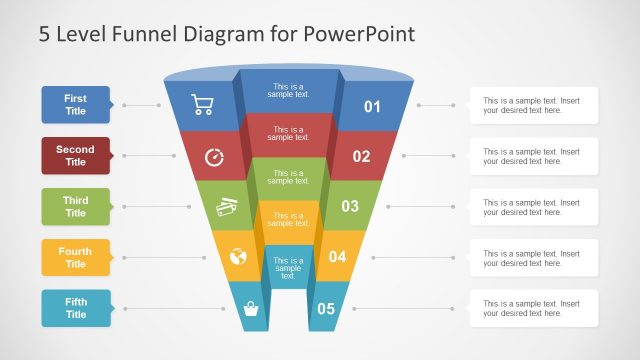
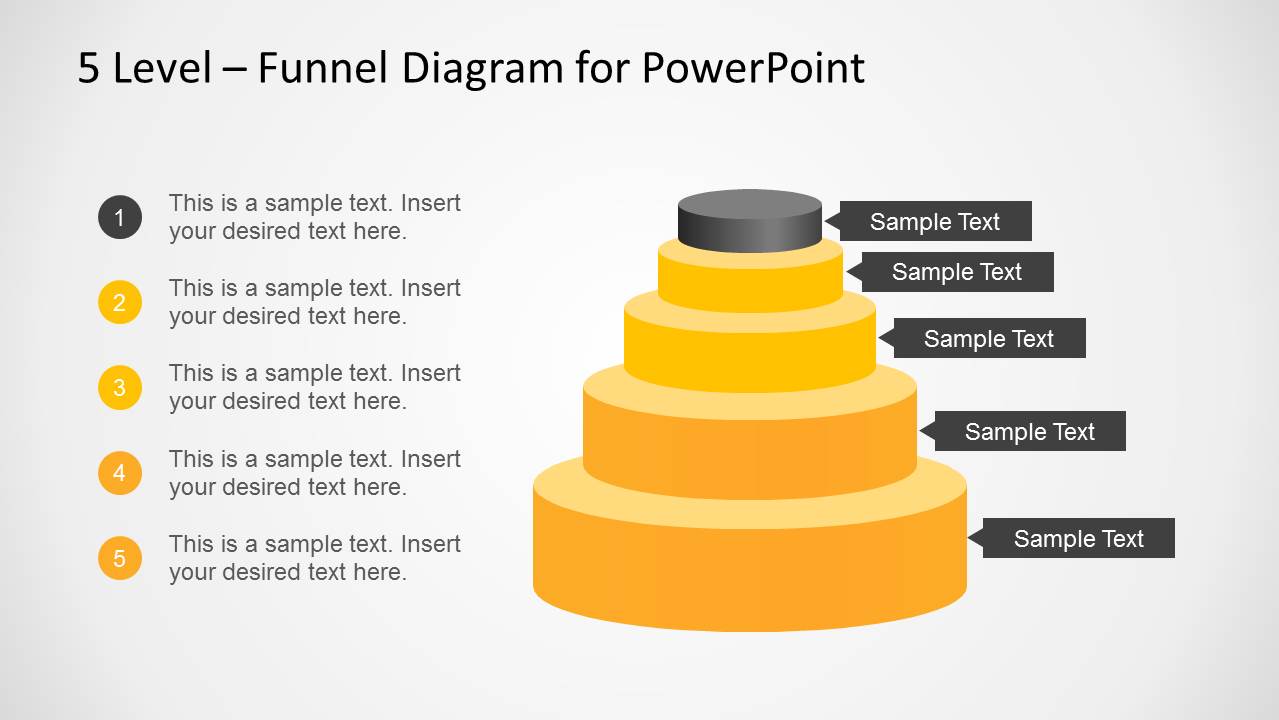
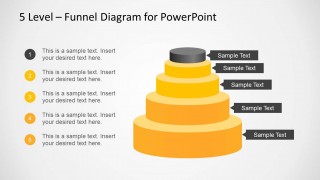
- A marketing lead can explain campaign-to-customer flow by using the numbered list funnel to pair each stage with a short action, audience segment, or handoff point.
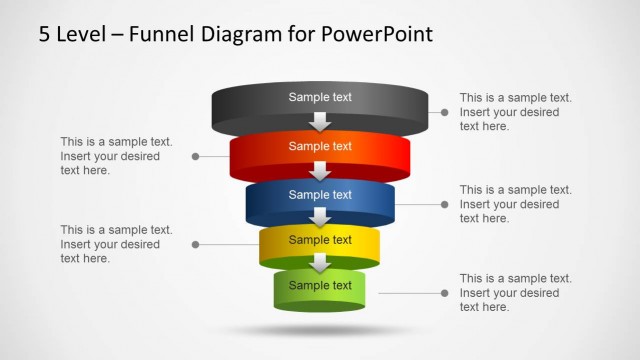
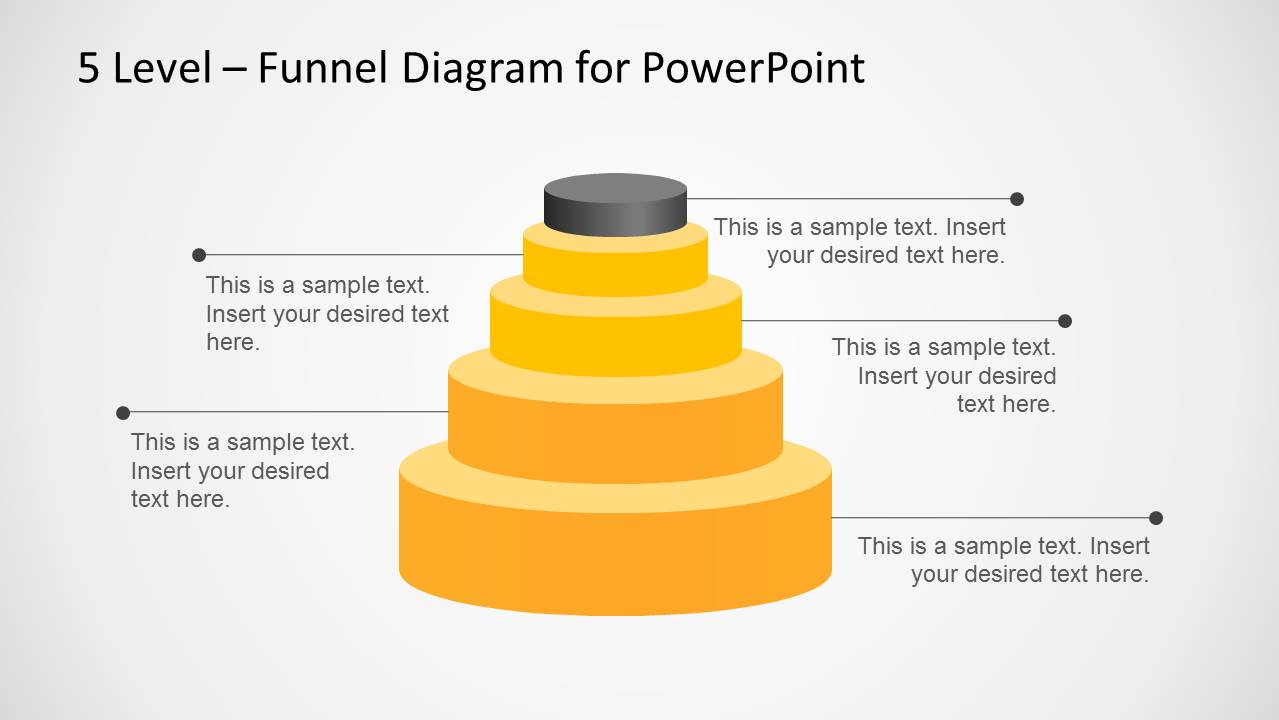
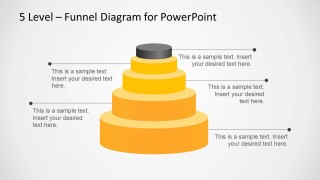
- A consultant can map a client acquisition process by using the leader-line funnel to describe inputs, bottlenecks, and decision criteria around each layer.
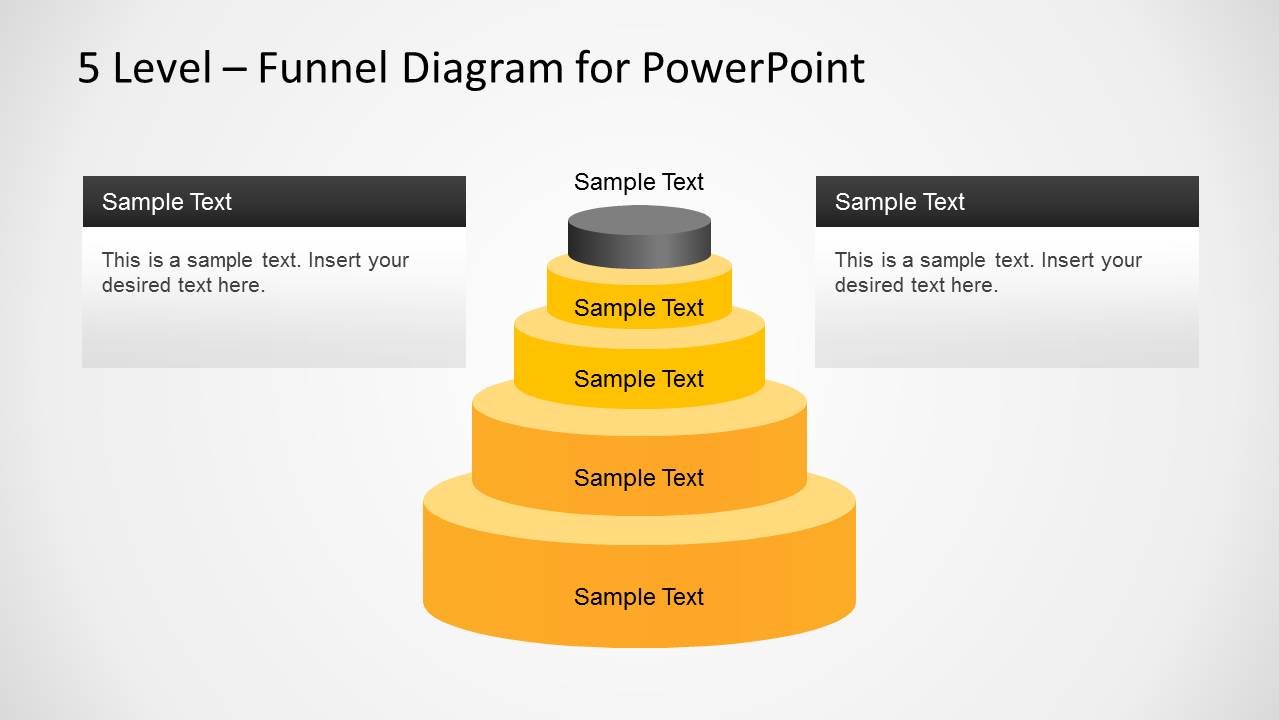
- A business development presenter can summarize a qualification model by using the side-panel funnel to separate stage names inside the funnel from explanatory notes beside it.
Features
- 100% editable presentation template
- Compatible with Microsoft PowerPoint and Google Slides
- Scalable vector shapes, icons and illustrations
- AI-Ready for Microsoft Copilot and Claude
- Instant access and download
Frequently asked questions
Q: How should a presenter communicate the funnel message without overloading the slide?
A: Use the funnel layers as the main visual path and keep each label short. Put stage names inside the funnel or on the right-side tabs, then reserve the surrounding callouts for one decision, metric, or action per stage. This keeps attention on progression from the broad base to the narrow top.
Q: Who is this funnel template best suited for?
A: It fits presenters who need to explain a staged reduction, qualification, or prioritization process to a business audience. Sales managers can show pipeline movement, marketers can describe conversion steps, and consultants can simplify client processes. The five-level structure works best when the story has exactly five meaningful stages.
Q: Why does the stacked funnel shape help explain sales or process stages?
A: The stacked funnel is a familiar metaphor for narrowing volume, increasing focus, or filtering options. The widest layer suggests the largest input pool, while the top layer signals the final outcome or highest priority. The alternate callout layouts let the presenter choose whether metrics, descriptions, or numbered steps should carry the message.
5 Level Stacked Funnel Diagram Template for PowerPoint
4-slide PowerPoint funnel diagram template with five-level sales funnel callouts and labels
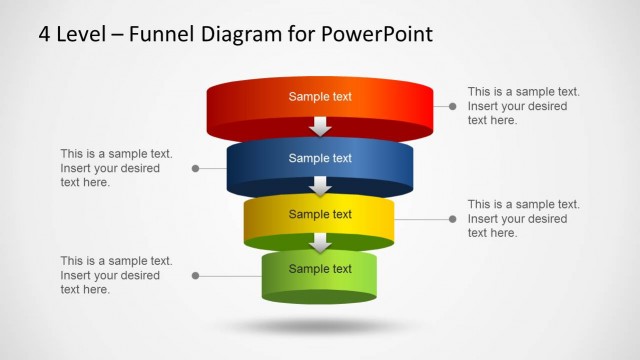
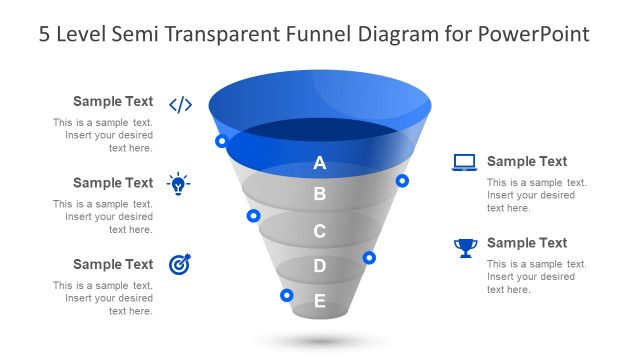
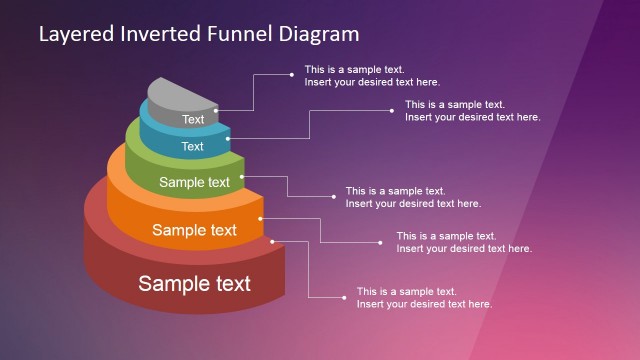
This 4-slide PowerPoint diagram template presents a five-level stacked funnel in orange, yellow, gray, and white. Visible layouts include percentage callouts, leader-line notes, a numbered list with side labels, and side information panels. It is intended for sales, marketing, and process presenters explaining staged conversion or prioritization.


 Loading...
 Microsoft PowerPoint
  Microsoft Copilot
  Claude for PowerPoint
 Other formats supported
Subscribe today and get immediate
access to download our PowerPoint templates.