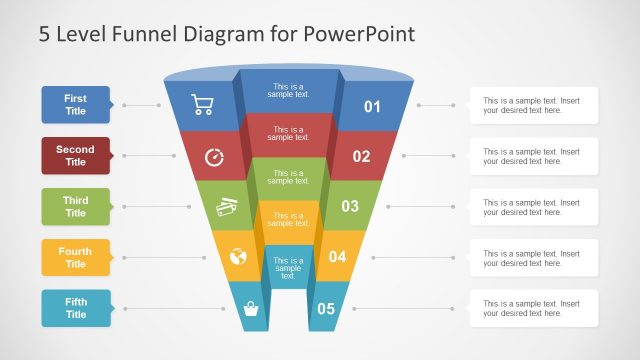
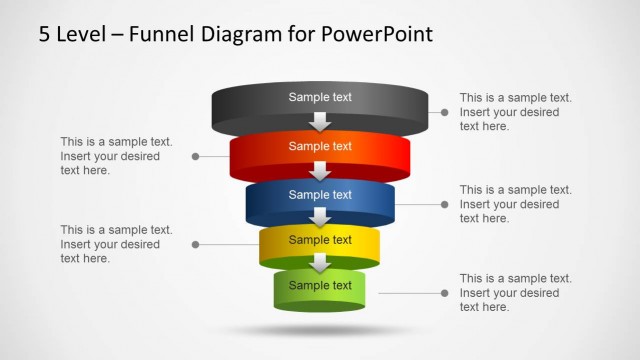
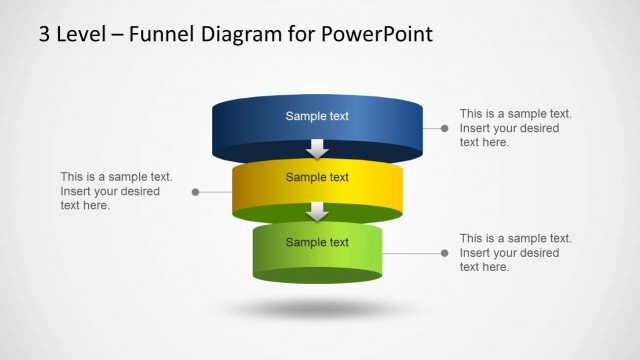
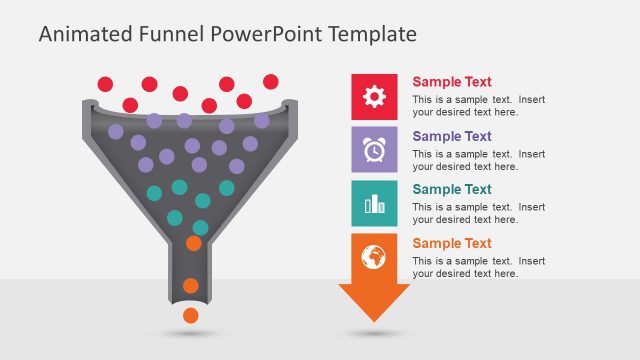
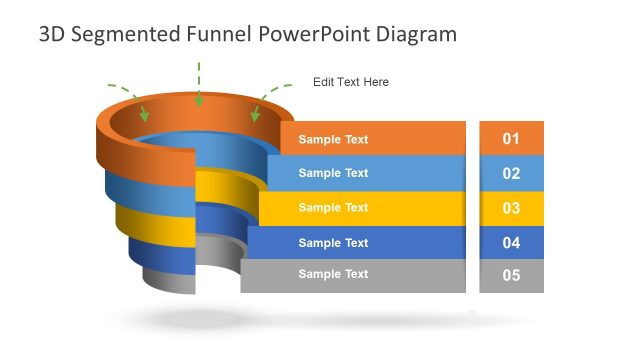
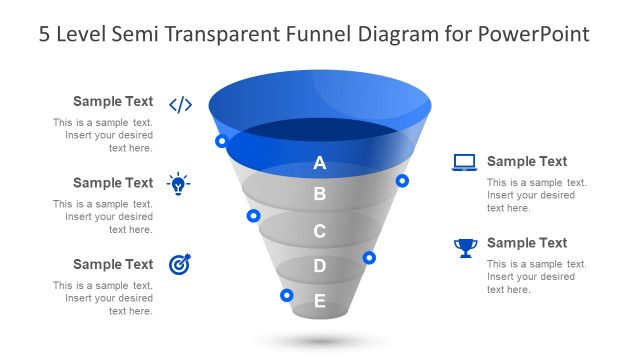
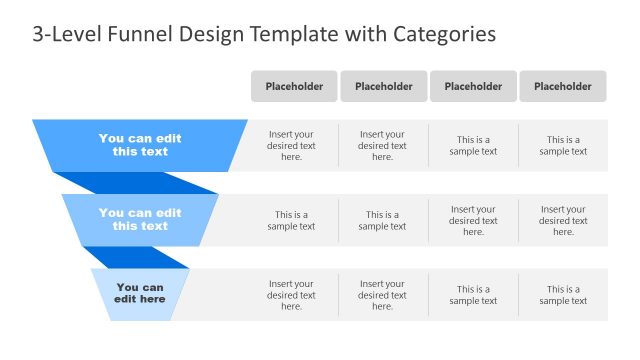
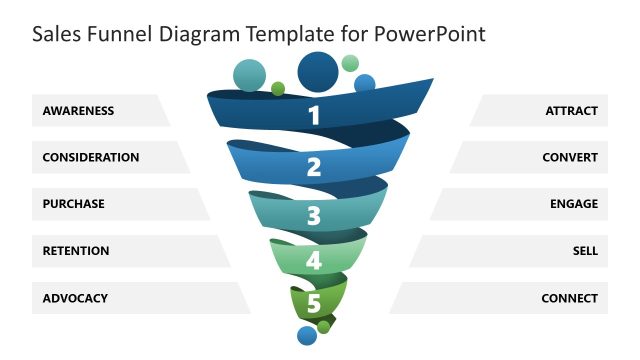
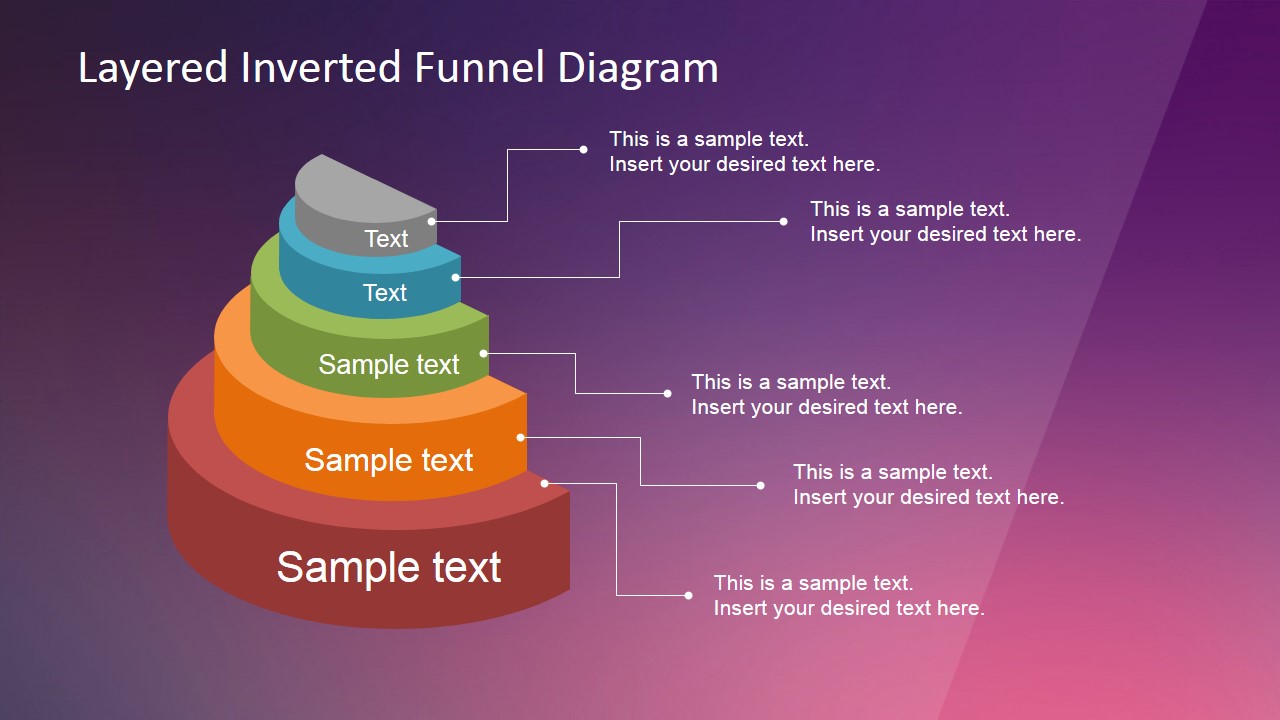
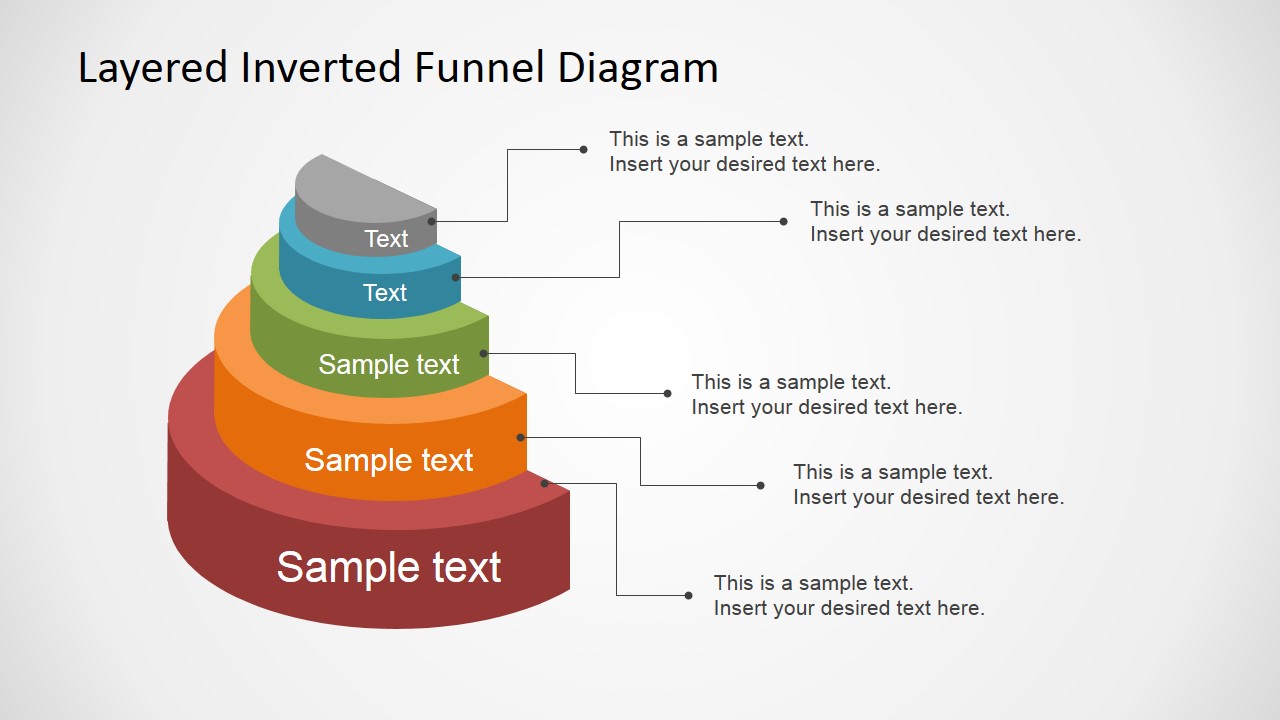
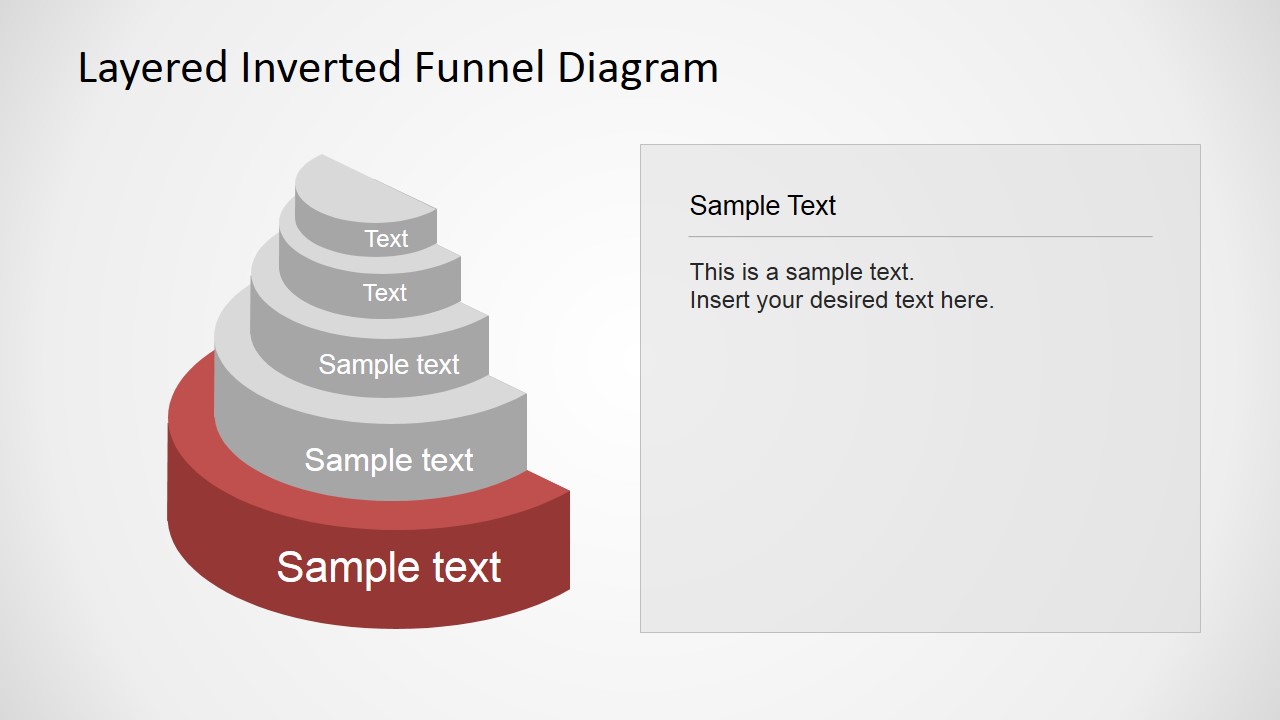
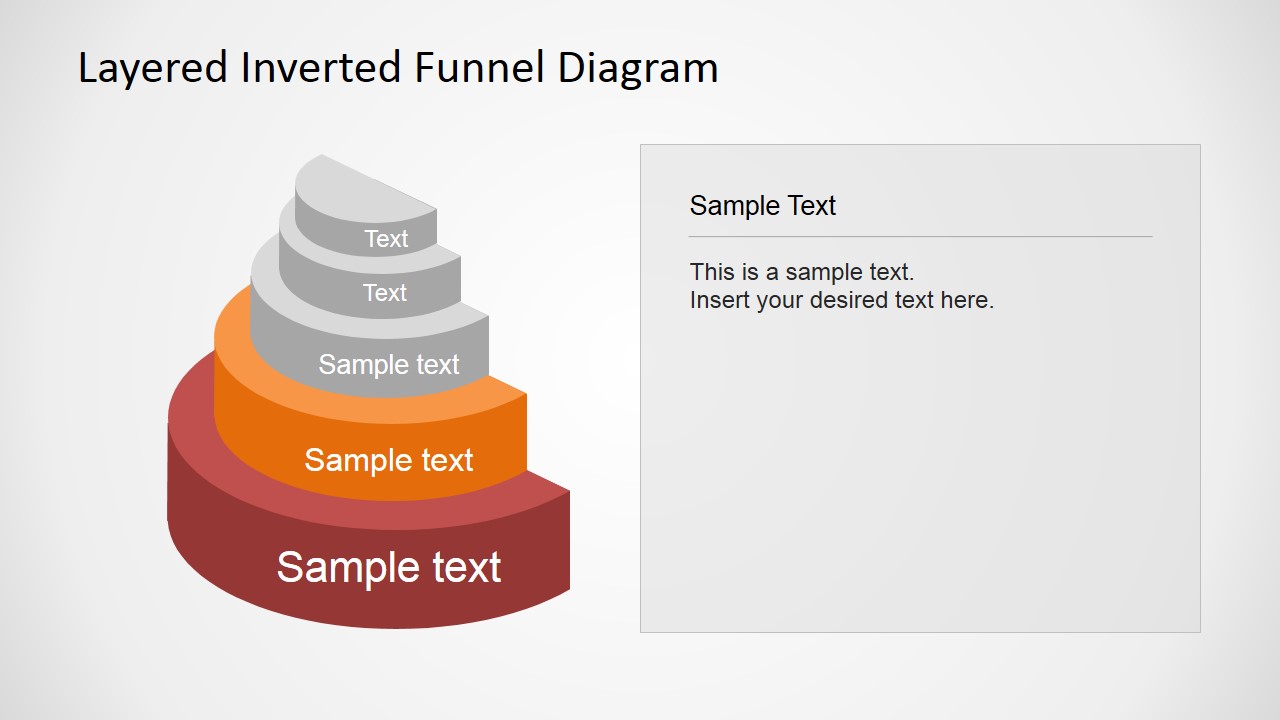
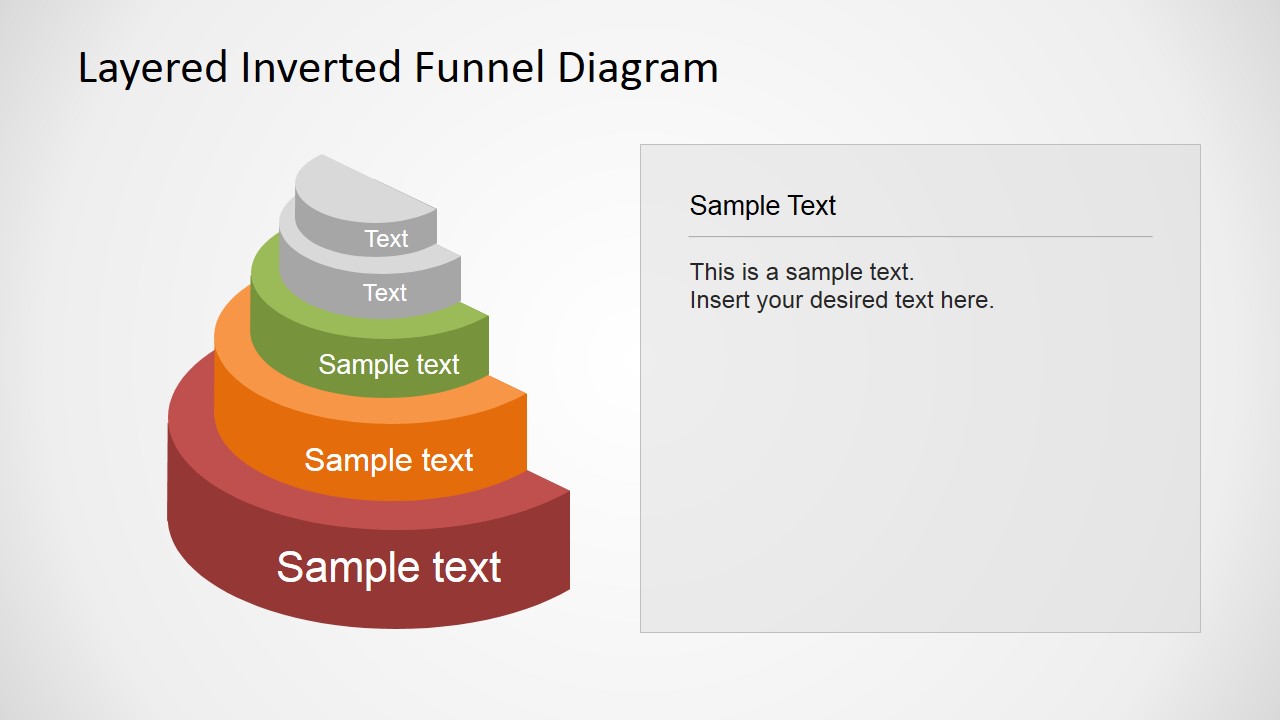
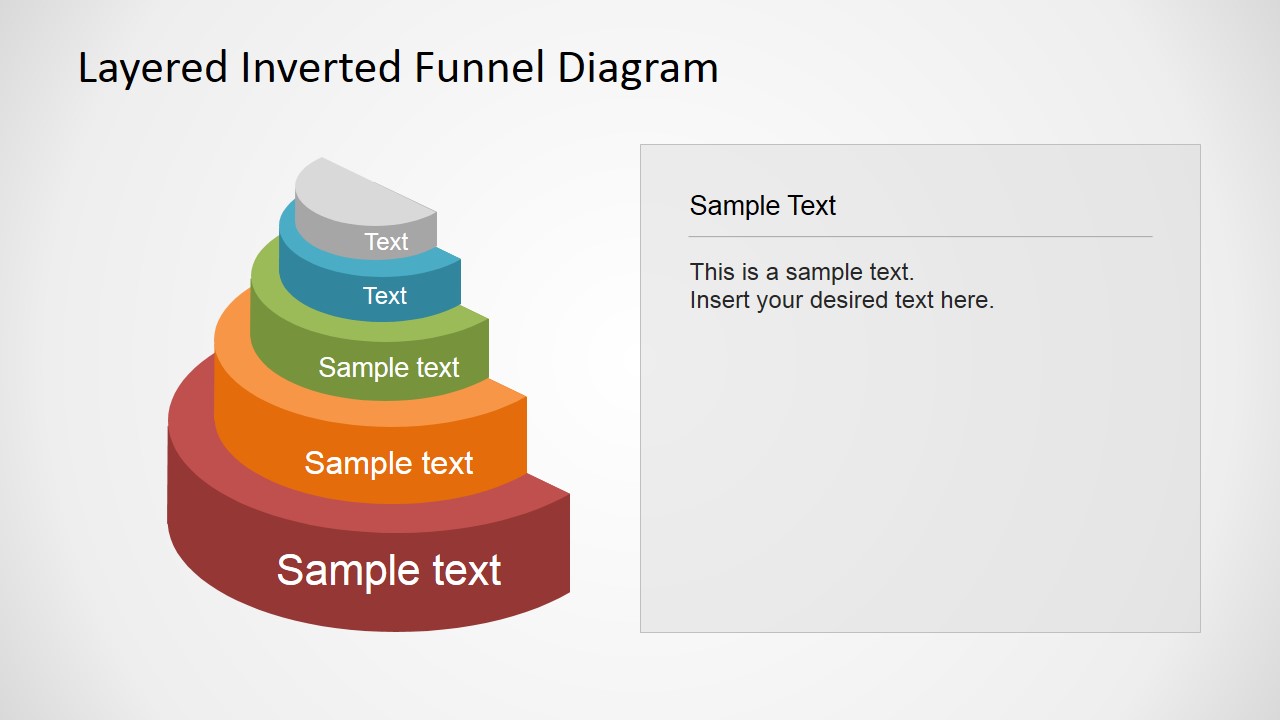
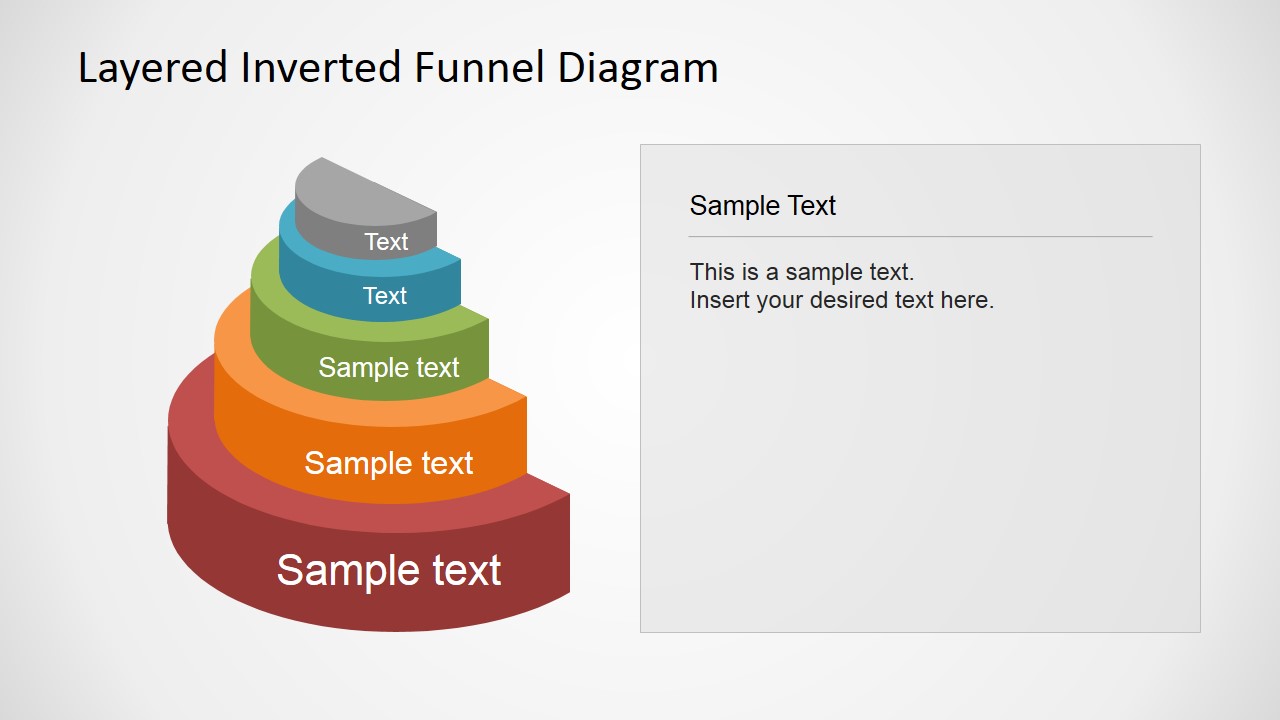
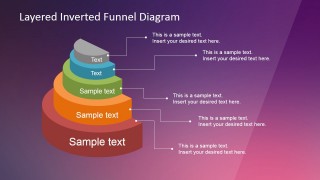
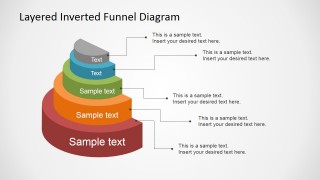
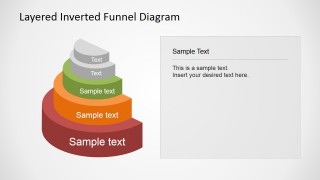
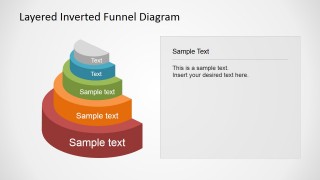
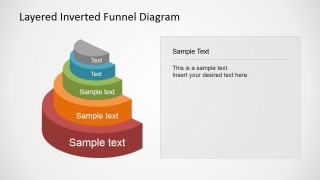
Layered Inverted Funnel Diagram is a 5 level funnel diagram, created with 3D PowerPoint Shapes, ideal for visualizing the sales conversion data of your prospects, but also help in explaining the sales team of your company where they need to improve while communicating with the management. This professionally assembled PowerPoint Funnel Diagram Template will make your presentations crisp and informative while giving more power, visual appeal and quality to your message. This funnel chart presentation can be used to clarify the different phases of a sales/purchase process or check the proficiency of your company’s marketing strategy. The 3D Funnel diagram template has 5 ready-to-use slides thus offering complete customization. In this manner, you can edit this sales/marketing/purchase funnel without breaking a sweat and simply the way you need. The 5 level Funnel Diagram allow modifications as per your needs by including content at the most suitable level. Your presentation with Funnel analysis will leave an impression on the audience.
This 3D Funnel diagram or chart type shows values in their consistently decreasing degrees. At the end of the day, it delineates the dynamic reduction occurring in the data when it passes through a few phases in a sequence. Owing to this sequence, a 5 level Funnel Diagram is the most ideal approach to exhibit a process that can said to be beginning at 100% however ending with lowing in percentage or amount finally falling down to the minimum. The PowerPoint Funnel Diagram Template offered here is the most popular tool for analyzing the proficiency of marketing and sales processes and strategies.
A few common levels in sales funnel include –
- Unqualified prospects
- First discussion
- Development and presentation of the solution
- Customer evaluation followed by the negotiation
- Verbal agreement and/or written agreement
- Finally delivery and payment.
In spite of the fact that this is the basic level structure in a sales funnel, it is not by any means the only way that the sales processes or strategies can be planned. There are different stages for different businesses.
Combine our Layered Inverted Funnel Diagram with any of our Funnel PowerPoint Templates and impress your audience with powerful graphics.
What’s inside this template
Example presentation scenarios
- A sales manager can use the 3D five-level funnel to explain how prospects move from broad intake to a smaller qualified opportunity set.
- A marketing strategist can use the connector callout slide to label campaign stages and describe where audience drop-off occurs.
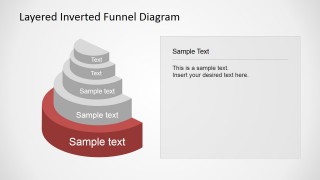
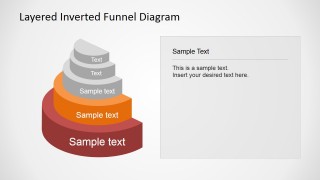
- A consultant can use the stage-highlight variants to walk an executive team through one funnel layer at a time during a process review.
- A business development trainer can use the side-panel layouts to define each pipeline stage and pair the diagram with coaching notes.
Features
- 100% editable presentation template
- Compatible with Microsoft PowerPoint and Google Slides
- 16:9 aspect ratio slides
- Scalable vector shapes, icons and illustrations
- AI-Ready for Microsoft Copilot and Claude
- Instant access and download
Frequently asked questions
Q: How should a presenter explain the funnel without turning it into a generic process diagram?
A: Start with the bottom or final outcome, then explain what must happen at each prior layer to reach it. Use the callout slides for stage definitions and the highlight slides to isolate one layer at a time. This keeps the audience focused on conversion logic rather than reading all five stages at once.
Q: Who is this funnel template best suited for?
A: It is best for sales, marketing, and consulting presenters who need to show filtering, qualification, or conversion across five stages. The 3D layered funnel works well in pipeline reviews, campaign planning, purchase funnel explanations, and management discussions where the audience must see where volume narrows.
Q: Why does the layered inverted funnel metaphor improve the message?
A: The inverted 3D funnel makes reduction visible: wide layers imply larger inputs, while smaller upper layers suggest tighter qualification or output. The progressive highlight slides support step-by-step explanation, and the side text panel gives room to define each stage without crowding the diagram.
Layered Inverted Funnel Diagram
7-slide presentation template with a 3D five-step funnel diagram for sales pipeline analysis
Layered Inverted Funnel Diagram is a seven-slide diagram template for showing staged reduction in a sales, marketing, or purchase process. It includes a 3D five-level inverted funnel, connector callout layout, side explanation panel, and stage-highlight variants for Microsoft PowerPoint and Google Slides.
- Category
- Diagrams
- Rating


 Loading...
- Aspect ratio
- 16:9, 4:3
- Item ID
- 6582-01
- Colors
 Microsoft PowerPoint
  Microsoft Copilot
  Claude for PowerPoint
 Other formats supported
Subscribe today and get immediate
access to download our PowerPoint templates.