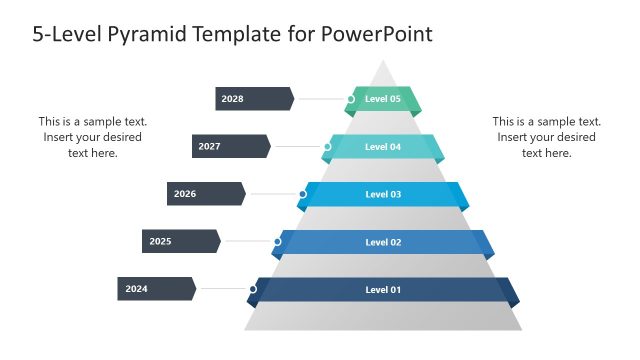
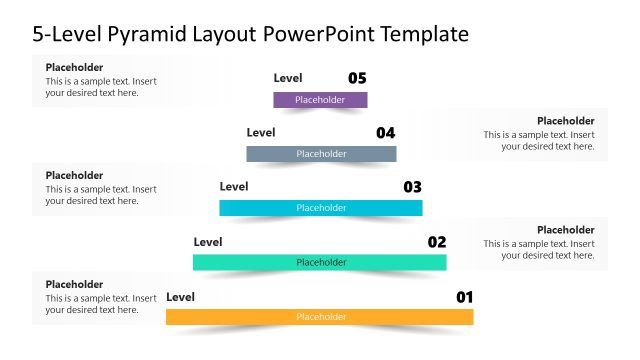
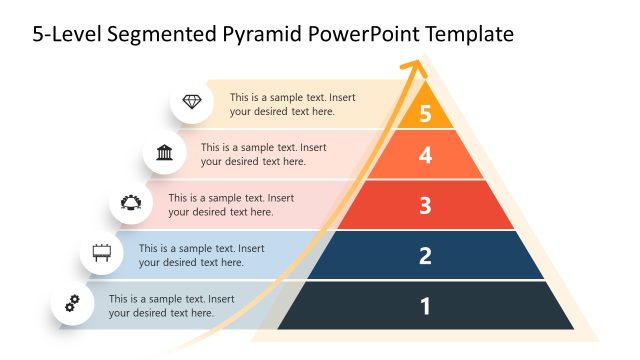
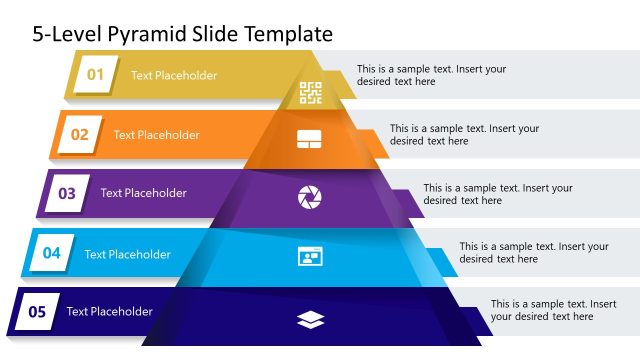
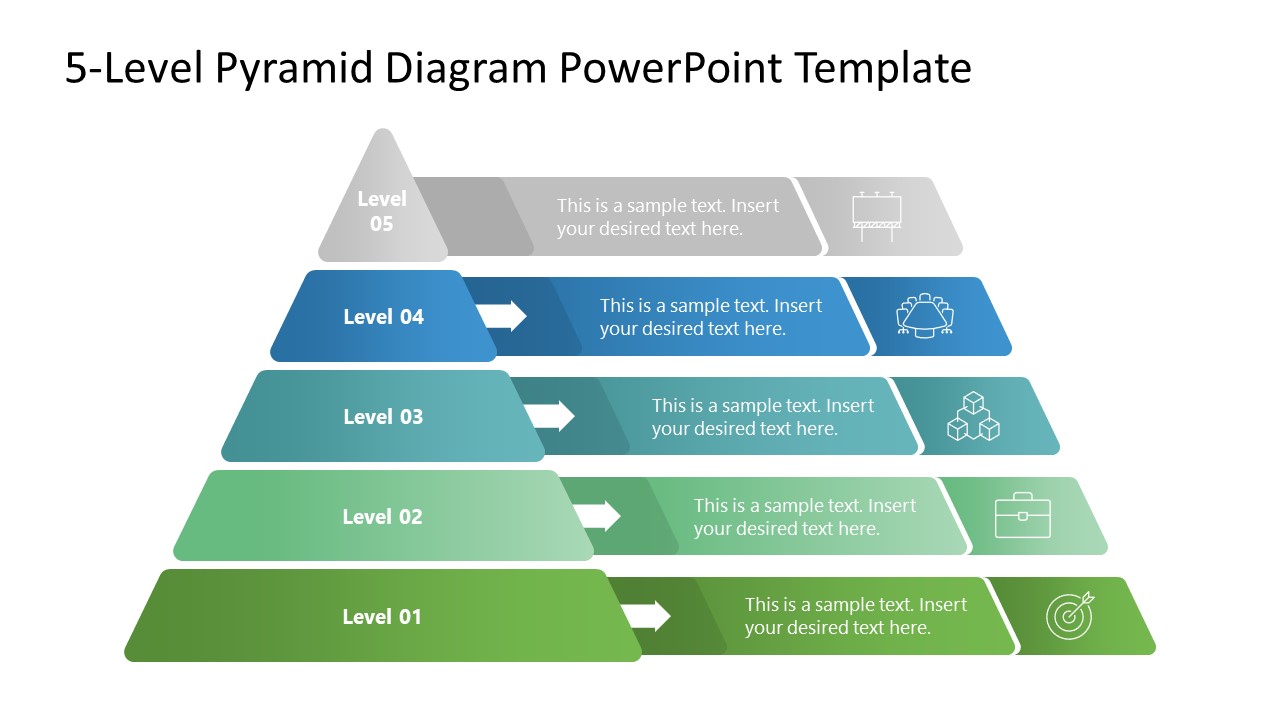
Illustrate the various stages of business growth and development using our interactive 5-Level Pyramid Diagram PowerPoint Template. A pyramid diagram is an attractive way to depict phases of a process or segmented achievements of a project’s completion. For instance, in product development, the lower pyramid levels display the bottom line or prototype stage, while the higher levels can showcase the important aspects of more technical product design. We have crafted this unique pyramid diagram template with horizontal extensions to display the processes in an appealing style. Our 5-level pyramid template is also compatible with Google Slides, and users can change the PPT features of the template to fit their needs perfectly. Professionals can utilize our template in the following ways:
- They can display different levels of change implementation in the organization.
- In financial planning, presenters can visualize the five phases of business development. Professionals can also showcase the steps of strategic plans in the company.
- Marketers can use our template to display the stages of their business marketing campaigns.
- Students and academic experts can also benefit from our template, which explains complex concepts in five simple steps.
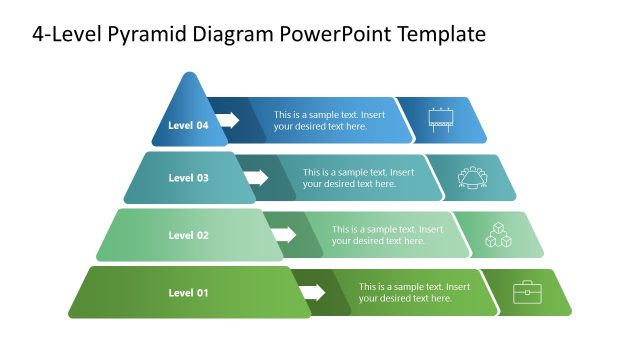
The 5-Level Pyramid Diagram PowerPoint Template has a pyramid diagram with a green-blue color scheme. The diagram is segmented into five sections. All have extended horizontal bars with infographic icons at the right end. Project managers can edit the placeholder text to mention the details of the project milestones. Moreover, we have also used arrows in the diagram to point out the corresponding text and icons. Next, in the following slides, professionals can explain the individual levels in separate slides using a spotlight effect. The points under discussion are progressively highlighted in color one by one. So, download this engaging template and display your topic now! Also, check our collection of diagram templates.
What’s inside this template
Example presentation scenarios
- A project manager can present milestone completion by assigning each project phase to one pyramid tier and using the spotlight slides to discuss progress from Level 01 to Level 05.
- A consultant can explain a maturity model to executives by placing foundational capabilities at the base and strategic outcomes at the top of the 5-level pyramid.
- A marketing manager can outline a campaign plan by mapping five campaign stages to the colored tiers, with the icons and text bars summarizing actions for each stage.
- An educator or trainer can teach a layered concept by revealing each level with the progressive spotlight slides before showing the complete pyramid.
Features
- 100% editable presentation template
- Compatible with Microsoft PowerPoint and Google Slides
- 16:9 aspect ratio slides
- Scalable vector shapes, icons and illustrations
- AI-Ready for Microsoft Copilot and Claude
- Instant access and download
Frequently asked questions
Q: How should a presenter explain the five levels without making the pyramid feel like a text-heavy list?
A: Treat each tier as one decision point or milestone, not a paragraph. Use the full-color pyramid to establish the five-part structure, then move through the spotlight slides to explain one level at a time. Keep each text bar short and use the icon area as a visual cue for the level's main function.
Q: What types of presentations are best suited to this 5-level pyramid layout?
A: This template works best when the message has a clear base-to-top order, such as capability maturity, product development phases, change implementation, or strategic planning steps. It is useful for managers, consultants, and trainers who need to show how lower-level actions support higher-level outcomes.
Q: Why does the pyramid metaphor improve communication for staged business concepts?
A: The pyramid shape implies hierarchy, dependency, and progression. The wide base suggests foundational work, while the narrower top suggests advanced or final outcomes. The spotlight slides reinforce that logic by directing attention to each level in sequence, reducing distraction from tiers that are not being discussed yet.




5-Level Pyramid Diagram PowerPoint Template
6-slide presentation template with a 5-level pyramid diagram for phases, milestones, and process steps
This is a 6-slide pyramid diagram template for Microsoft PowerPoint and Google Slides. It includes a stacked 5-level pyramid, horizontal extension bars, arrow connectors, icon placeholders, and progressive spotlight slides that reveal levels from the base upward. It suits presenters explaining business phases, milestones, maturity levels, or process steps.
- Category
- Diagrams
- Rating

 Loading...
- Aspect ratio
- 16:9
- Item ID
- 22353-01
- Colors
 Microsoft PowerPoint
 Microsoft Copilot
 Claude for PowerPoint
Other formats supported
Subscribe today and get immediate
access to download our PowerPoint templates.