Slide 6 of 6 from 5-Layer Horizontal Infographic Diagram Template for PowerPoint
5-Step Infographic Diagram Template – Highlight on Fifth Step
5-Layer Horizontal Infographic Diagram
- Diagram
- Arrow Sequence
- Process Slide
- 16:9
- 100% Editable
The 5-Layer Horizontal Infographic Diagram slide from the 5-Layer Horizontal Infographic Diagram Template for PowerPoint offers a clear visual sequence ideal for process presentations and project timelines. This slide layout uses editable shapes and vector icons arranged horizontally to depict workflow stages effectively, making it suitable for business presentations and corporate slide decks that require structured process visualization.
What’s on This Slide
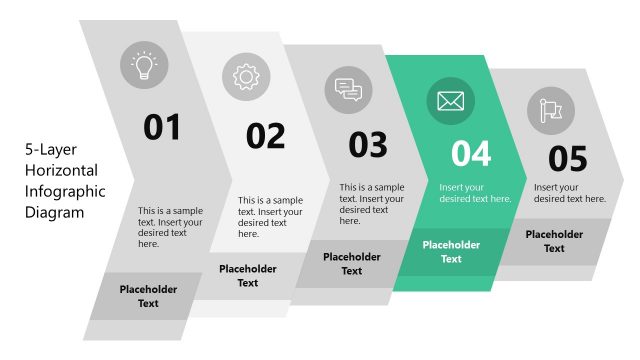
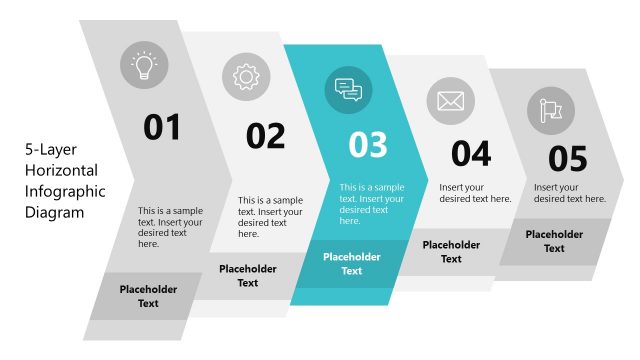
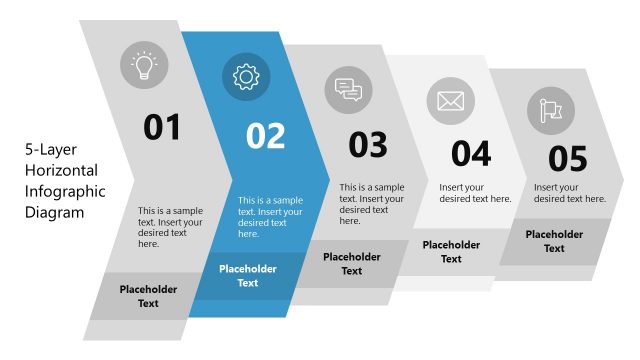
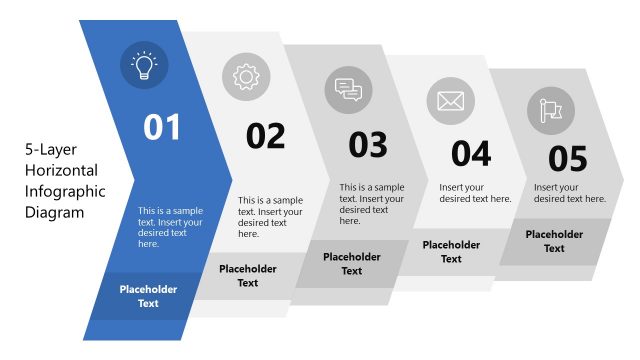
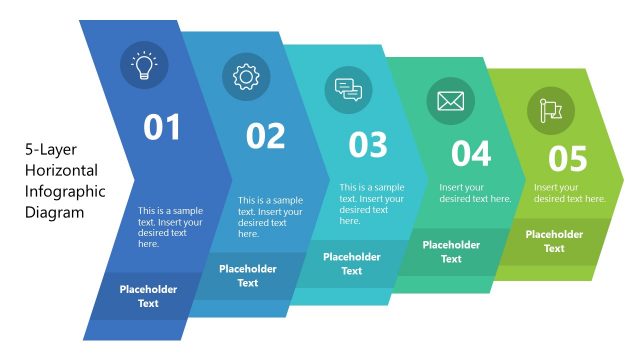
The layout features five horizontal segments arranged in a staggered manner. Each segment contains a circular icon at the top, followed by a number and a placeholder text area. The first four segments are gray, while the last segment is green, emphasizing its importance. The segments are connected visually, suggesting a flow from left to right. Text placeholders are aligned centrally within each segment. The overall composition is structured, with a clear visual hierarchy that guides the viewer's eye across the diagram.
How to Use It
This layout serves as a sequential process diagram, ideal for illustrating steps or stages in a workflow. It fits well in presentations that outline processes, project phases, or strategic initiatives. This format is particularly useful in business contexts where clarity in progression is essential, such as project management updates or training sessions. It can also be used to highlight key milestones in a project timeline, making it versatile for various scenarios.
Text Placeholders & Capacity
Keep your copy within these limits so it fits without resizing. Node body slots can hold approximately 40 characters each, allowing for concise descriptions.
| Placeholder | Count | Max characters (approx.) |
|---|---|---|
| Item heading | 5 | 2 |
| Item body | 5 | 40 |
Slide Keywords
Download unlimited PowerPoint templates, charts and graphics for your presentations with our annual plan.
DOWNLOADReturn to 5-Layer Horizontal Infographic Diagram Template for PowerPoint.