Slide 2 of 6 from 5-Layer Horizontal Infographic Diagram Template for PowerPoint
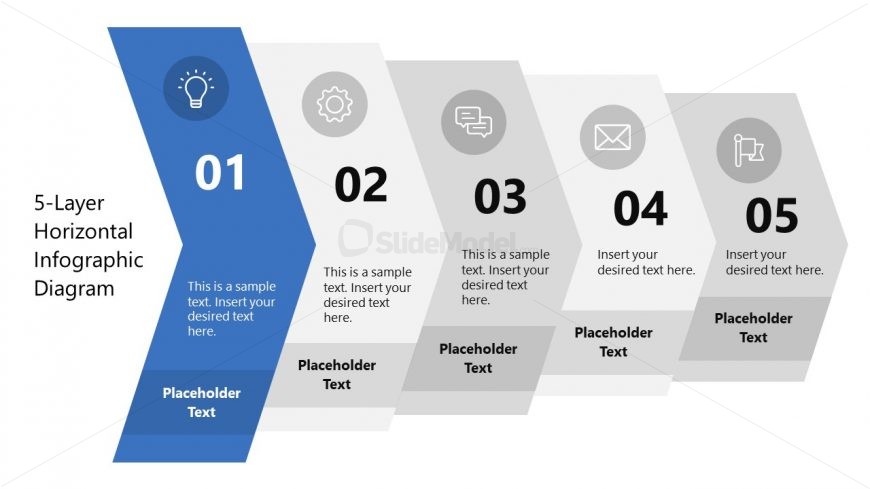
5-Staged Horizontal Infographic Diagram – Highlight on Layer One
5-Layer Horizontal Infographic Diagram Template
- Diagram
- Process Flow
- Process Slide
- 16:9
- 100% Editable
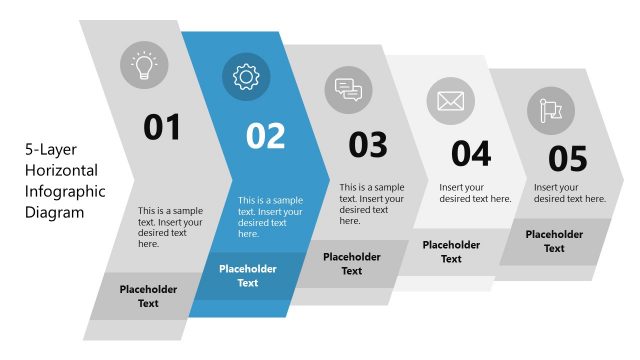
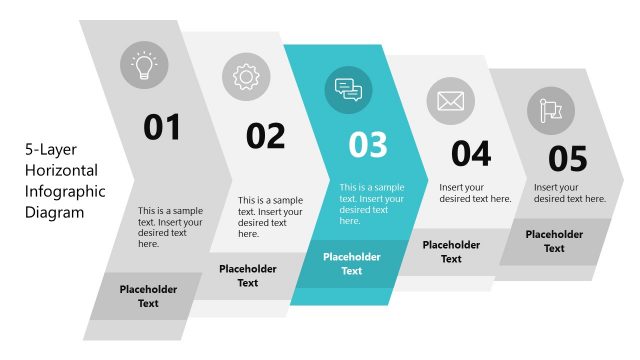
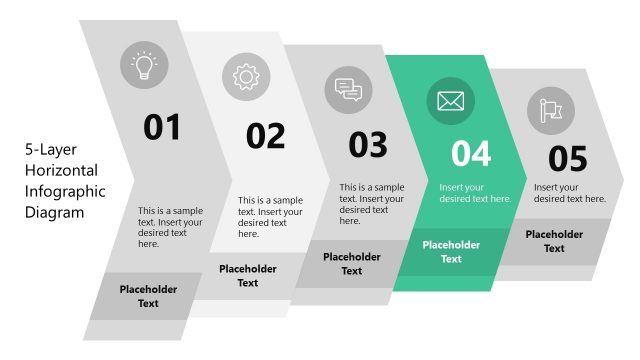
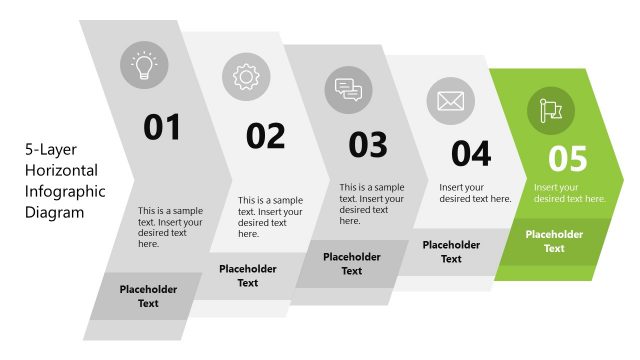
The 5-Layer Horizontal Infographic Diagram slide from the 5-Layer Horizontal Infographic Diagram Template for PowerPoint offers a clear process flow layout using editable shapes and vector icons. This slide template is designed for project management and product development presentations, providing a structured visual tool within a business presentation or training session. Its horizontal design with distinct hexagonal layers enhances clarity in explaining sequential steps, making it a practical addition to any corporate slide deck or pitch deck template.
What’s on This Slide
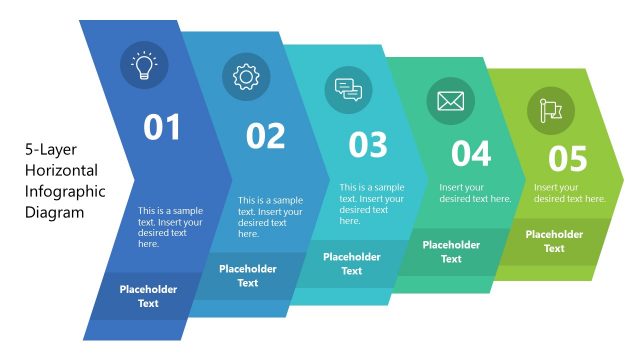
The layout features a horizontal infographic with five distinct layers. Each layer is represented as a hexagonal shape, oriented horizontally from left to right. The first layer is highlighted in blue, containing a lightbulb icon and the number '01' prominently displayed. The subsequent layers include icons for settings, mail, flags, and numbers '02' to '05'. Each layer has a text placeholder for descriptions, aligned centrally within the shapes. The overall design is clean, with a white background and a consistent color scheme across the icons.
How to Use It
This layout serves as a process flow diagram, ideal for illustrating sequential steps or stages in a project. It is suitable for presentations that require clarity in process explanation, such as project management, product development, or training sessions. Positioned after an introductory slide, it effectively transitions into detailed discussions of each step. This format can also be adapted for marketing strategies or operational workflows, providing a visual guide for audiences to follow.
Text Placeholders & Capacity
Keep your copy within these limits so it fits without resizing. Node body slots can hold about 10 words each, with tight spacing.
| Placeholder | Count | Max characters (approx.) |
|---|---|---|
| Item heading | 5 | 2 |
| Item body | 5 | 50 |
| Slide title | 1 | 50 |
Slide Keywords
Download unlimited PowerPoint templates, charts and graphics for your presentations with our annual plan.
DOWNLOADReturn to 5-Layer Horizontal Infographic Diagram Template for PowerPoint.