Slide 4 of 4 from 5 Colorful Arrows Template for PowerPoint
6183-01-color-arrows-4
Five Step Process Diagram for Presentations
- Diagram
- Arrow Sequence
- Process Slide
- 16:9
- 100% Editable
The Five Step Process Diagram from the 5 Colorful Arrows Template for PowerPoint offers a clear visual sequence ideal for project planning and workflow presentations. Featuring five distinct, colorful arrows with editable shapes, this slide layout supports stepwise communication in business presentations and training sessions. Its design enhances clarity in slide decks by illustrating sequential processes with vector icons and text placeholders, making it a practical choice for corporate presentation templates and pitch deck templates.
What’s on This Slide
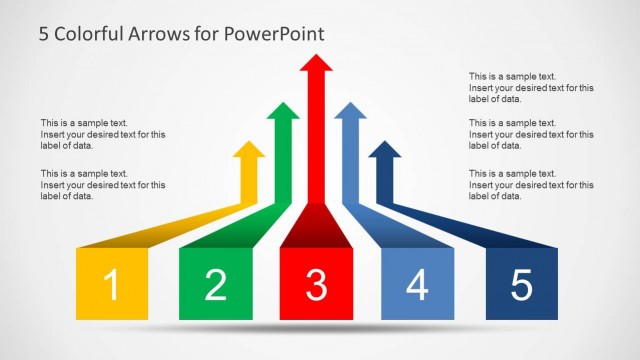
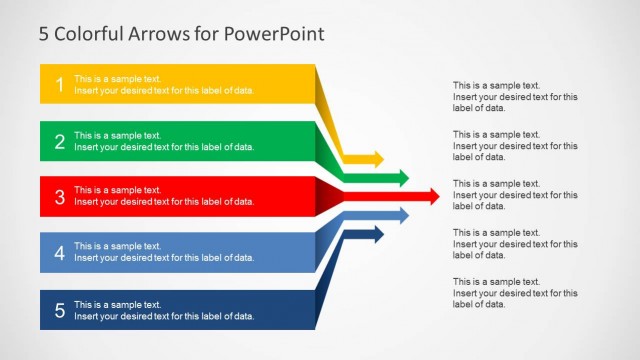
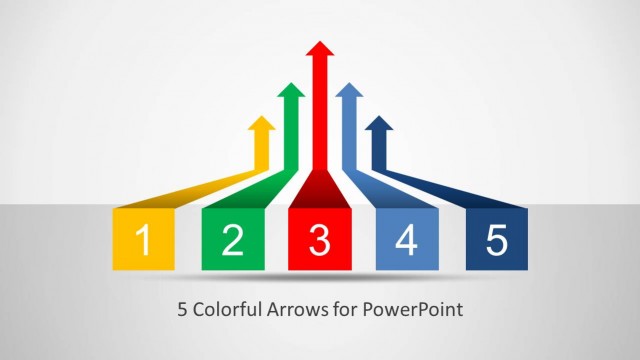
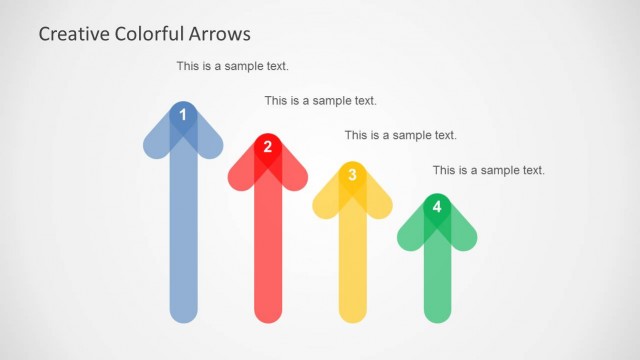
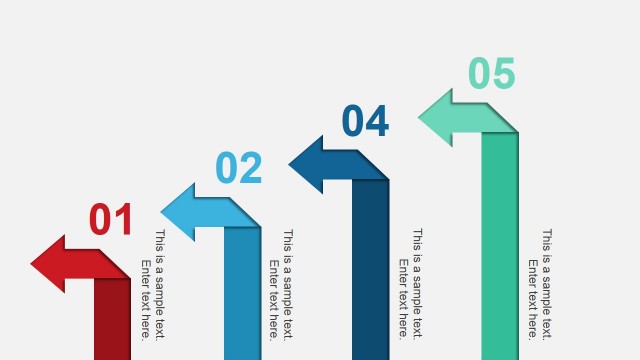
The layout features five colorful arrows arranged horizontally, each pointing upward. The arrows are in distinct colors: yellow, green, red, blue, and dark blue, with corresponding numbers 1 to 5. Each arrow has a text placeholder centered within it, indicating space for descriptive content. The arrows are positioned with equal spacing and aligned to a central baseline, creating a visual flow from left to right. The background is light gray, enhancing the visibility of the arrows. The overall composition emphasizes a sequential process.
How to Use It
This layout serves as a five-step process diagram, ideal for illustrating sequential workflows or stages in a presentation. It fits well after a problem slide, leading into solutions or strategies. This structure is useful in business contexts such as project planning, product development, or training sessions where clear, stepwise progression is needed. It effectively communicates priorities or options in a visually engaging manner.
Text Placeholders & Capacity
Keep your copy within these limits so it fits without resizing. Each node can hold roughly 30 characters for labels and 50 characters for body text.
| Placeholder | Count | Max characters (approx.) |
|---|---|---|
| Item heading | 5 | 30 |
| Item body | 5 | 50 |