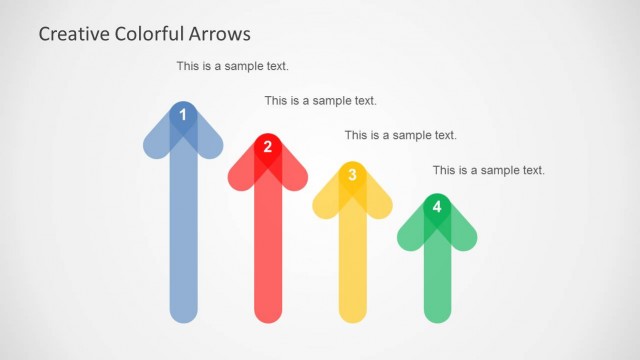
Slide 2 of 4 from 5 Colorful Arrows Template for PowerPoint
6183-01-color-arrows-2
Five-Step Process Diagram for Presentations
- Diagram
- Arrow Sequence
- Process Slide
- 16:9
- 100% Editable
The Five-Step Process Diagram from the 5 Colorful Arrows Template for PowerPoint offers a clear visual tool for illustrating sequential workflows and operational processes. This slide layout uses editable shapes and vibrant vector icons arranged in an arrow sequence to emphasize key stages, making it suitable for business presentations and marketing strategy slide decks.
What’s on This Slide
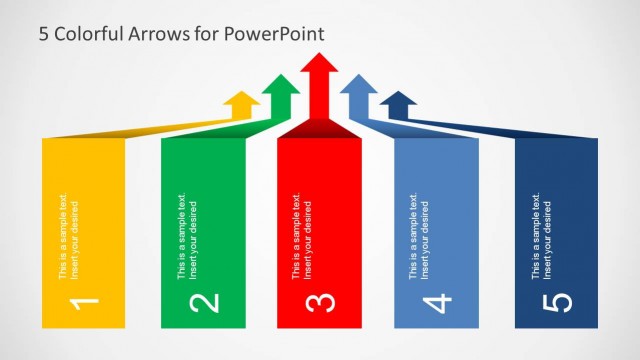
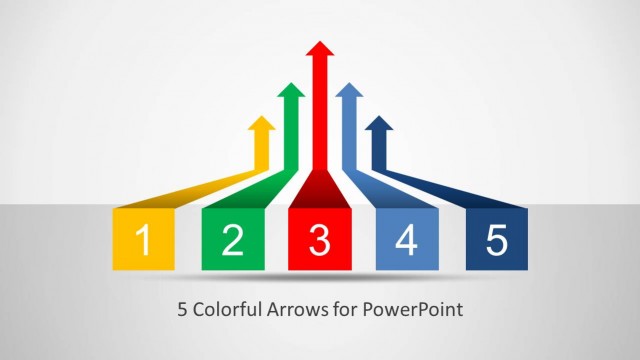
The layout features five colorful arrows pointing upward, each representing a step in a process. The arrows are arranged in a fan shape, with the central arrow in red being the tallest, flanked by green, yellow, blue, and dark blue arrows. Below each arrow, there are rectangular boxes labeled 1 through 5, with text placeholders for data descriptions aligned centrally within each box. The background is light gray, providing contrast to the vibrant arrows. The visual hierarchy emphasizes the central arrow, indicating its significance.
How to Use It
This layout serves as a five-step process diagram, ideal for illustrating sequential workflows or stages in a project. It fits well in presentations that require clarity in outlining priorities or options. This structure is particularly useful in business settings, such as project management, marketing strategies, or operational workflows. It can be used effectively to guide audiences through complex information in a straightforward manner.
Text Placeholders & Capacity
Keep your copy within these limits so it fits without resizing. Node body slots can hold roughly 10 words each.
| Placeholder | Count | Max characters (approx.) |
|---|---|---|
| Item heading | 5 | 15 |
| Item body | 5 | 50 |
| Slide title | 1 | 40 |