Slide 1 of 3 from 5 Arrows Pointing Inward Diagram for PowerPoint
5 Steps PowerPoint Diagram Inward Arrow
5 Arrows Pointing Inward Diagram for Presentations
- Diagram
- Circular Cycle
- Process Slide
- 16:9
- 100% Editable
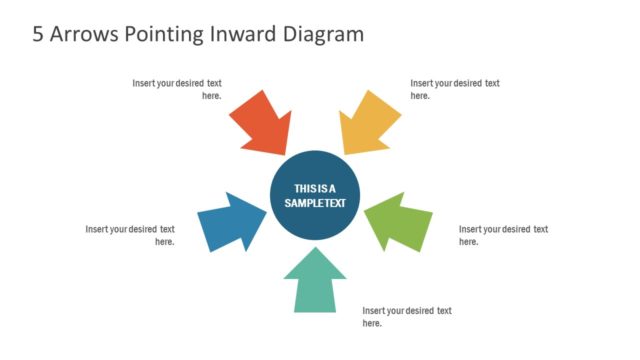
The 5 Arrows Pointing Inward Diagram slide from the 5 Arrows Pointing Inward Diagram for PowerPoint template offers a clear process illustration ideal for strategic analysis and project planning. This slide layout uses editable shapes and vector icons arranged in a circular cycle to visually represent multiple inputs converging on a central concept. It suits business presentations and pitch decks requiring a balanced visual hierarchy and easy customization within professional slide templates.
What’s on This Slide
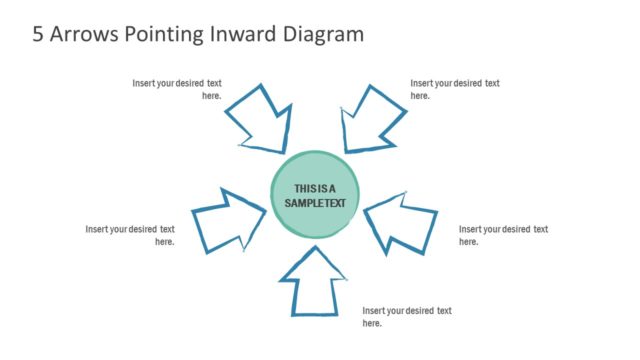
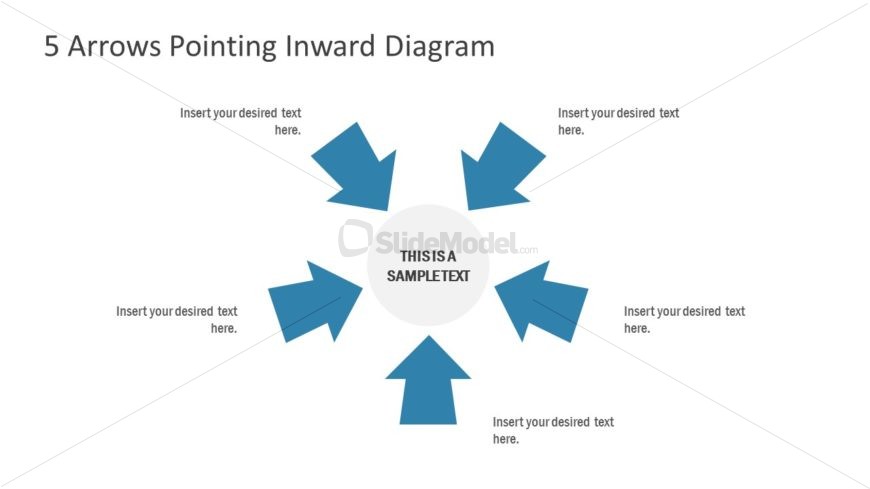
The layout features a central circular shape with the text placeholder 'THIS IS A SAMPLE TEXT' at its center. Surrounding this central shape are five arrows pointing inward, each with a text placeholder labeled 'Insert your desired text here.' The arrows are evenly spaced and arranged in a circular manner, creating a balanced visual hierarchy. The overall color scheme includes a blue shade for the arrows against a light background, enhancing visibility. The text placeholders are aligned consistently, ensuring a clear structure.
How to Use It
This layout serves as a process cycle diagram, ideal for illustrating concepts with multiple contributing factors leading to a central idea. It fits well in presentations where a visual representation of inputs or steps is necessary, such as project planning or strategic analysis. This structure can be used to summarize key points or steps in a process, making it suitable for business meetings, educational settings, or workshops where clarity is essential.
Text Placeholders & Capacity
Keep your copy within these limits so it fits without resizing. Node slots can hold about 30 characters each.
| Placeholder | Count | Max characters (approx.) |
|---|---|---|
| Item body | 5 | 30 |
| Item body | 1 | 30 |
| Slide title | 1 | 50 |
Slide Keywords
Download unlimited PowerPoint templates, charts and graphics for your presentations with our annual plan.
DOWNLOAD