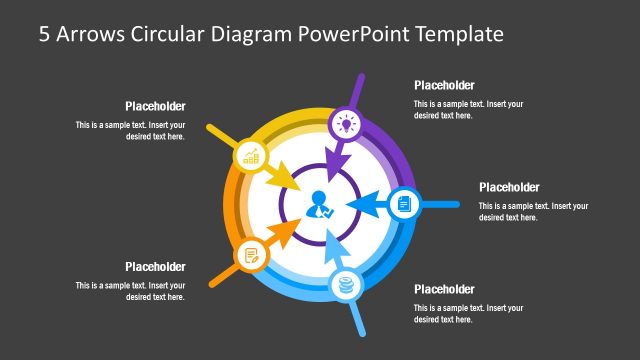
Slide 3 of 3 from 5 Arrows Pointing Inward Diagram for PowerPoint
Sketch Style 5 Steps Arrow
5 Arrows Pointing Inward Diagram for Presentations
- Diagram
- Arrow Sequence
- Process Slide
- 16:9
- 100% Editable
The 5 Arrows Pointing Inward Diagram slide from the 5 Arrows Pointing Inward Diagram for PowerPoint template offers a clear process illustration ideal for business presentations. This slide layout uses editable shapes and vector icons to visually represent multiple factors converging toward a central idea, making it suitable for strategic analysis and project planning within professional slide decks.
What’s on This Slide
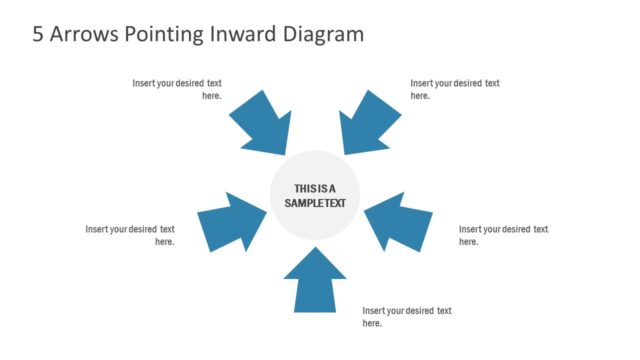
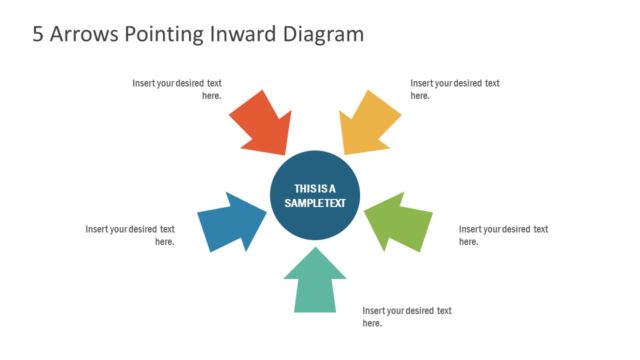
The layout features a central circular node with the text placeholder 'THIS IS A SAMPLE TEXT' positioned in the middle. Surrounding this node are five arrows pointing inward from various directions, each accompanied by a text placeholder labeled 'Insert your desired text here.' The arrows are evenly spaced and arranged in a circular pattern, creating a visual flow towards the center. The overall color scheme includes a light background with blue arrows, enhancing visibility. The design emphasizes the central concept while allowing for clear labeling of each arrow.
How to Use It
This layout serves as a visual representation of a process or concept that involves multiple contributing factors converging into a central idea. It is suitable for presentations that require illustrating steps, phases, or components leading to a core message. This diagram can be effectively used in business contexts such as project planning, strategic analysis, or process mapping. It fits well after problem identification slides and before outlining solutions or action plans, providing clarity on how various elements interact.
Text Placeholders & Capacity
Keep your copy within these limits so it fits without resizing. Node slots can accommodate roughly 30 characters each.
| Placeholder | Count | Max characters (approx.) |
|---|---|---|
| Item body | 5 | 30 |
| Item body | 1 | 30 |
Slide Keywords
Download unlimited PowerPoint templates, charts and graphics for your presentations with our annual plan.
DOWNLOAD