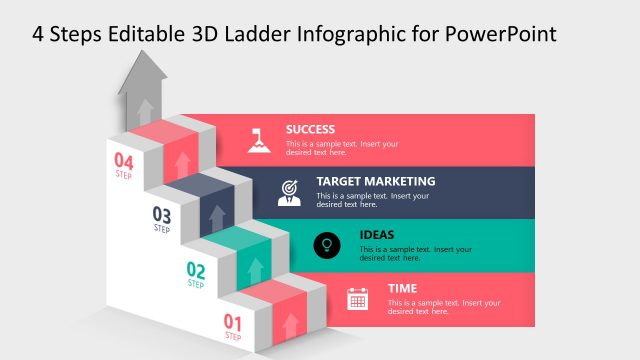
Slide 2 of 5 from 4 Steps Editable 3D Ladder Infographic for PowerPoint
4 Steps Editable 3D Ladder Infographic Template
4 Steps Ladder Infographic for PowerPoint
- Diagram
- Ladder
- Process Slide
- 16:9
- 100% Editable
What’s on This Slide
The layout features a 3D ladder structure positioned centrally. Four steps are arranged vertically, each containing a label and a text placeholder. The first step is highlighted in red, while the others are in shades of gray. Each step has an upward arrow indicating progression. Icons accompany the labels, enhancing visual context. Text placeholders are aligned to the left of each step, with the step number displayed prominently. The overall composition is clean, with a light background that emphasizes the ladder structure.
How to Use It
This layout serves as a stepwise progression diagram, ideal for illustrating processes or phases in a project. It fits well after a problem statement slide, guiding the audience through solutions. Suitable for marketing plans, project timelines, or strategic initiatives, it effectively communicates sequential steps. Each step can be customized to represent specific actions or milestones, making it versatile for various business scenarios.
Text Placeholders & Capacity
Keep your copy within these limits so it fits without resizing. Node body slots can accommodate roughly 10 words each.
| Placeholder | Count | Max characters (approx.) |
|---|---|---|
| Item heading | 4 | 30 |
| Item body | 4 | 50 |
| Slide title | 1 | 60 |
Slide Keywords
Download unlimited PowerPoint templates, charts and graphics for your presentations with our annual plan.
DOWNLOADReturn to 4 Steps Editable 3D Ladder Infographic for PowerPoint.