Slide 5 of 6 from 4 Steps Circular Nodes PowerPoint Diagrams
4 Stages Nodal Diagrams with Thin PowerPoint Icons
4 Steps Circular Node Diagram Overview
- Diagram
- Arrow Sequence
- Process Slide
- 16:9
- 100% Editable
The 4 Steps Circular Node Diagram from the 4 Steps Circular Nodes PowerPoint Diagrams template offers a clear visual format for illustrating sequential business processes. This slide layout integrates editable shapes and vector icons arranged around a central container, making it suitable for strategic planning presentations and project management overviews. Its design supports effective communication of process flows within corporate presentations or pitch deck templates using professional slide templates.
What’s on This Slide
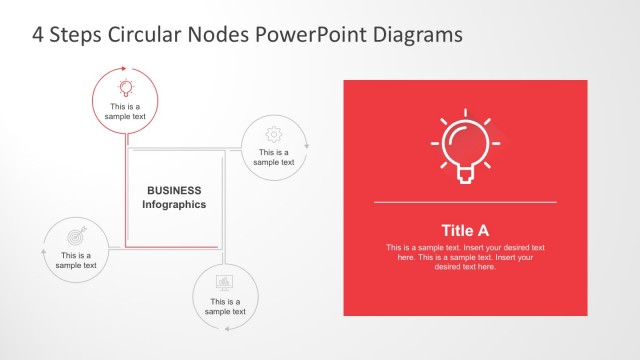
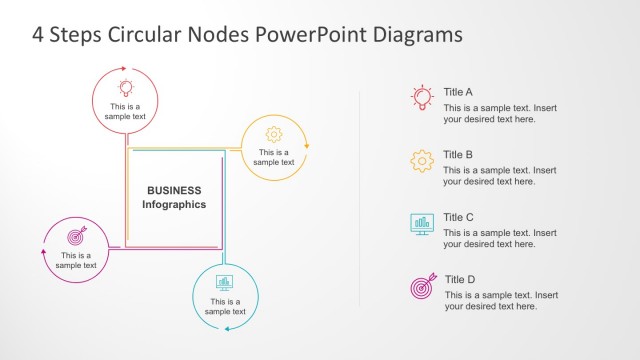
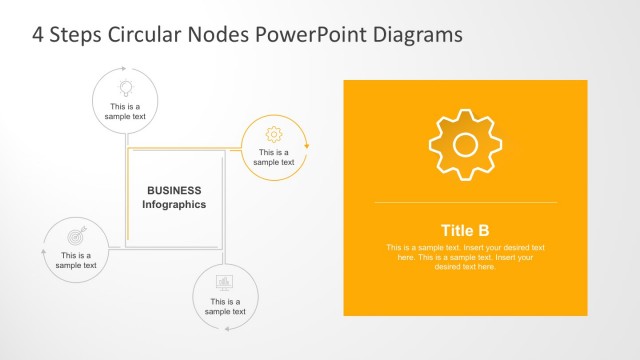
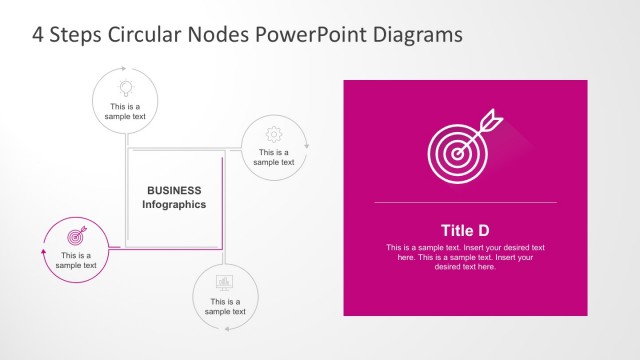
The layout features a central rectangular container labeled 'BUSINESS Infographics' positioned in the middle. Four circular nodes are arranged around this container, each containing sample text. Two nodes are on the left and two on the right, connected by arrows indicating flow. The left nodes are aligned vertically, while the right node is positioned below the central container. A large rectangular area on the right includes a title placeholder and additional text placeholders. The background is light, enhancing the visibility of the elements.
How to Use It
This layout serves as a process flow diagram, illustrating four steps or components in a business context. It fits well after introductory slides, providing clarity on a specific process or methodology. This format is useful for presentations on business strategies, project management, or any sequential processes. It allows for clear communication of steps while maintaining visual engagement.
Text Placeholders & Capacity
Keep your copy within these limits so it fits without resizing. Node slots can accommodate brief phrases, roughly 5-6 words each.
| Placeholder | Count | Max characters (approx.) |
|---|---|---|
| Slide title | 1 | 40 |
| Item body | 4 | 30 |
| Body paragraph | 2 | 120 |
Slide Keywords
Download unlimited PowerPoint templates, charts and graphics for your presentations with our annual plan.
DOWNLOADReturn to 4 Steps Circular Nodes PowerPoint Diagrams.