4-Step Turns Infographic PowerPoint Template
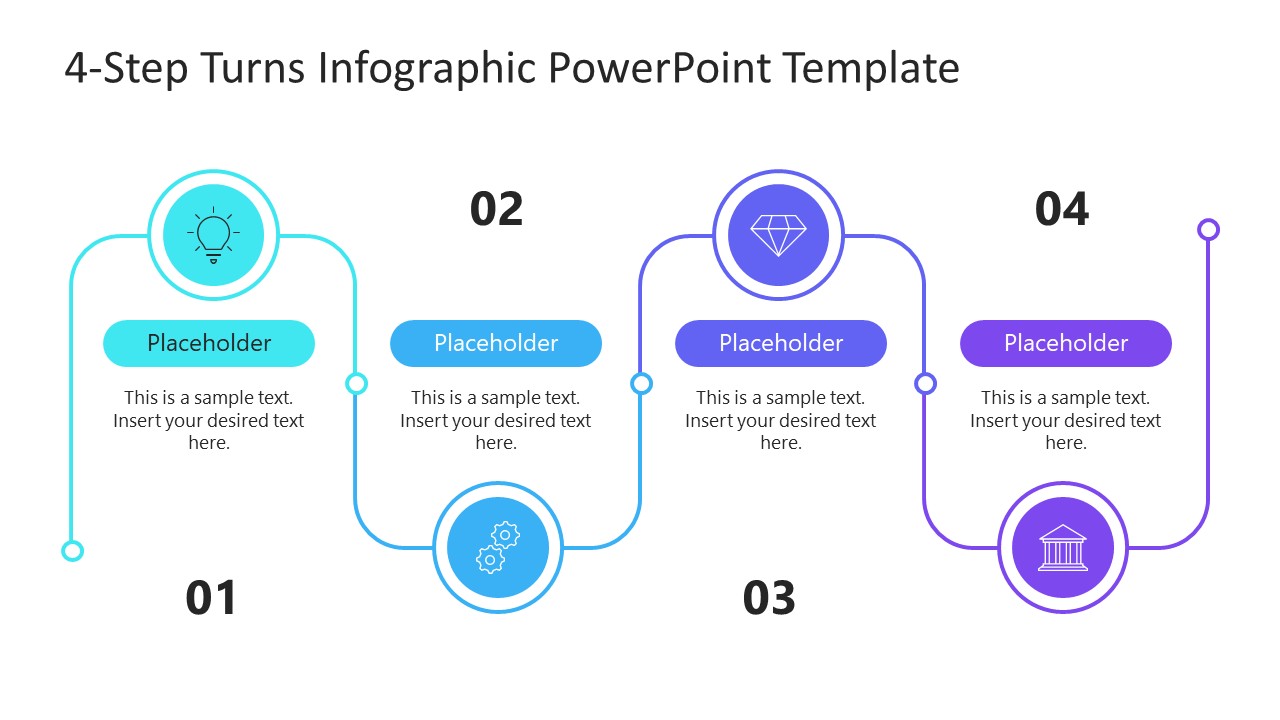
A shipment gets rerouted. A strategy shifts mid-quarter. A campaign pivots after the first result comes in. None of that fits a straight arrow, which is exactly the shape this 4-Step Turns Infographic PowerPoint Template avoids: four numbered circles strung along a line that actually bends every time the process does. Logistics managers use it to walk a shipment from factory to warehouse to customer without collapsing three handoffs into one arrow.
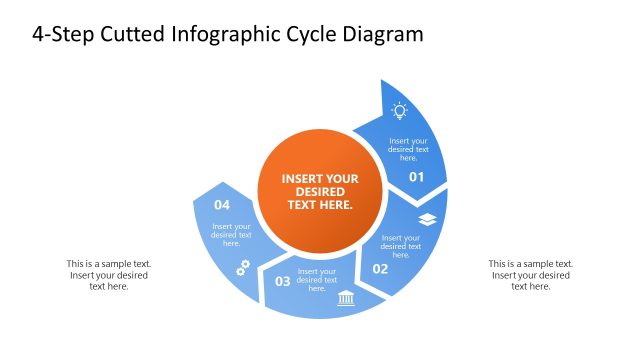
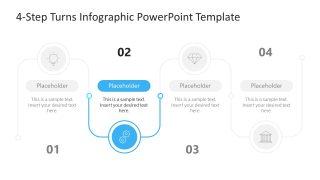
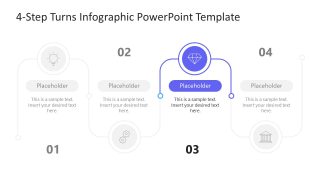
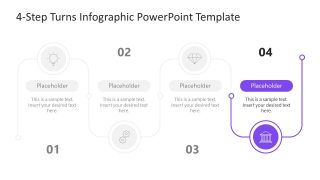
The slide deck opens on a full roadmap slide, four numbered circles running along the bending line, each carrying an icon, a pill-shaped placeholder header, and a two-line description. Four more slides follow, one per step, each one spotlighting a single circle in full color while the other three fade to gray, so a presenter can hold the room’s attention on exactly one stage at a time.
Each pill-shaped header holds a short label: plan, execute, adjust, launch, or whatever four words your process actually uses, and the description line underneath takes a sentence or two of detail. The icon at each turn (currently a lightbulb, a gearwheel, a gem, and a bank facade) swaps out individually, so a shipping icon can replace the gem on a logistics version without touching the other three.
Presenting a go-to-market plan to leadership, a marketing manager can title each turn after a stage of the buying journey: first touchpoint, consideration, decision, and loyalty, then spotlight Step 3 alone when the discussion turns to conversion tactics. Walking a client through a stalled growth initiative, a business consultant can use the Step 2 Spotlight slide to isolate exactly where the strategy needs to pivot before moving on to what happens next.
Recolor each turn or swap the icon set entirely; the bending line and numbering hold their position either way. Put this in front of the room next time a plan needs to show pivots, not just steps.


You must be logged in to download this file.
DOWNLOAD- Category
- Diagrams
- Rating

 Loading...
- Size
- 16x9
- Item ID
- 23748-01
- Colors
Subscribe today and get immediate
access to download our PowerPoint templates.