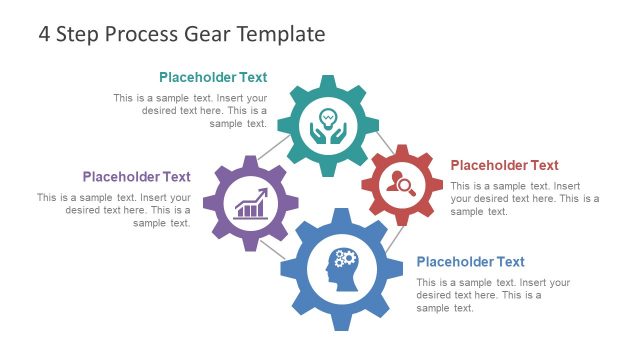
Slide 3 of 6 from 4 Step Process Gear PowerPoint Diagram
Template of Gear Process Diagram
4 Step Process Gear Diagram for Presentations
- Diagram
- Circular Cycle
- Process Slide
- 16:9
- 100% Editable
What’s on This Slide
The layout features four interconnected gear shapes positioned in a circular arrangement. Each gear contains an icon representing different concepts, such as growth, collaboration, and knowledge. The gears are primarily gray with one gear highlighted in teal. To the right, a rectangular text box is present, containing a title placeholder at the top and a body text placeholder below. The title is centered, while the body text is left-aligned. The overall composition emphasizes the gears as central elements, with a clean and organized structure.
How to Use It
This layout serves as a visual representation of a four-step process, ideal for explaining workflows or methodologies. It fits well in presentations that require a clear depiction of interconnected ideas or stages. Common scenarios include project management, strategic planning, or operational processes. The layout can be used to illustrate how different components work together to achieve a goal, making it suitable for business meetings or training sessions.
Text Placeholders & Capacity
Keep your copy within these limits so it fits without resizing. Node body slots can hold roughly 15-20 words each.
| Placeholder | Count | Max characters (approx.) |
|---|---|---|
| Slide title | 1 | 30 |
| Item heading | 4 | 20 |
| Item body | 4 | 100 |
Slide Keywords
Download unlimited PowerPoint templates, charts and graphics for your presentations with our annual plan.
DOWNLOADReturn to 4 Step Process Gear PowerPoint Diagram.