Slide 1 of 6 from 4 Step Process Gear PowerPoint Diagram
4 Step Diagram of Process Gear
4 Step Process Gear Diagram for Presentations
- Diagram
- Circular Cycle
- Process Slide
- 16:9
- 100% Editable
What’s on This Slide
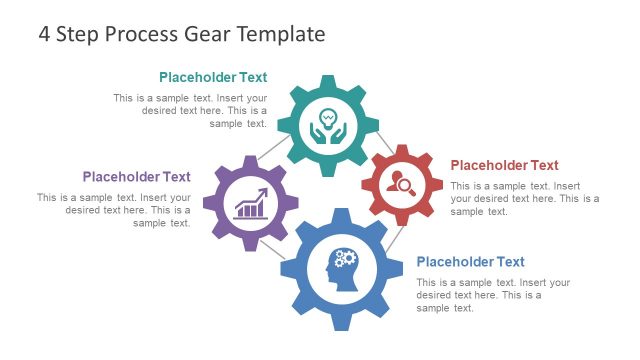
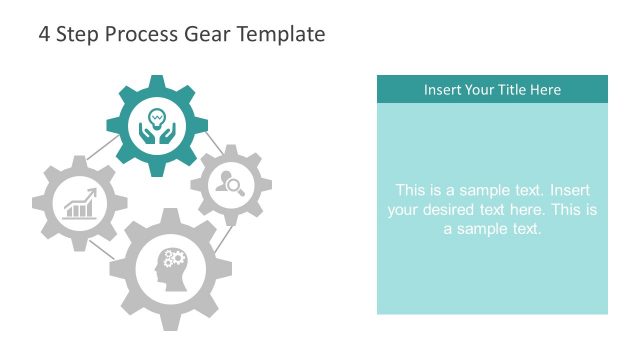
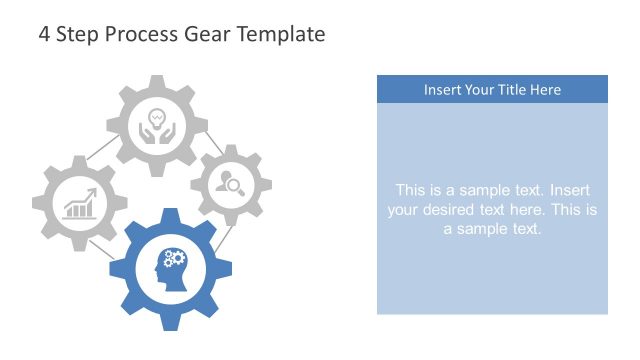
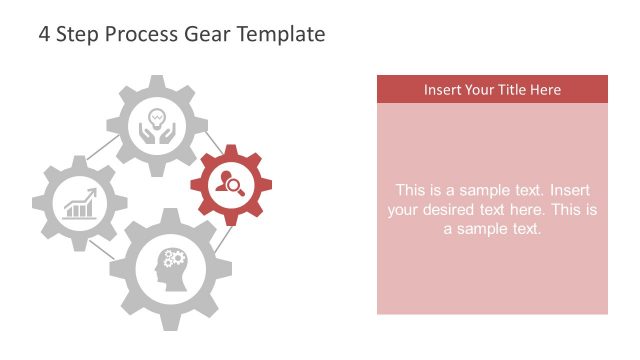
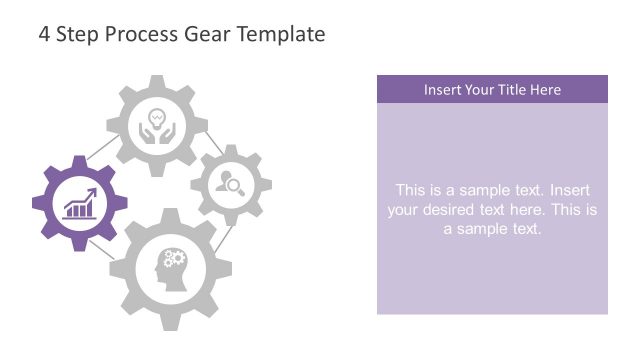
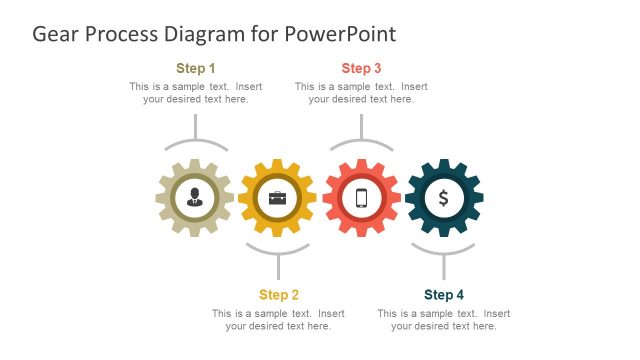
The layout features a central title at the top, with four gears arranged in a circular pattern. Each gear contains an icon representing a concept, with corresponding placeholder text below each icon. The gears are colored differently, with the top gear in teal, the left gear in purple, the right gear in red, and the bottom gear in blue. Connecting lines extend from the gears to the icons, emphasizing their relationships. Text placeholders are centered within each gear, maintaining a consistent visual hierarchy. The background is light, enhancing the visibility of the elements.
How to Use It
This layout serves as a process diagram, illustrating a four-step workflow or methodology. It is suitable for presentations that require a visual representation of sequential processes or systems. This slide can be used in business contexts such as project management, strategic planning, or operational workflows. It effectively communicates complex information in a simplified manner, making it ideal for both team meetings and client presentations, where clarity is essential.
Text Placeholders & Capacity
Keep your copy within these limits so it fits without resizing. Node body slots can hold roughly 15-20 words each.
| Placeholder | Count | Max characters (approx.) |
|---|---|---|
| Slide title | 1 | 30 |
| Item body | 4 | 80 |
Slide Keywords
Download unlimited PowerPoint templates, charts and graphics for your presentations with our annual plan.
DOWNLOADReturn to 4 Step Process Gear PowerPoint Diagram.