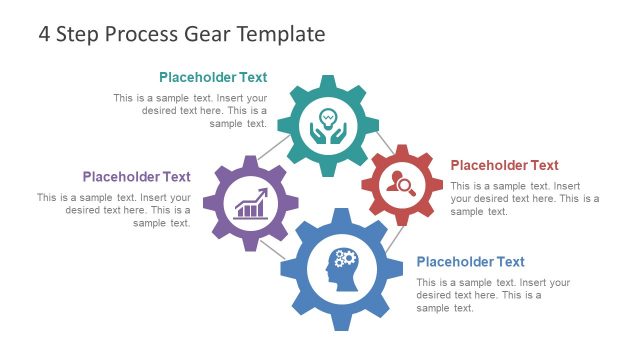
Slide 4 of 6 from 4 Step Process Gear PowerPoint Diagram
Human Search PowerPoint Diagram
4 Step Process Gear Diagram Template
- Diagram
- Circular Cycle
- Process Slide
- 16:9
- 100% Editable
What’s on This Slide
The layout features four gears arranged in a circular pattern on the left side. Each gear contains an icon representing different concepts, such as growth, teamwork, and analysis. The gears vary in size, with the central gear being the largest. To the right, there is a rectangular text box with a red header labeled 'Insert Your Title Here' and a body area for additional text. The body text placeholder is centered and allows for multiple lines of text. The overall color scheme includes gray gears with a red accent.
How to Use It
This layout serves as a visual representation of a four-step process, ideal for illustrating sequential actions or stages. It fits well in a presentation sequence following a problem statement and before a solution overview. This structure is useful in business contexts such as project management, process improvement, or strategic planning, where clarity in steps is essential.
Text Placeholders & Capacity
Keep your copy within these limits so it fits without resizing. Body slots can accommodate roughly 20-25 words each.
| Placeholder | Count | Max characters (approx.) |
|---|---|---|
| Slide title | 1 | 30 |
| Body paragraph | 1 | 150 |
Slide Keywords
Download unlimited PowerPoint templates, charts and graphics for your presentations with our annual plan.
DOWNLOADReturn to 4 Step Process Gear PowerPoint Diagram.