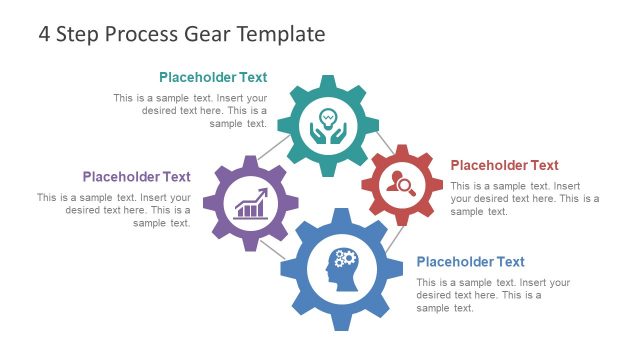
Slide 5 of 6 from 4 Step Process Gear PowerPoint Diagram
Editable Process Diagram of 4 Steps
4 Step Process Gear Diagram for Presentations
- Diagram
- Other
- Process Slide
- 16:9
- 100% Editable
What’s on This Slide
The layout features a central large gear icon with three smaller gears connected by lines. Each gear contains an icon representing different concepts, such as growth, teamwork, and analysis. To the right, there is a rectangular text box for a title at the top and a body text area below it. The title box is aligned to the top right, while the body text area is positioned directly beneath it. The overall color scheme includes shades of blue and gray, creating a cohesive visual hierarchy with the icons and text placeholders.
How to Use It
This layout serves as a structured diagram to illustrate a four-step process or workflow. It fits well in a presentation sequence where a process is being introduced or explained. Suitable for business contexts, it can be used to outline project phases, operational steps, or strategic initiatives. The visual representation of gears emphasizes interconnectedness and teamwork, making it ideal for presentations focused on collaboration or process improvement.
Text Placeholders & Capacity
Keep your copy within these limits so it fits without resizing. Body slots can accommodate approximately 25-30 words each.
| Placeholder | Count | Max characters (approx.) |
|---|---|---|
| Slide title | 1 | 30 |
| Body paragraph | 1 | 150 |
Slide Keywords
Download unlimited PowerPoint templates, charts and graphics for your presentations with our annual plan.
DOWNLOADReturn to 4 Step Process Gear PowerPoint Diagram.