Slide 1 of 2 from 4-Step Interconnection Diagram for PowerPoint
4 Steps Interconnected PowerPoint Diagram
4-Step Interconnection Diagram for PowerPoint
- Diagram
- Process Flow
- Process Slide
- 16:9
- 100% Editable
What’s on This Slide
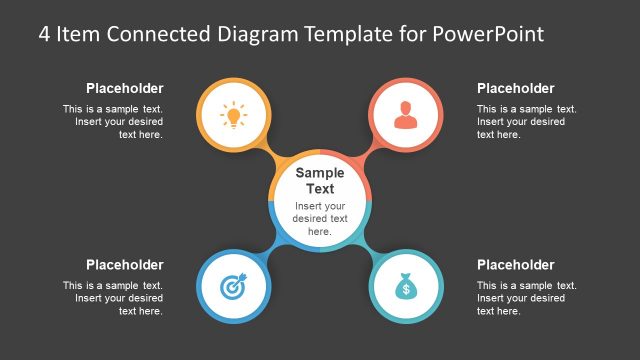
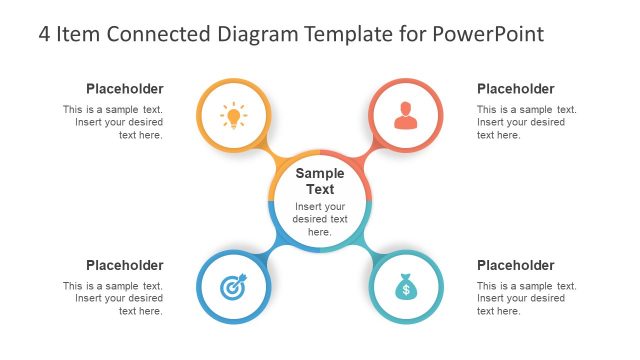
The layout features a central circular node surrounded by three additional circular nodes, all connected by arrows. Each node contains a text placeholder, positioned centrally within the circles. The background is a solid blue color, enhancing the visibility of the white circles. The text placeholders are evenly distributed around the central node, with arrows indicating interconnections between them. The overall composition creates a clear visual flow, emphasizing the interconnected nature of the steps. The title is positioned at the top, maintaining a hierarchical structure.
How to Use It
This layout serves as a process flow diagram, illustrating a four-step interconnected process. It is suitable for presentations that require a clear depiction of sequential steps or stages in a workflow. This diagram can be utilized in business contexts such as project management, strategic planning, or process optimization. It effectively communicates relationships and dependencies among the steps, making it ideal for discussions on interconnected processes or systems. The layout fits well at the beginning of a presentation to outline key steps.
Text Placeholders & Capacity
Keep your copy within these limits so it fits without resizing. Node slots can hold approximately 30 characters each.
| Placeholder | Count | Max characters (approx.) |
|---|---|---|
| Item body | 4 | 30 |
| Slide title | 1 | 50 |
Slide Keywords
Download unlimited PowerPoint templates, charts and graphics for your presentations with our annual plan.
DOWNLOAD