Slide 2 of 2 from 4-Step Interconnection Diagram for PowerPoint
4 Steps Diagram Template in PowerPoint
4-Step Interconnection Diagram for PowerPoint
- Diagram
- Circular Cycle
- Process Slide
- 16:9
- 100% Editable
What’s on This Slide
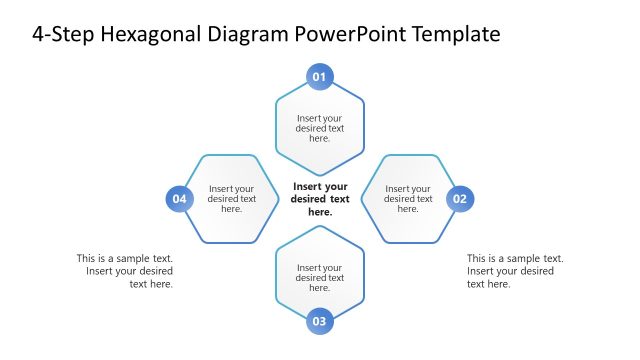
The layout features a circular arrangement of four nodes, each represented as a circle. The nodes are interconnected with arrows indicating flow direction. The top node is centered, with the remaining nodes positioned at the left, right, and bottom. Each node contains a text placeholder aligned centrally, while additional text placeholders are placed above, below, and to the right of the nodes. The background is white, and a light gray shape underlies the left node. The overall composition emphasizes connectivity and process flow.
How to Use It
This layout serves as a process flow diagram, ideal for illustrating interconnected steps in a sequence. It fits well in presentations discussing workflows, project stages, or strategic processes. This structure is useful for business scenarios such as project management, operational processes, or any situation requiring a visual representation of interconnected steps. It effectively communicates the relationship between various components in a systematic manner.
Text Placeholders & Capacity
Keep your copy within these limits so it fits without resizing. Node slots can hold about 30 characters each.
| Placeholder | Count | Max characters (approx.) |
|---|---|---|
| Item body | 4 | 30 |
| Body paragraph | 5 | 30 |
Slide Keywords
Download unlimited PowerPoint templates, charts and graphics for your presentations with our annual plan.
DOWNLOAD