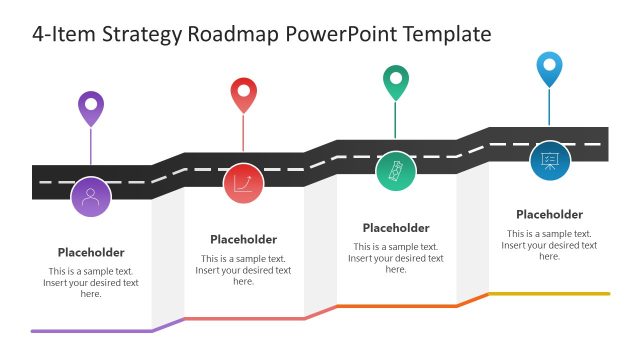
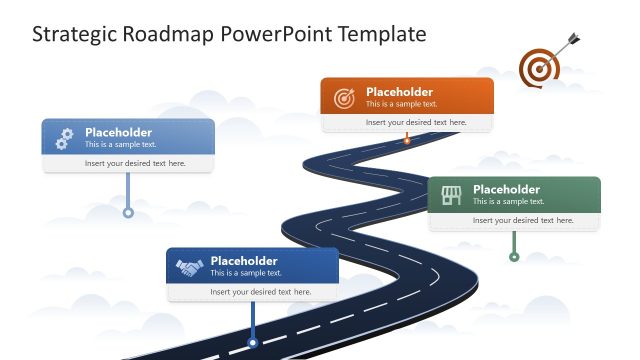
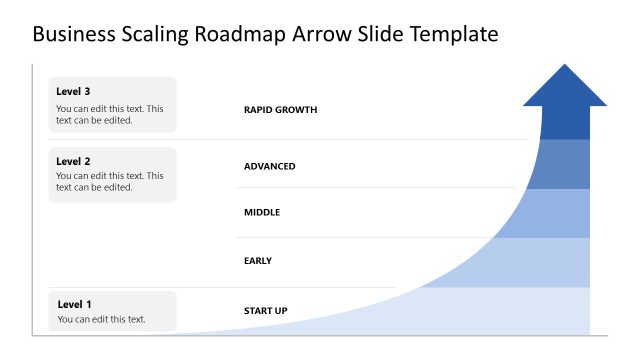
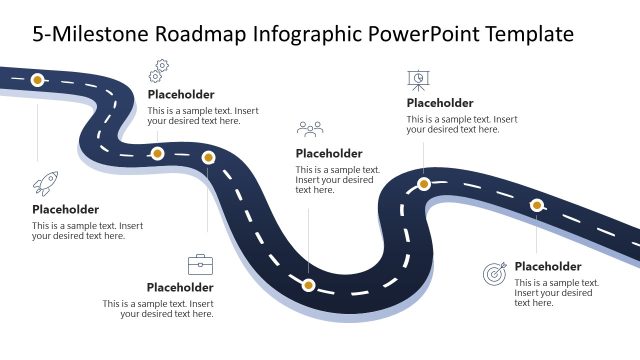
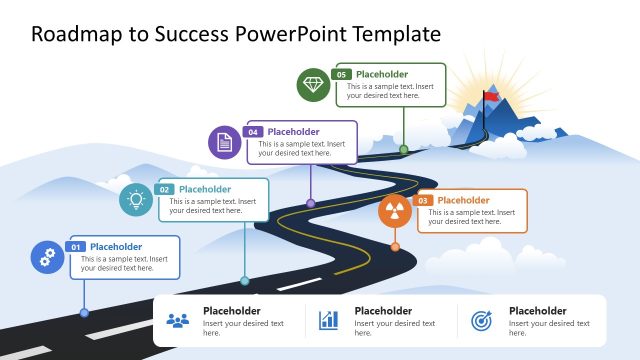
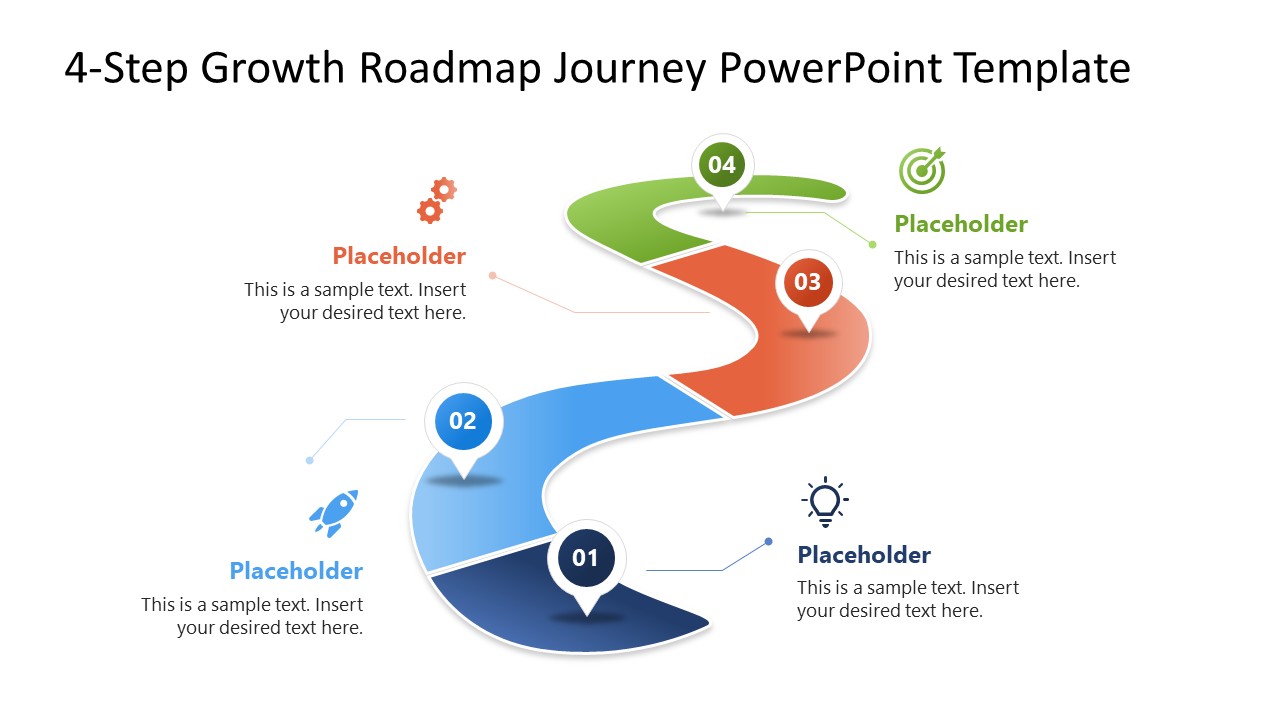
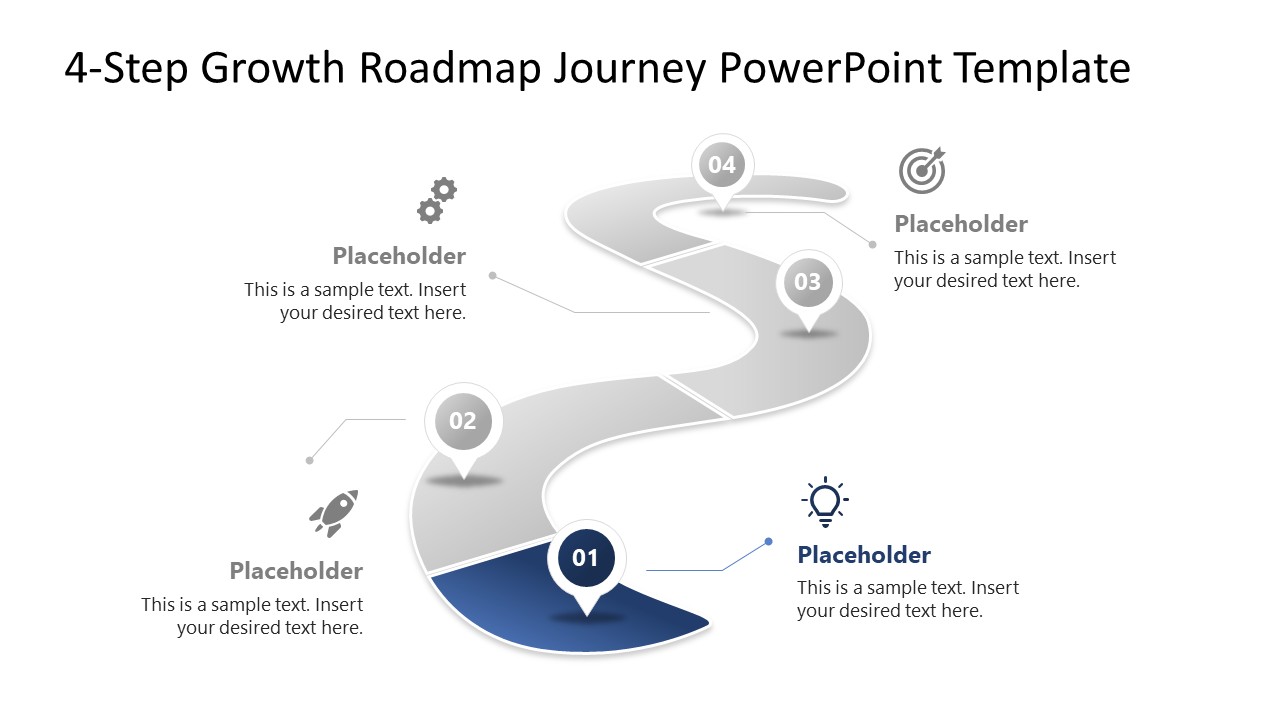
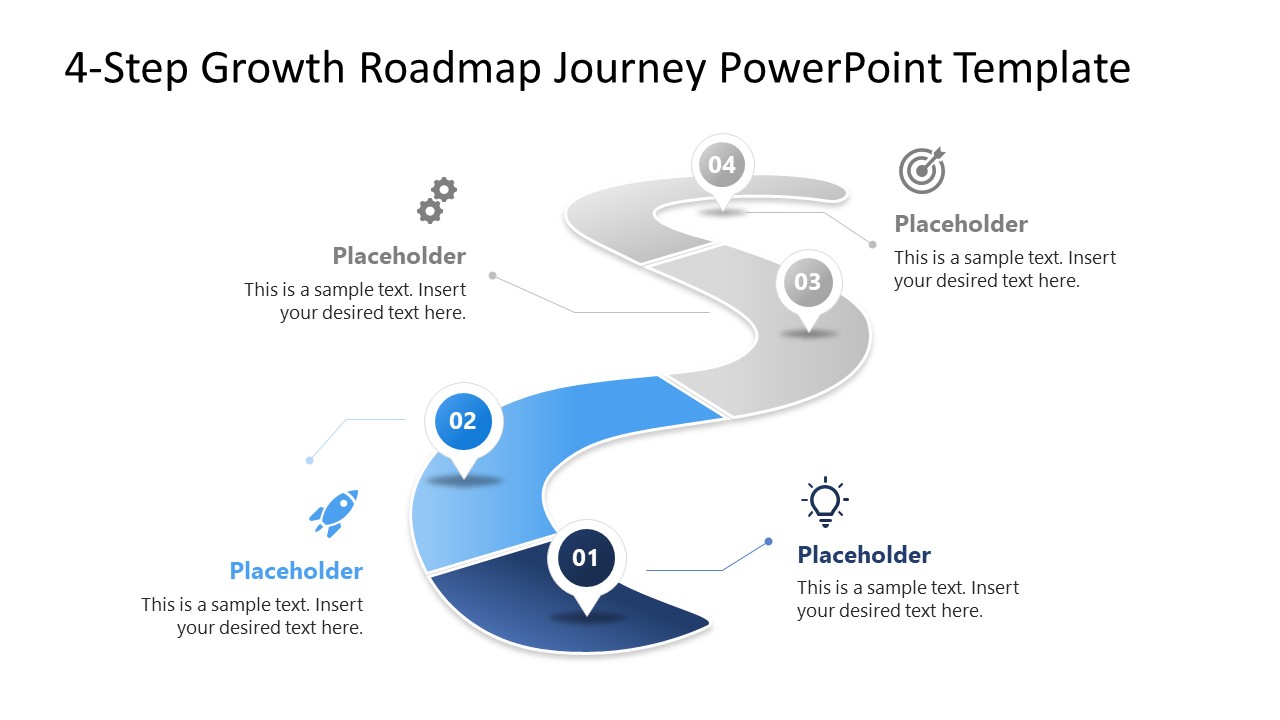
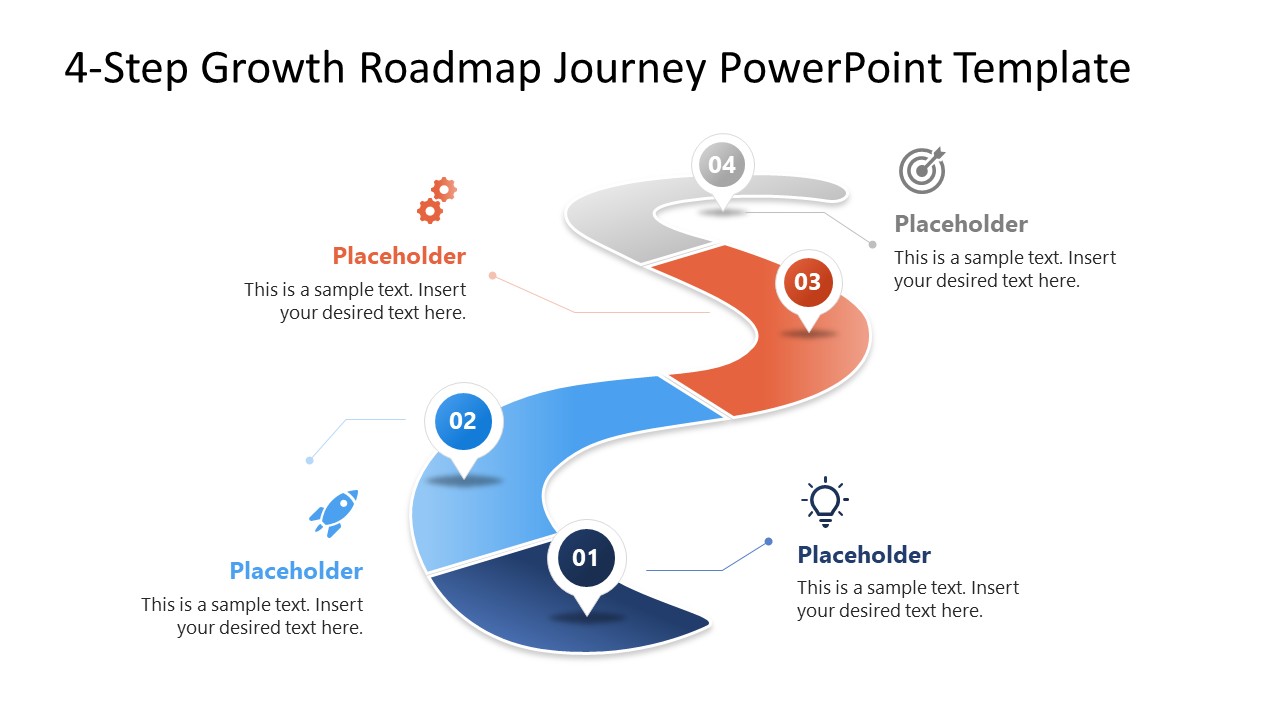
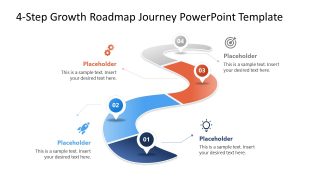
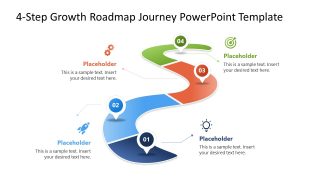
Illustrate the business growth timeline in stakeholder presentations with this modern 4-Step Growth Roadmap PowerPoint Template. The cover slide features a winding road illustration divided into four color-coded segments, numbered 1 through 4, so viewers can take in the whole process at a glance. Four additional slides then break the journey into individual focus slides, each isolating one stage of the same diagram so a presenter can walk an audience through the roadmap step by step. The slide deck works natively in both Google Slides and Microsoft PowerPoint.
Strategy leaders use the roadmap to communicate the stages of annual revenue planning in report presentations, while HR managers apply the same four-level structure to visualize employee engagement and build stronger teams. Project managers track project milestones across the four stages in team presentations, and SaaS product directors at technology companies use the winding road diagram to show a product’s path from concept to design to launch, editing the placeholder text to flag key challenges at each stage. Marketing managers can apply it to lay out a go-to-market strategy in a single view for leadership.
Icons throughout the deck give each stage a visual anchor, making the four steps easier to follow than a plain text list. Layout, fonts, shapes, and colors are fully editable to match brand guidelines. Download the 4-Step Growth Roadmap Template to map out a business growth process, engagement plan, or product journey with a curved road diagram and clear, stage-by-stage detail. A wider collection of roadmap templates is also available for other business process presentations.
What’s inside this template
Example presentation scenarios
- A product manager can present a product roadmap from concept to launch, using the curved road segments and numbered pins to show sequence and decision points.
- An HR manager can explain an employee growth or engagement plan, using the four icon callouts to connect each stage with behaviors, actions, or team outcomes.
- A strategy leader can brief executives on annual business development priorities, using the full roadmap slide for the summary and the stage focus slides for discussion.
- A project manager can align a delivery team around four major milestones, using the color-coded road sections to clarify what has to happen before the next step.
Features
- 100% editable presentation template
- Compatible with Microsoft PowerPoint and Google Slides
- 16:9 aspect ratio slides
- Scalable vector shapes, icons and illustrations
- AI-Ready for Microsoft Copilot and Claude
- Instant access and download
Frequently asked questions
Q: How should a presenter explain the four-step roadmap without turning it into a text-heavy process slide?
A: Start with the full curved road slide to establish the journey, then use each focus slide to discuss one decision, milestone, or outcome. Keep the callout text short and assign each icon a consistent meaning, such as launch, insight, execution, or goal. The road shape should carry the sequence while the text clarifies only the key message.
Q: What kind of business message fits this roadmap better than a standard timeline?
A: This roadmap fits messages where progress feels like a journey rather than a calendar schedule. Strategy teams, product leaders, HR managers, and project managers can use it to explain staged growth, maturity, adoption, or rollout plans. It is strongest when the audience needs to see four phases and understand how each phase builds toward the final destination.
Q: Why does the winding road metaphor help communicate growth and development?
A: The winding road suggests movement, direction, and progress through changing conditions, which fits growth stories better than a flat list. Numbered pins give the audience clear stopping points, while the gray-to-color focus slides control attention. This design helps viewers remember the order of the stages and see the roadmap as one connected path.

4-Step Growth Roadmap PowerPoint Template
5-slide presentation template with a curved growth roadmap and four stage-by-stage focus slides
The 4-Step Growth Roadmap PowerPoint Template is a 5-slide diagram deck for showing a growth path as a curved road. It includes a full four-stage roadmap, individual focus slides for stage 1, stage 2, stage 3, and stage 4, plus icon callouts for strategy, product, HR, or project teams using Microsoft PowerPoint or Google Slides.
- Category
- Diagrams
- Rating

 Loading...
- Aspect ratio
- 16:9
- Item ID
- 23785-01
- Colors
 Microsoft PowerPoint
 Microsoft Copilot
 Claude for PowerPoint
Other formats supported
Subscribe today and get immediate
access to download our PowerPoint templates.