Slide 3 of 5 from 4 Step Creative Diagram Template for PowerPoint
Process Flow Diagram Design of 4 Stages
4 Step Creative Diagram for Presentations
- Diagram
- Matrix Quadrant
- Process Slide
- 16:9
- 100% Editable
What’s on This Slide
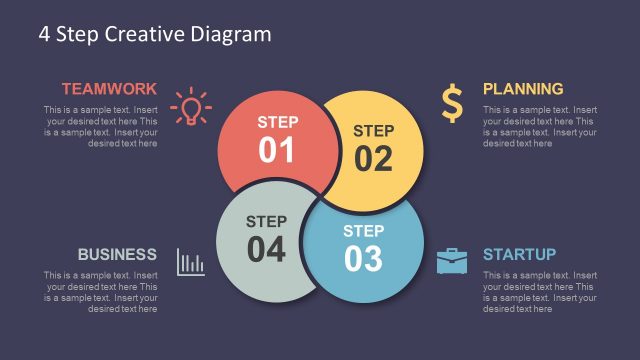
The slide features a circular diagram divided into four segments, with three gray circles and one highlighted yellow circle labeled 'STEP 02.' The circles are arranged in a triangular formation, with the yellow circle positioned at the top center. To the right, a rectangular text box contains a heading labeled 'PLANNING' and sample text placeholders below it. The background is a dark purple, providing contrast to the lighter elements. The visual hierarchy emphasizes the yellow circle, indicating its significance within the process.
How to Use It
This layout serves as a process diagram, illustrating a four-step workflow. It is suitable for presentations that outline sequential processes or stages, such as project planning or product development. This specific slide fits well after an introductory slide and before detailing subsequent steps. It can be effectively used in business contexts to communicate strategies or phases in a project, making it a practical choice for team meetings or strategy sessions.
Text Placeholders & Capacity
Keep your copy within these limits so it fits without resizing. Body slots can hold approximately 30-40 words each.
| Placeholder | Count | Max characters (approx.) |
|---|---|---|
| Slide title | 1 | 30 |
| Item heading | 4 | 10 |
| Body paragraph | 1 | 200 |
Slide Keywords
Download unlimited PowerPoint templates, charts and graphics for your presentations with our annual plan.
DOWNLOAD