Slide 4 of 5 from 4 Options Cross Infographic PowerPoint Diagram
Editable Diagram of 4 Options Cross Template
4 Options Cross Infographic PowerPoint Diagram
- Diagram
- Matrix Quadrant
- Comparison Slide
- 16:9
- 100% Editable
What’s on This Slide
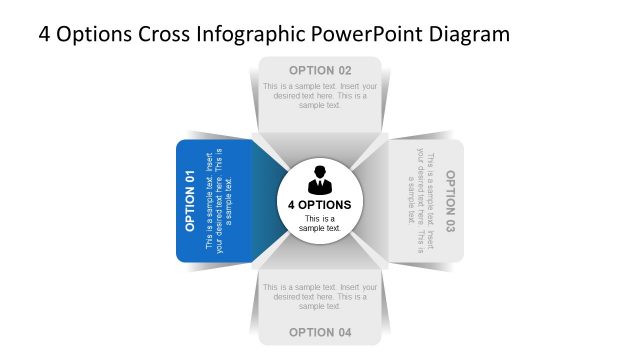
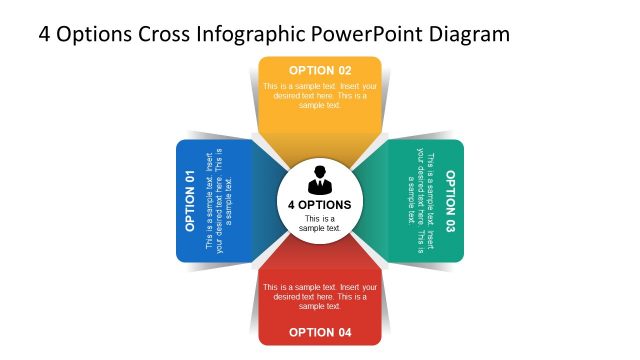
The layout features a central circular node labeled '4 OPTIONS' surrounded by four rectangular sections. Each section is positioned at the corners, with two on the top and two on the bottom. The sections are labeled 'OPTION 01', 'OPTION 02', 'OPTION 03', and 'OPTION 04'. Text placeholders are present within each section, aligned centrally. The overall color scheme includes a prominent green section for 'OPTION 03', while the others are in lighter shades. The design employs a flat style with a clear visual hierarchy emphasizing the central node.
How to Use It
This layout serves as a comparison tool for presenting four distinct options or steps. It fits well in a presentation sequence after introducing a problem or topic, guiding the audience through potential solutions. This structure is applicable in business scenarios such as product feature comparisons, strategic options analysis, or decision-making frameworks, allowing clear visualization of choices available to stakeholders.
Text Placeholders & Capacity
Keep your copy within these limits so it fits without resizing. Node body slots are tight, roughly 10-12 words each.
| Placeholder | Count | Max characters (approx.) |
|---|---|---|
| Slide title | 1 | 40 |
| Item heading | 4 | 20 |
| Item body | 4 | 60 |
Slide Keywords
Download unlimited PowerPoint templates, charts and graphics for your presentations with our annual plan.
DOWNLOAD