Slide 3 of 5 from 4 Options Cross Infographic PowerPoint Diagram
4 Options Infographic Diagram PPT
4 Options Cross Infographic Diagram
- Diagram
- Matrix Quadrant
- Comparison Slide
- 16:9
- 100% Editable
What’s on This Slide
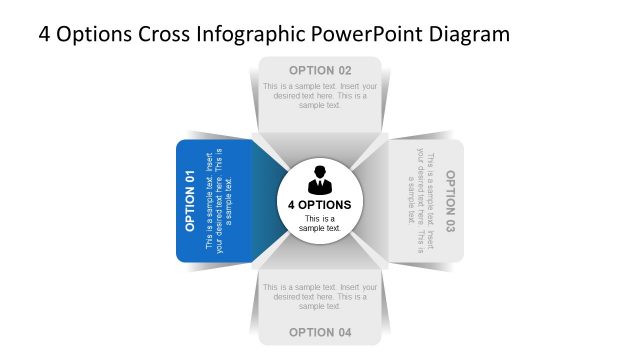
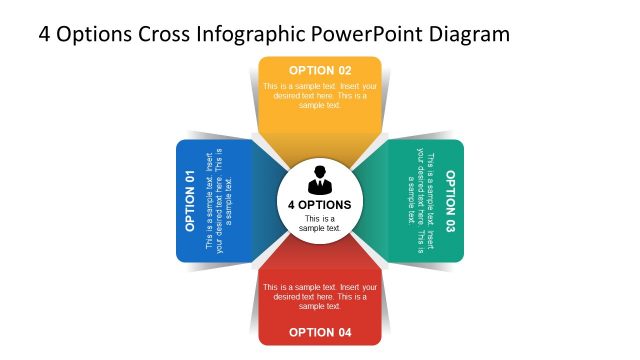
The layout features a central circular node labeled '4 OPTIONS' surrounded by four rectangular options positioned at each cardinal direction. Each option has a title placeholder at the top, with a text placeholder below for additional information. The options are visually separated by triangular shapes pointing towards the center. The background is predominantly white with a light gray gradient, enhancing the central focus. The visual hierarchy emphasizes the central node, while the options are equally sized and aligned. Text placeholders are centered within each option, maintaining uniformity.
How to Use It
This layout serves as a comparative framework for presenting four distinct options or steps. It is suitable for business scenarios such as decision-making processes, project proposals, or product feature comparisons. Positioned after a problem slide, it effectively transitions into a solution-focused discussion. This structure allows for clear visual differentiation of each option while maintaining a cohesive overall design. It can be used in various presentations to illustrate choices or strategies effectively.
Text Placeholders & Capacity
Keep your copy within these limits so it fits without resizing. Node body slots can hold approximately 20-25 words each.
| Placeholder | Count | Max characters (approx.) |
|---|---|---|
| Slide title | 1 | 40 |
| Item heading | 4 | 20 |
| Item body | 4 | 100 |
Slide Keywords
Download unlimited PowerPoint templates, charts and graphics for your presentations with our annual plan.
DOWNLOAD