Slide 1 of 5 from 4 Options Cross Infographic PowerPoint Diagram
4 Options Cross PowerPoint Diagram
4 Options Cross Infographic PowerPoint Diagram
- Diagram
- Matrix Quadrant
- Comparison Slide
- 16:9
- 100% Editable
What’s on This Slide
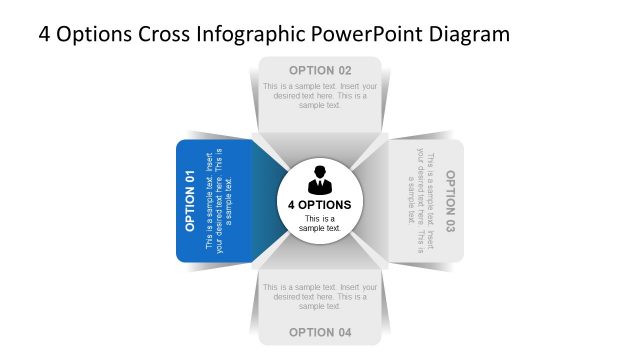
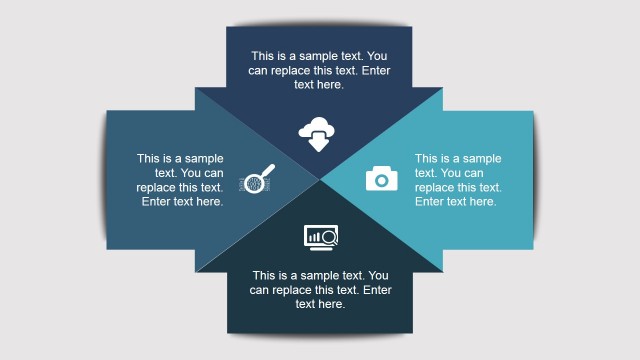
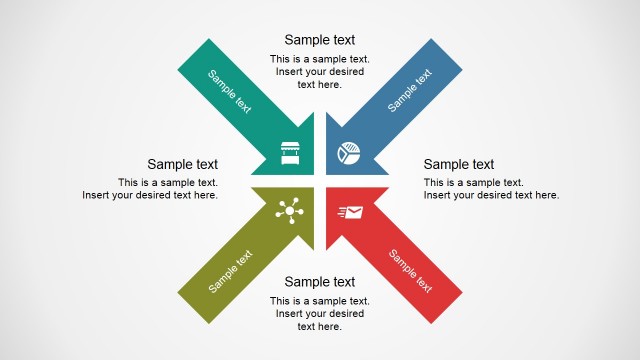
The layout features a central circular node labeled '4 OPTIONS' with surrounding rectangular sections for four options. Each option is positioned at the corners, with a distinct color scheme: blue, yellow, green, and red. Text placeholders are present within each rectangle, aligned centrally, and include a title and body text. The central node is visually emphasized, while the options are evenly spaced around it, creating a balanced composition. The background is white, enhancing the visibility of the colored sections, and the overall design is flat and modern.
How to Use It
This layout serves as a comparative framework for presenting four distinct options or steps. It is suitable for scenarios such as decision-making processes, product comparisons, or strategic planning discussions. The structure allows for clear visual differentiation between each option while maintaining a cohesive overall design. This slide fits well in a presentation sequence that introduces multiple choices or solutions, effectively guiding the audience through the content in a structured manner.
Text Placeholders & Capacity
Keep your copy within these limits so it fits without resizing. Node body slots can accommodate roughly 20-25 words each.
| Placeholder | Count | Max characters (approx.) |
|---|---|---|
| Item heading | 4 | 20 |
| Item body | 4 | 100 |
| Slide title | 1 | 50 |
Slide Keywords
Download unlimited PowerPoint templates, charts and graphics for your presentations with our annual plan.
DOWNLOAD