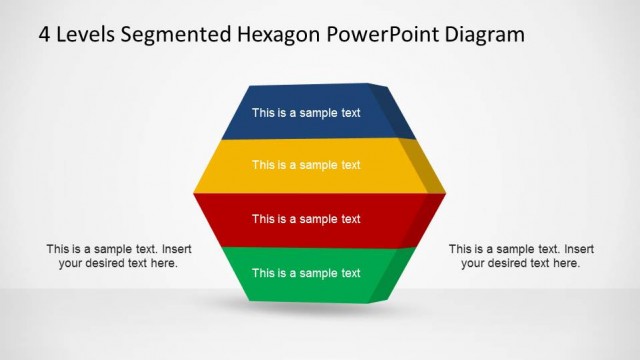
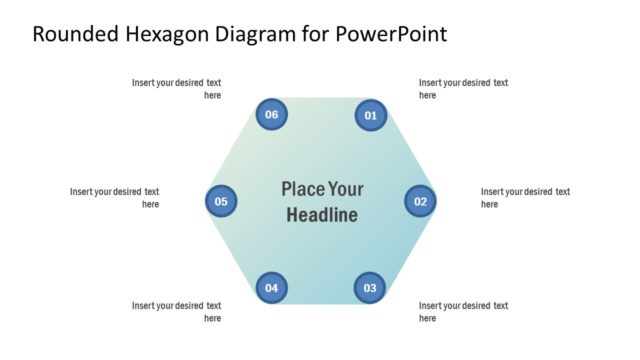
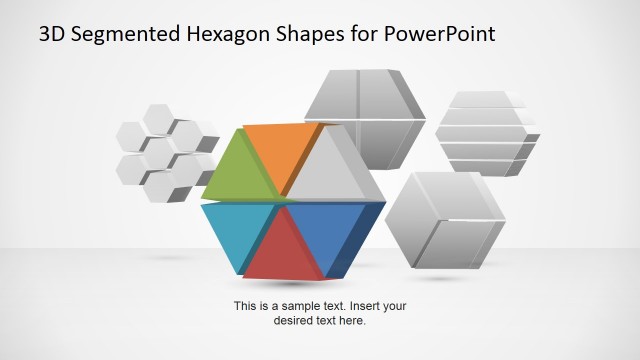
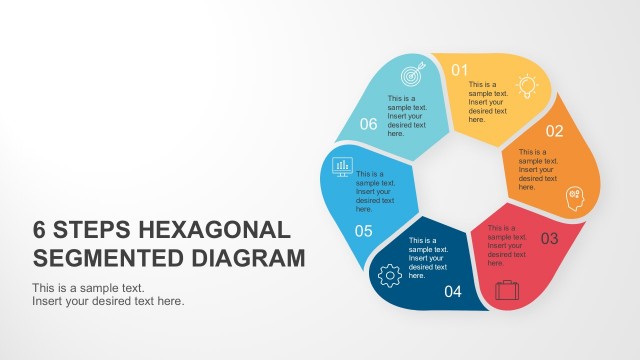
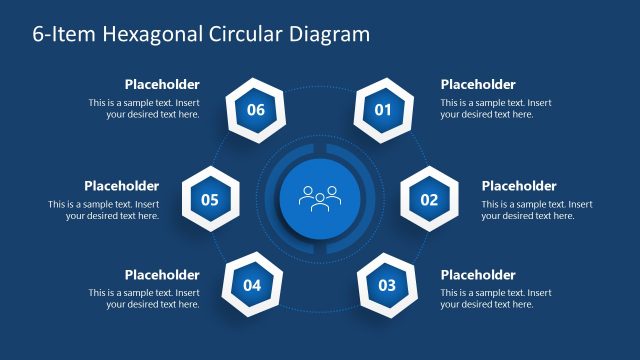
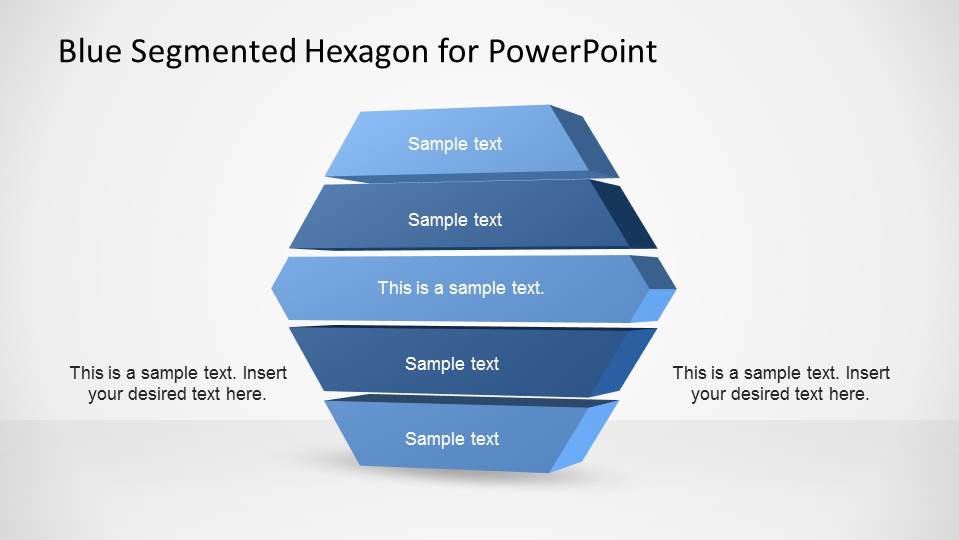
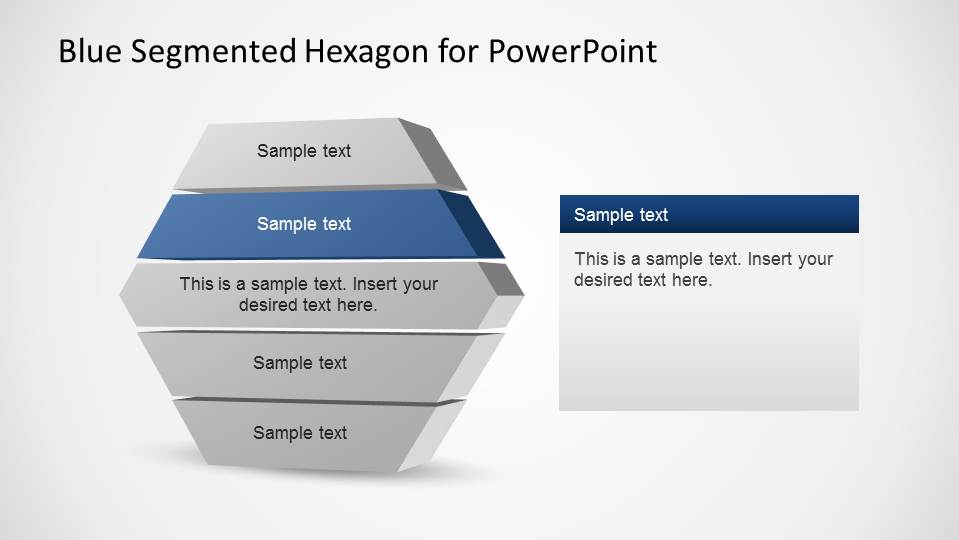
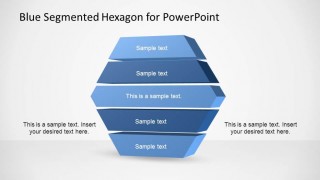
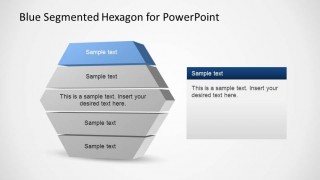
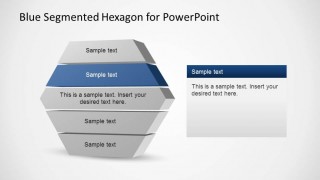
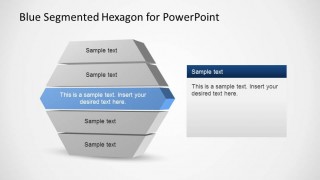
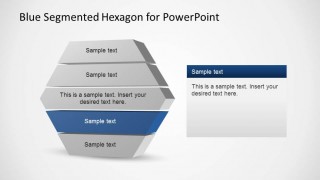
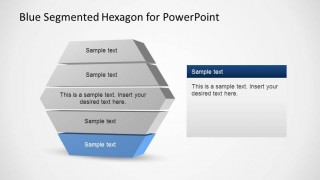
Blue Segmented Hexagon for PowerPoint is a 3D layered diagram based on an hexagon shape. The presentation consists of the Hexagon Layered Diagram colored with a delicate blue palette, using different gradients of blue to distinguish each layer. A set of slides contains each Layer highlighted while the other are shadowed in grey; using this layout, the user can focus on each layer topic slide by slide.
The diagram is created using PowerPoint shapes that can be 100% edited by the user. Each layer is constructed independently, allowing the user to customize any property of the layer as color, size, effects, angle and gradient.
Ideal for describing waterfall processes or to follow a checklist, the Blue Segmented Hexagon for PowerPoint is a smart choice to give your presentation professional visual quality. Impress your audience complementing this presentation with additional Segmented PowerPoint Diagrams from our catalog.
What’s inside this template
Example presentation scenarios
- A project manager can explain a five-phase delivery process by opening with the full hexagon stack and then using the layer-focus slides to describe each phase in order.
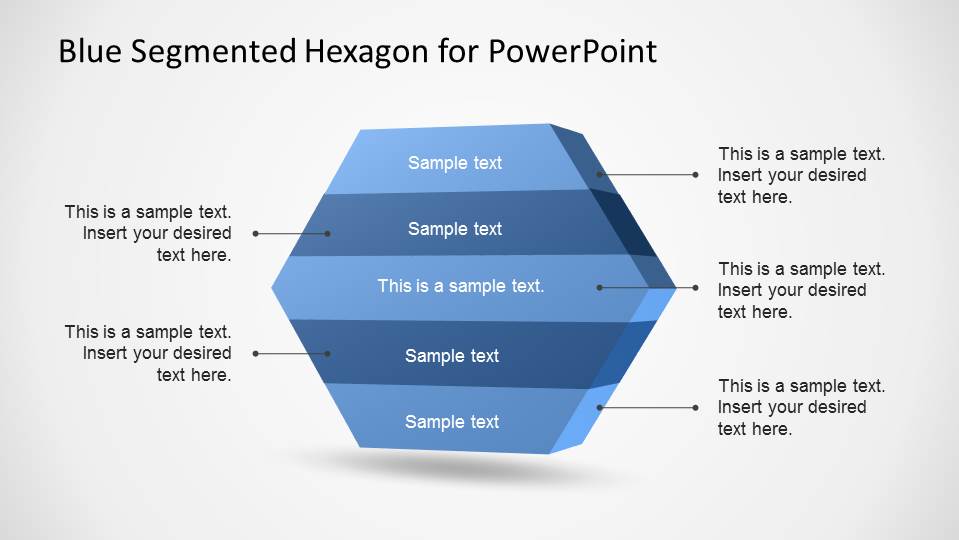
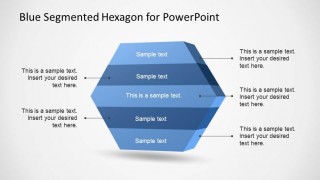
- A consultant can present a strategic framework to executives by using the leader-line callout diagram to connect short explanations to each hexagon segment.
- A training presenter can teach a checklist or maturity model by showing inactive gray layers while the active blue layer receives attention and supporting text.
- An operations leader can map dependencies across five process layers by using the stacked 3D diagram as a visual hierarchy and the side panels for process notes.
Features
- 100% editable presentation template
- Compatible with Microsoft PowerPoint
- 16:9 aspect ratio slides
- Scalable vector shapes, icons and illustrations
- AI-Ready for Microsoft Copilot and Claude
- Instant access and download
Frequently asked questions
Q: How should a presenter explain the five hexagon segments without making the diagram feel repetitive?
A: Start with Slide 1 or Slide 2 to define the full model before moving into the layer-focus slides. Keep each highlighted segment to one main message, one supporting detail, and one implication for the audience. The gray inactive layers remind viewers where the current topic sits within the larger five-part structure.
Q: Who is this template best suited for in a business presentation?
A: This template fits consultants, project managers, operations leads, and trainers who need to explain a five-step process, checklist, layered architecture, or maturity model. It works best when the message is conceptual and ordered, not when the audience expects detailed financial charts, timelines, or dense tables.
Q: Why use a segmented hexagon instead of a basic numbered list?
A: The 3D hexagon makes the five items feel connected as parts of one system, while the stacked layers suggest sequence, hierarchy, or dependency. The blue highlight on each focus slide directs attention without removing context. This visual metaphor helps audiences remember both the individual step and its place in the whole model.



Blue Segmented Hexagon for PowerPoint
7-slide PowerPoint slide template with a 3D segmented hexagon, five-step layers, and callout panels
Blue Segmented Hexagon for PowerPoint is a 7-slide diagram template for presenting five layers or steps. It includes a full 3D hexagon stack, a callout diagram, and individual layer-focus slides with gray inactive segments. It is built for business presenters who need a clear layered process visual in Microsoft PowerPoint.
- Category
- Diagrams
- Rating


 Loading...
- Aspect ratio
- 16:9, 4:3
- Item ID
- 6509-02
- Colors
 Microsoft PowerPoint
  Microsoft Copilot
  Claude for PowerPoint
 Other formats supported
Subscribe today and get immediate
access to download our PowerPoint templates.