Slide 4 of 5 from 4 Level Vertical Ladder PowerPoint Diagram
Third Level Highlight Slide – Ladder Diagram Template
4-Level Ladder PowerPoint Diagram Overview
- Diagram
- Ladder
- Process Slide
- 16:9
- 100% Editable
The 4-Level Ladder Diagram slide from the 4 Level Vertical Ladder PowerPoint Diagram template provides a clear visual process flow ideal for project timelines and strategic planning. This slide layout features editable shapes and vector icons arranged in a vertical sequence, supporting step-by-step guides within business presentations. Its minimalistic design enhances clarity, making it suitable for corporate presentation slide decks that require structured progression visualization.
What’s on This Slide
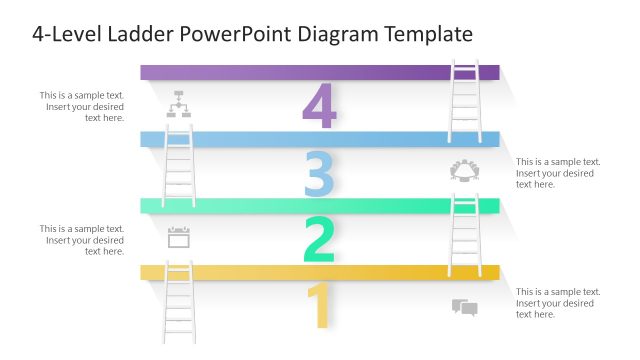
The layout features a vertical ladder diagram divided into four levels. Each level is represented by a horizontal band, with the third level highlighted in blue. The numbers 1 to 4 are displayed on the left side, indicating the sequence. Icons are positioned within the second and fourth levels, while text placeholders are aligned to the right of each level, allowing for descriptive content. The overall composition is structured with a clean, minimalistic background, enhancing the visual hierarchy and clarity of the information presented.
How to Use It
This layout serves as a sequential representation of four stages or steps in a process. It is suitable for presentations that require a clear visual hierarchy, such as project timelines, strategic plans, or process flows. This slide fits well in a presentation sequence after introducing a problem or concept, guiding the audience through a structured solution or development path. It can be used in business contexts to illustrate progress, phases, or levels of achievement.
Text Placeholders & Capacity
Keep your copy within these limits so it fits without resizing. Node body slots can hold about 50 characters each.
| Placeholder | Count | Max characters (approx.) |
|---|---|---|
| Item heading | 4 | 1 |
| Item body | 4 | 50 |
| Image caption | 4 | 50 |
Slide Keywords
Download unlimited PowerPoint templates, charts and graphics for your presentations with our annual plan.
DOWNLOADReturn to 4 Level Vertical Ladder PowerPoint Diagram.