Slide 3 of 5 from 4 Level Vertical Ladder PowerPoint Diagram
Second Level Highlight Slide – Ladder Diagram Template
4-Level Ladder Diagram for Presentations
- Diagram
- Ladder
- Process Slide
- 16:9
- 100% Editable
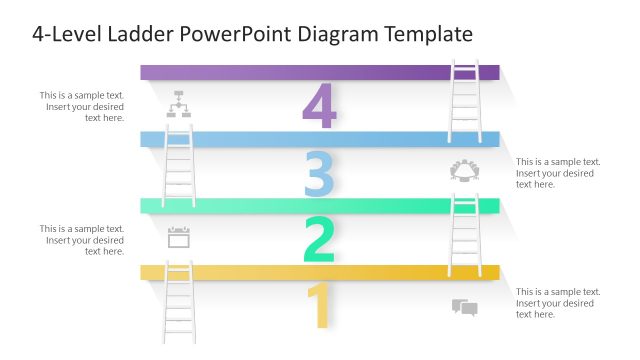
The 4-Level Ladder Diagram slide from the 4 Level Vertical Ladder PowerPoint Diagram template offers a structured way to present project phases or hierarchical steps. This slide layout uses editable shapes and vector icons to emphasize sequential progress, making it suitable for business presentations or corporate slide decks that require clear visualization of process stages.
What’s on This Slide
The layout features four horizontal ladder segments stacked vertically. Each segment is labeled with numbers from one to four, with the second segment highlighted in a teal color. Icons are positioned to the left of segments two and three, while text placeholders are aligned to the right, indicating where content can be inserted. The overall background is light, with gray segments providing contrast. The visual hierarchy emphasizes the highlighted segment, creating a clear focal point for the viewer.
How to Use It
This layout serves as a vertical ladder diagram, ideal for illustrating processes or stages in a sequential manner. It fits well in presentations discussing stepwise progressions, project phases, or hierarchical structures. This structure is useful in business contexts such as project management, strategic planning, or educational settings where clear progression is necessary. It can be used to visually represent growth, development, or milestones.
Text Placeholders & Capacity
Keep your copy within these limits so it fits without resizing. Node body slots can hold about 8-10 words each.
| Placeholder | Count | Max characters (approx.) |
|---|---|---|
| Item heading | 4 | 10 |
| Item body | 4 | 50 |
Slide Keywords
Download unlimited PowerPoint templates, charts and graphics for your presentations with our annual plan.
DOWNLOADReturn to 4 Level Vertical Ladder PowerPoint Diagram.