Slide 4 of 5 from 4-Layer Horizontal Infographic Diagram Template for PowerPoint
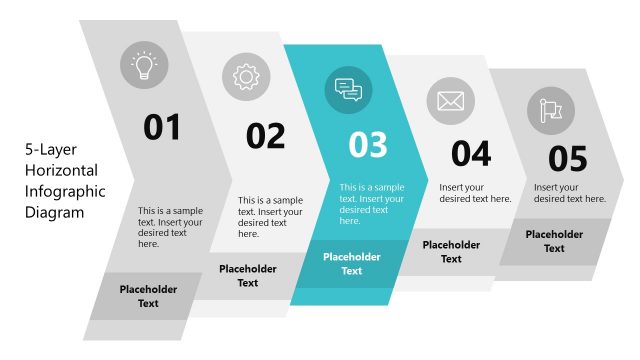
Third Arrow Shape Highlighting Slide
4-Layer Horizontal Infographic Diagram
- Diagram
- Arrow Sequence
- Process Slide
- 16:9
- 100% Editable
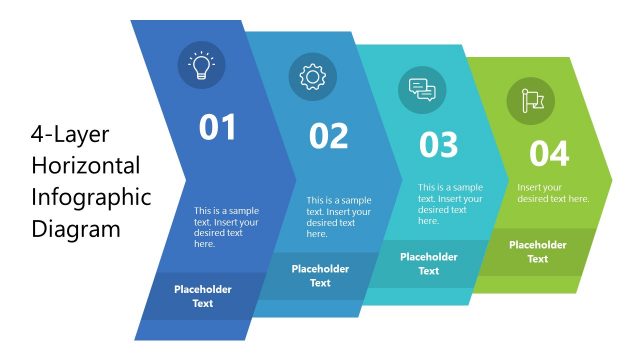
The 4-Layer Horizontal Infographic Diagram slide from the 4-Layer Horizontal Infographic Diagram Template for PowerPoint offers a clear process visualization using editable shapes and vector icons. This slide template is ideal for illustrating project stages or workflows in business presentations, combining a horizontal layout with numbered hexagonal layers for easy comprehension in corporate slide decks.
What’s on This Slide
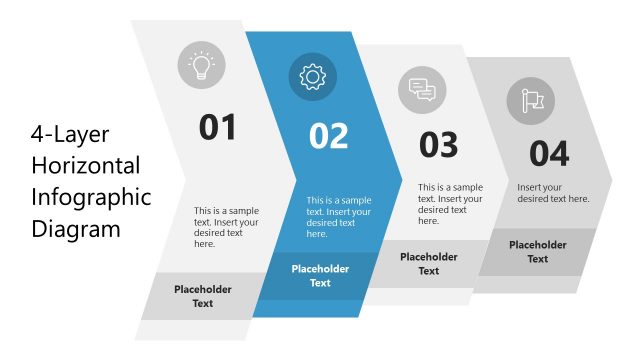
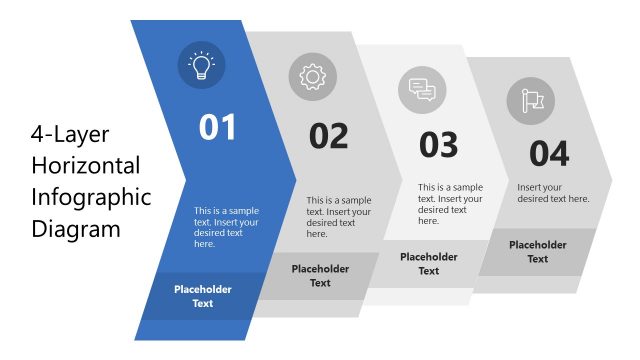
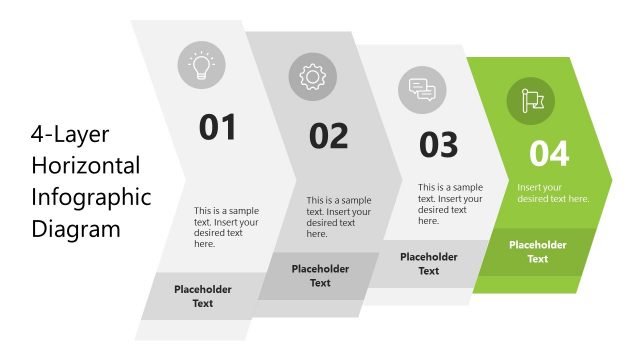
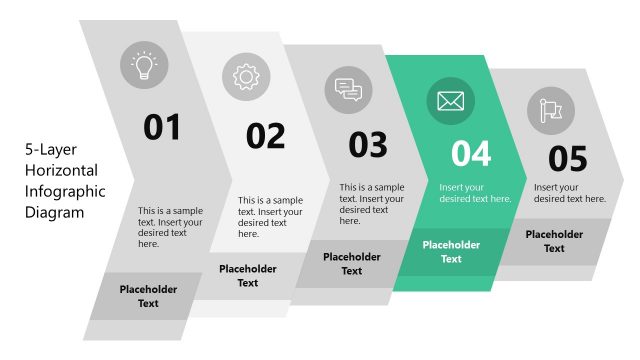
The layout features a horizontal infographic with four distinct layers. Each layer is represented by a hexagonal shape, aligned from left to right. The first three layers contain icons and numbered labels, while the fourth layer is slightly muted. Text placeholders are positioned within each hexagon, with the third layer highlighted in a teal color. The title is positioned on the left side, with a larger font size. The overall color scheme includes shades of gray and teal, creating a clear visual hierarchy among the elements.
How to Use It
This layout serves as a process diagram, illustrating a sequence of four steps or stages. It fits well in presentations that require a clear representation of a process or workflow. Common scenarios include project planning, product development stages, or strategic initiatives. The infographic format allows for easy understanding and engagement, making it suitable for both internal and external communications.
Text Placeholders & Capacity
Keep your copy within these limits so it fits without resizing. Node body slots can accommodate about 10 words each.
| Placeholder | Count | Max characters (approx.) |
|---|---|---|
| Slide title | 1 | 35 |
| Item heading | 4 | 5 |
| Item body | 4 | 50 |
Slide Keywords
Download unlimited PowerPoint templates, charts and graphics for your presentations with our annual plan.
DOWNLOADReturn to 4-Layer Horizontal Infographic Diagram Template for PowerPoint.