Slide 1 of 10 from 4 Item with Core PowerPoint Template
4 Items Core Concept Diagram PowerPoint
4 Item Core Diagram PowerPoint Template
- Diagram
- Mind Map
- Concept Explanation Slide
- 16:9
- 100% Editable
What’s on This Slide
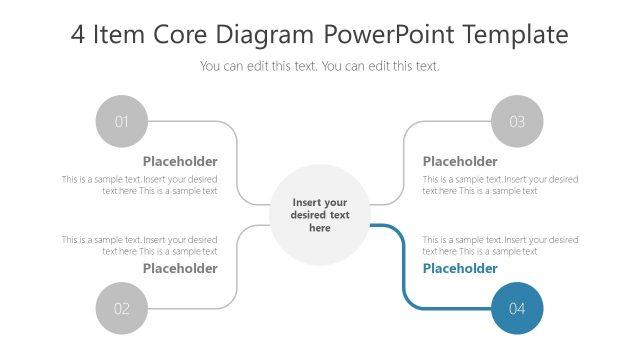
The layout features a central circular node surrounded by four equally spaced circular nodes. Each node is labeled with a number from 01 to 04, positioned at the top left, bottom left, top right, and bottom right. Connecting lines extend from the central node to each outer node. Below each outer node, there are text placeholders for titles and descriptions, aligned vertically. The background is light, enhancing the visibility of the colored nodes, which are in shades of orange, yellow, green, and blue. The overall structure emphasizes clarity and organization.
How to Use It
This layout serves as a core diagram to present four key items or concepts in a visually structured manner. It is suitable for illustrating processes, steps, or categories within a presentation. This slide can be effectively used in business contexts such as project planning, product features, or strategic initiatives. It fits well early in a presentation to introduce main topics or concepts, providing a clear overview before diving into details.
Text Placeholders & Capacity
Keep your copy within these limits so it fits without resizing. Node body slots can hold up to 150 characters each.
| Placeholder | Count | Max characters (approx.) |
|---|---|---|
| Item heading | 4 | 15 |
| Item body | 4 | 150 |
| Body paragraph | 1 | 100 |
| Slide title | 1 | 50 |
Slide Keywords
Download unlimited PowerPoint templates, charts and graphics for your presentations with our annual plan.
DOWNLOADReturn to 4 Item with Core PowerPoint Template.