Slide 9 of 10 from 4 Item with Core PowerPoint Template
4 Steps Core Unit Item 3 PowerPoint Diagram
4 Item Core Diagram PowerPoint Template
- Diagram
- Matrix Quadrant
- Concept Explanation Slide
- 16:9
- 100% Editable
What’s on This Slide
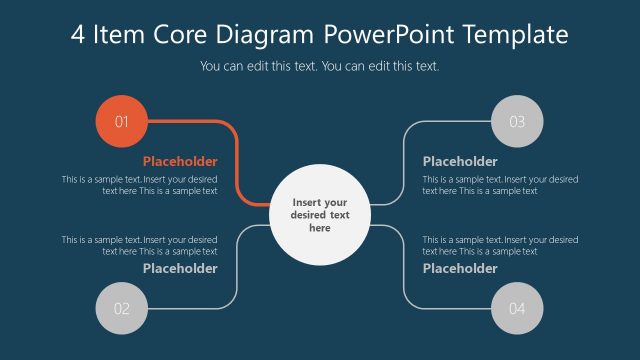
The layout features a central circular node with four surrounding circular nodes positioned at the top left, bottom left, top right, and bottom right. Each node is connected to the central node by straight lines. The central node contains a text placeholder for main content, while each surrounding node has a placeholder for titles and additional text. The background is a dark blue color, creating contrast with the white and light gray elements. The visual hierarchy emphasizes the central node, with surrounding nodes being smaller and less prominent.
How to Use It
This layout serves as a structured diagram to present four related concepts or steps. It is suitable for illustrating processes, strategies, or components in a business context. This slide fits well in a presentation sequence after introducing a main idea or problem, allowing for detailed exploration of subtopics. It is ideal for team meetings, project updates, or educational settings where clear visual representation of interconnected ideas is needed.
Text Placeholders & Capacity
Keep your copy within these limits so it fits without resizing. Node body slots can accommodate roughly 30-40 words each.
| Placeholder | Count | Max characters (approx.) |
|---|---|---|
| Item heading | 4 | 50 |
| Item body | 4 | 150 |
| Body paragraph | 1 | 200 |
| Slide title | 1 | 50 |
Slide Keywords
Download unlimited PowerPoint templates, charts and graphics for your presentations with our annual plan.
DOWNLOADReturn to 4 Item with Core PowerPoint Template.