Slide 8 of 10 from 4-Item Semicircle Diagram for PowerPoint
Curved Diagram of Semi-Circle PPT
4-Item Semicircle Diagram for Presentations
- Diagram
- Semicircle
- Process Slide
- 16:9
- 100% Editable
The 4-Item Semicircle Diagram slide from the 4-Item Semicircle Diagram for PowerPoint template offers a clear visual layout for presenting four related concepts or process steps. This slide is ideal for business presentations involving project management, marketing strategies, or product feature breakdowns. Its editable shapes and vector icons enhance customization, making it a practical choice within professional slide templates for effective communication in corporate presentations and pitch decks.
What’s on This Slide
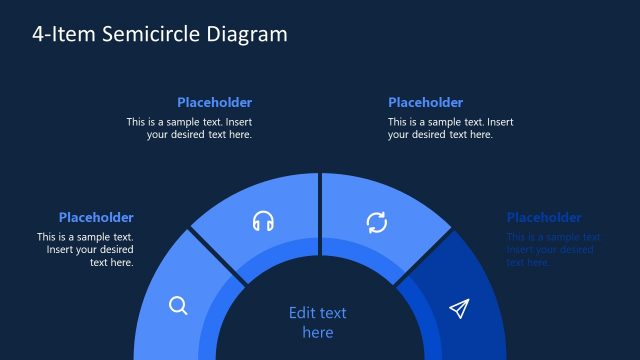
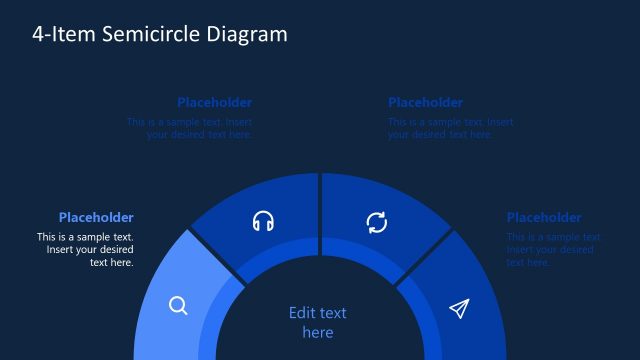
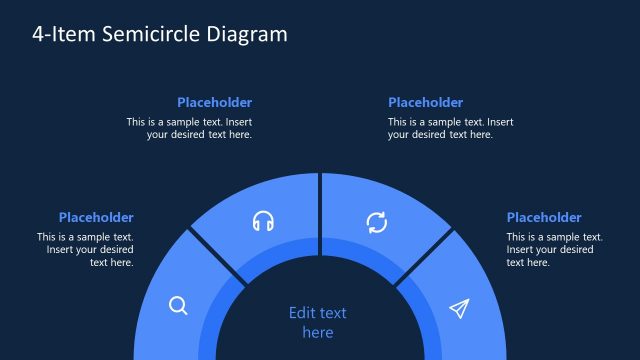
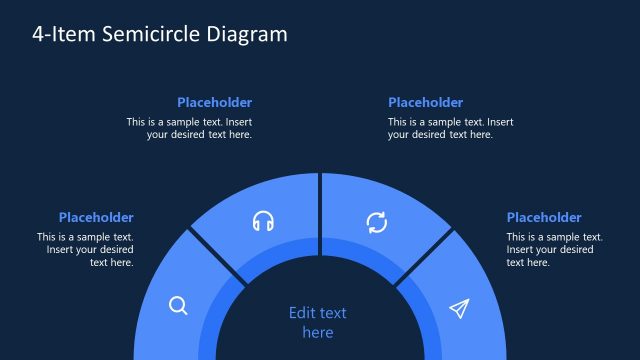
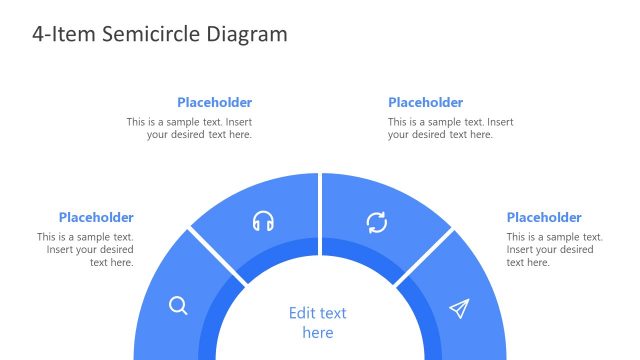
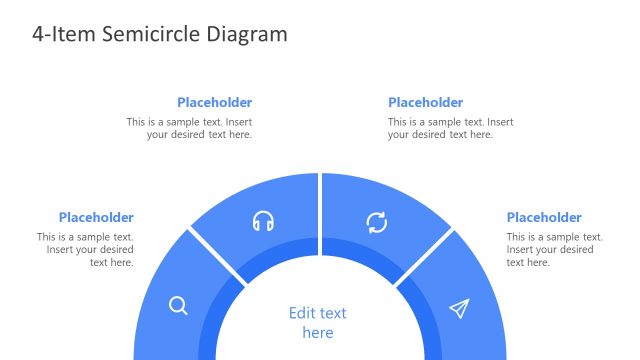
The slide features a semicircle diagram divided into four equal sections. Each section contains a circular icon and a text placeholder positioned above it. The icons represent different concepts and are visually distinct. The central area includes a larger placeholder labeled 'Edit text here.' The background is a dark blue color, providing contrast to the lighter blue sections of the diagram. The visual hierarchy emphasizes the title at the top, followed by the semicircle diagram and the central text area. The overall layout is symmetrical and balanced.
How to Use It
This layout serves as a visual representation of four related concepts or steps in a process. It fits well in a presentation that outlines a framework, strategy, or project phases. Suitable scenarios include project management discussions, marketing strategies, or product feature overviews. It can effectively communicate sequential or parallel ideas in a clear and engaging manner, making it useful for both team meetings and client presentations.
Text Placeholders & Capacity
Keep your copy within these limits so it fits without resizing. Node body slots can hold about 10 words each.
| Placeholder | Count | Max characters (approx.) |
|---|---|---|
| Slide title | 1 | 30 |
| Item body | 4 | 50 |
| Item heading | 4 | 20 |
| Body paragraph | 1 | 40 |
Slide Keywords
Download unlimited PowerPoint templates, charts and graphics for your presentations with our annual plan.
DOWNLOADReturn to 4-Item Semicircle Diagram for PowerPoint.