Slide 10 of 10 from 4-Item Semicircle Diagram for PowerPoint
4 Items Semi-Circle PowerPoint Diagram
4-Item Semicircle Diagram for Presentations
- Diagram
- Semicircle
- Process Slide
- 16:9
- 100% Editable
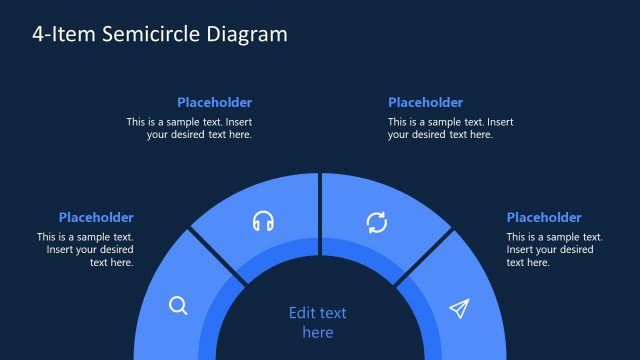
The 4-Item Semicircle Diagram slide from the 4-Item Semicircle Diagram for PowerPoint template offers a clear visual format ideal for business presentations. This slide layout uses editable shapes and vector icons arranged in a semicircle to highlight four key process steps or features. It suits project planning overviews, product feature highlights, and strategic initiative summaries, making it a practical choice for corporate presentation slide decks and pitch deck templates.
What’s on This Slide
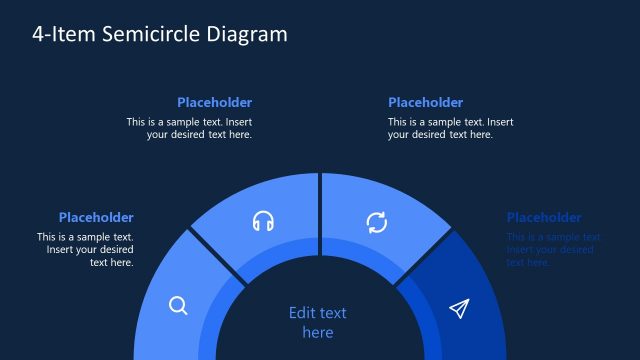
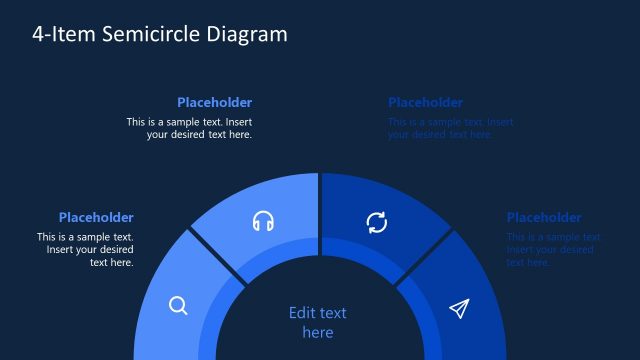
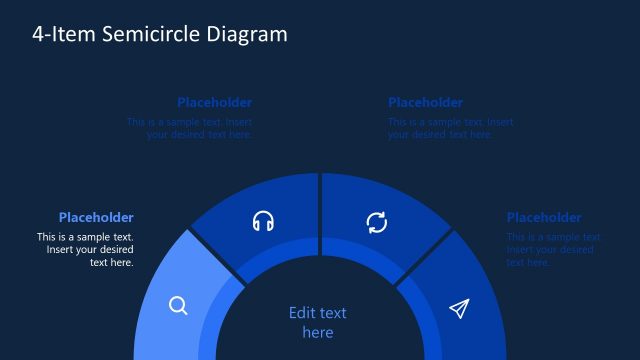
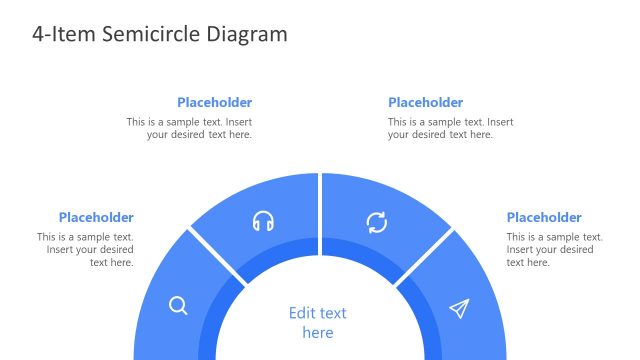
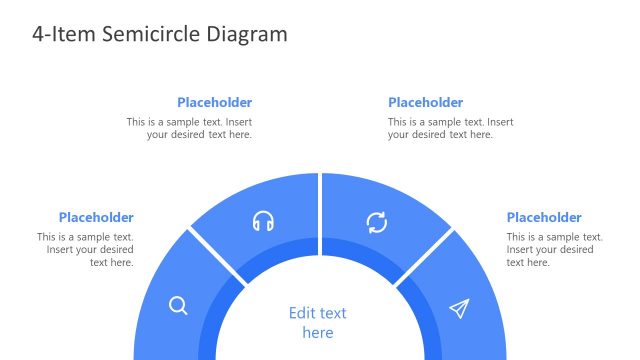
The layout features a semicircle divided into four sections, each containing a placeholder for text. The sections are positioned at the top left, top right, bottom left, and bottom right, with an 'Edit text here' placeholder at the center. Each section includes an icon: a headphone, a refresh symbol, a question mark, and a paper airplane. The background is a dark blue, providing contrast to the light blue and white elements. The visual hierarchy emphasizes the central text area, while the icons are uniformly sized and positioned within their respective sections.
How to Use It
This layout serves as a visual representation of four key items or steps in a process. It fits well in presentations that require a clear, structured format for outlining concepts or stages. This diagram is suitable for business scenarios such as project planning, product features, or strategic initiatives. It can be used to summarize information effectively, making it easy for the audience to grasp the main points at a glance.
Text Placeholders & Capacity
Keep your copy within these limits so it fits without resizing. Node body slots can hold about 10-12 words each.
| Placeholder | Count | Max characters (approx.) |
|---|---|---|
| Slide title | 1 | 30 |
| Item body | 4 | 50 |
| Callout | 1 | 30 |
Slide Keywords
Download unlimited PowerPoint templates, charts and graphics for your presentations with our annual plan.
DOWNLOADReturn to 4-Item Semicircle Diagram for PowerPoint.