4-Item Core Concept PowerPoint Template
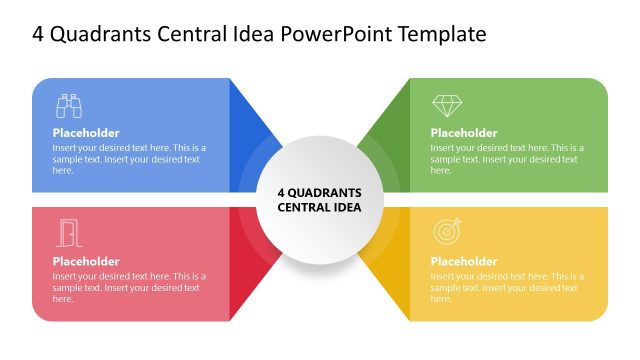
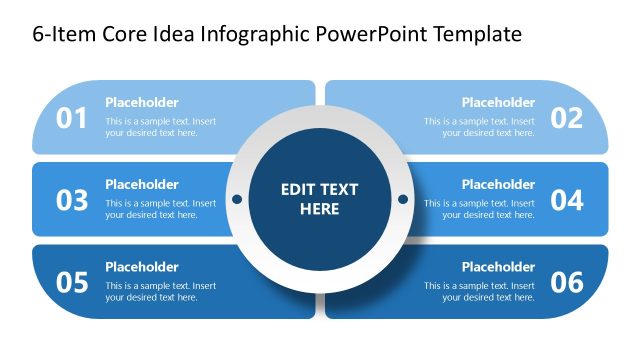
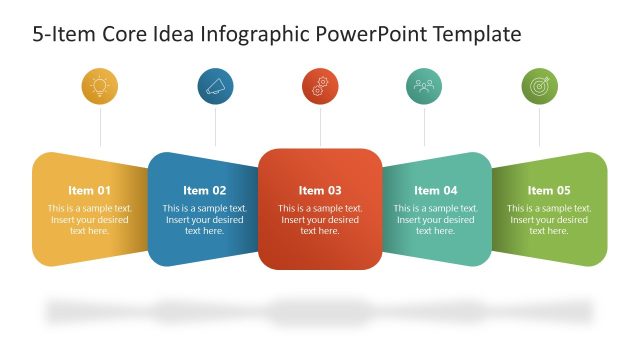
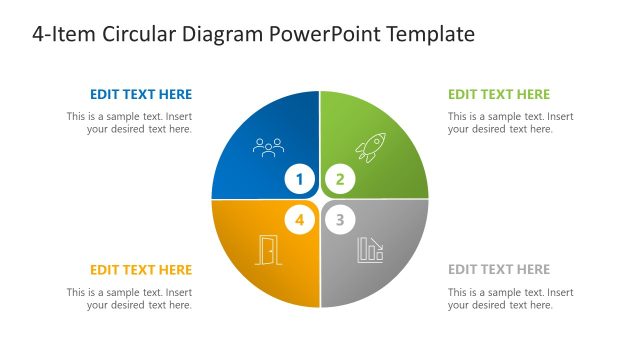
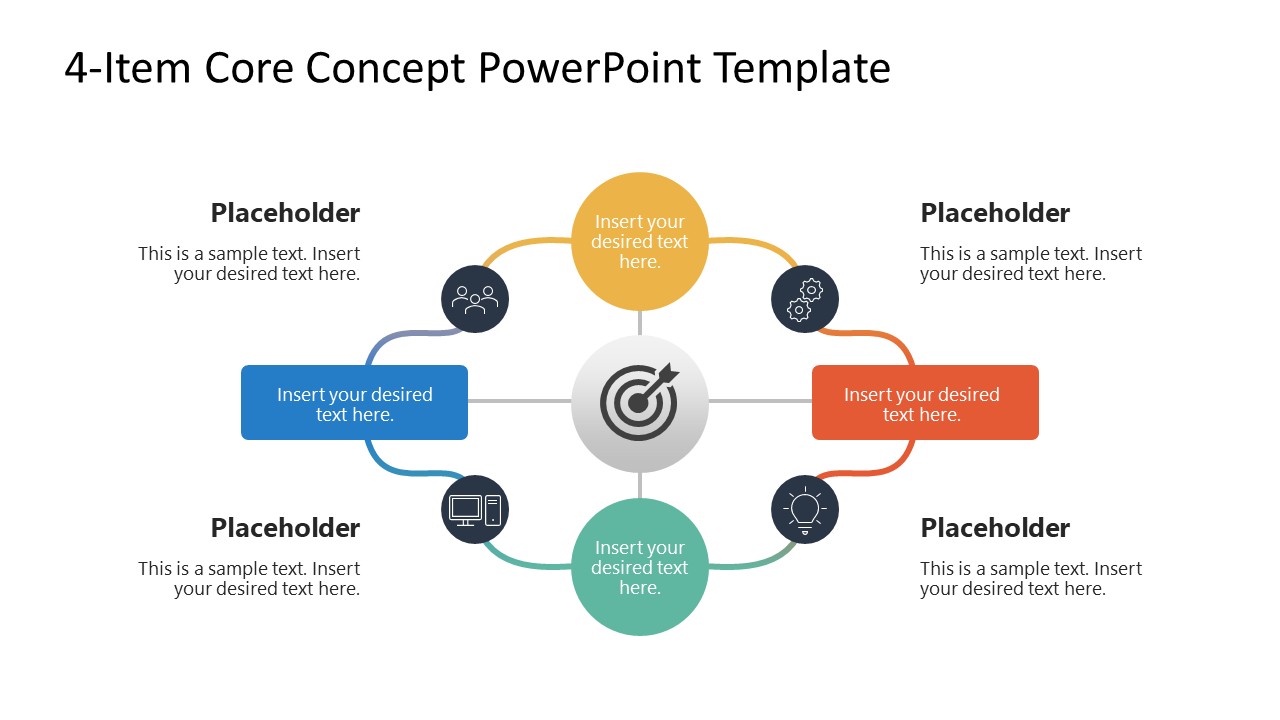
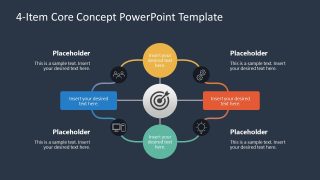
Explain a central concept through four related components in an organized way using the 4-Item Core Concept PowerPoint Template with a modern layout. Project managers use the infographic layout to present four milestone stages in the project lifecycle that are required to achieve a common objective. Product directors present the four pillars of a product strategy using four color-coded nodes radially arranged around the central target. The central target icon acts as a visual anchor with evenly distributed sections. In review presentations, the target illustrates the strategic objective, while the four segments describe the dimensions used to assess it. Corporate trainers use this diagram layout to clearly frame the four components of a professional development topic.
The 4-Item Core Concept PowerPoint Template features two slides with similar graphical arrangements, but the background color differs between the two slides. The first shows a white background, while the second places the diagram over a dark background. The layout e features a target in the center with four elements around it. The surrounding elements connect directly to the central target symbol with a continuous circular path. This represents a clear visual argument that the components contribute to the same related concept. A small icon badge next to each component lets presenters showcase a category or other tag. You can present a short label inside the shapes and descriptive text outside them to frame your ideas thoroughly.
Download the 4-item core concept PPT template to map four supporting factors around a central business objective. Also, explore our collection of four-step diagram templates to choose another design that fits your needs.

You must have an active subscription to download this file.
- Category
- Diagrams
- Rating
-

 Loading...
 - Size
- 16x9
- Item ID
- 23812-01
- Colors
Subscribe today and get immediate
access to download our PowerPoint templates.