Slide 2 of 4 from 4 Circle Venn Diagram for PowerPoint
4 Circles with Icons in Venn Diagram PPT
4 Circle Venn Diagram for PowerPoint
- Diagram
- Venn
- Comparison Slide
- 16:9
- 100% Editable
What’s on This Slide
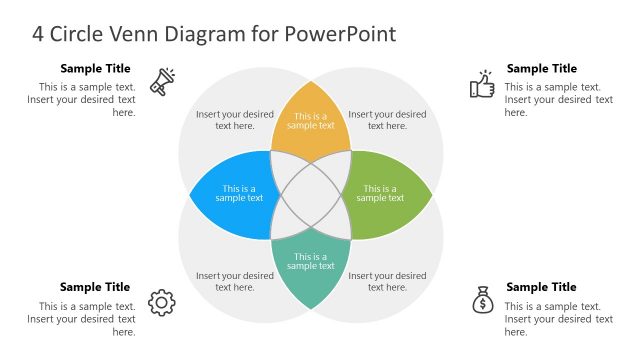
The layout features a central 4-circle Venn diagram with overlapping sections. Each circle is a distinct color: blue, orange, green, and light gray. The circles are arranged in a way that creates a central intersection area. Text placeholders are positioned within each circle, aligned centrally, and there are additional placeholders for titles on the left and right sides. The background is white, creating contrast with the colored circles. The overall composition is balanced, with a clear visual hierarchy emphasizing the central intersection.
How to Use It
This layout serves as a visual tool to illustrate relationships and intersections among four distinct concepts or categories. It fits well in presentations discussing collaborative projects, strategic planning, or comparative analysis. This diagram is useful for business scenarios where understanding overlapping areas is crucial, such as market analysis or product feature comparisons. It can be used effectively to engage audiences in discussions about shared goals or common challenges.
Text Placeholders & Capacity
Keep your copy within these limits so it fits without resizing. Node body slots can hold roughly 10-12 words each.
| Placeholder | Count | Max characters (approx.) |
|---|---|---|
| Slide title | 1 | 30 |
| Item body | 4 | 50 |
| Footer | 4 | 50 |
Slide Keywords
Download unlimited PowerPoint templates, charts and graphics for your presentations with our annual plan.
DOWNLOADReturn to 4 Circle Venn Diagram for PowerPoint.