Slide 1 of 4 from 4 Circle Venn Diagram for PowerPoint
4 Circles Venn Diagram Union PowerPoint
4 Circle Venn Diagram for PowerPoint
- Diagram
- Venn
- Comparison Slide
- 16:9
- 100% Editable
What’s on This Slide
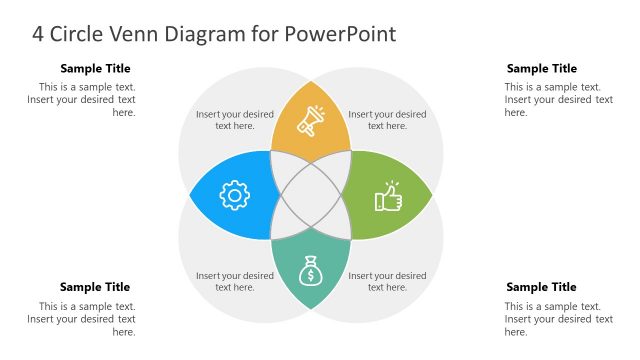
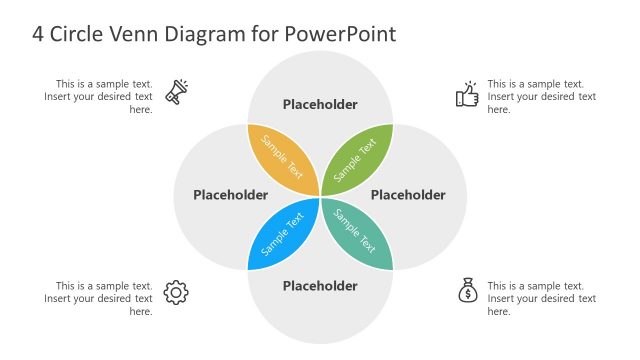
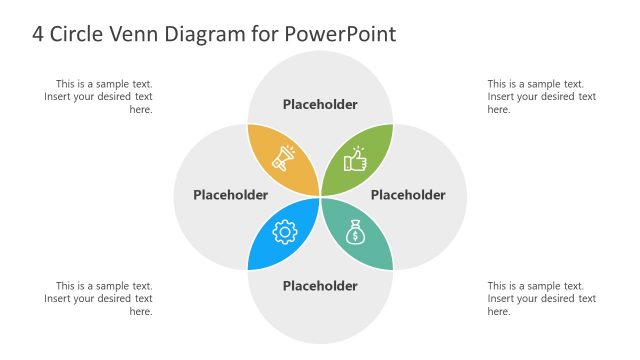
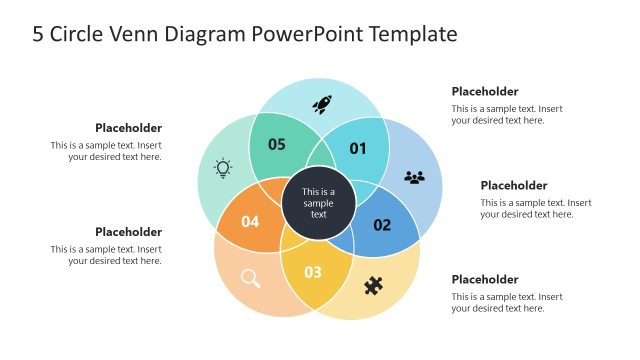
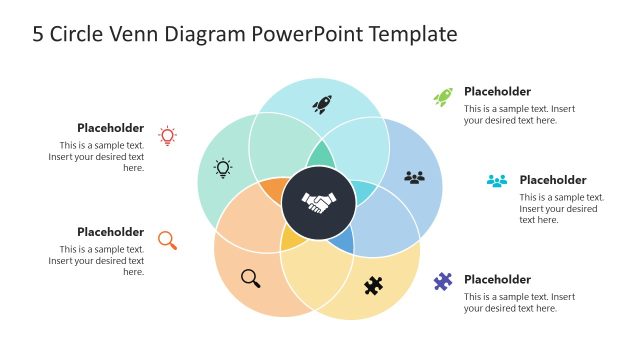
The layout features a central Venn diagram with four overlapping circles, each representing different categories. The circles are colored in blue, orange, green, and yellow. Each circle has a text placeholder in the center for labeling, with additional placeholders positioned around the diagram for supplementary text. The title is located at the top center, while four sample titles are placed around the diagram, each aligned to the left or right. The overall composition is symmetrical, with a light background enhancing visibility.
How to Use It
This layout serves as a visual tool for illustrating relationships and intersections among four distinct categories. It fits well in presentations that require comparison or analysis of overlapping concepts. Common applications include strategic planning, project management, and marketing analysis, where understanding the connections between different elements is crucial. This diagram can be used effectively in both collaborative discussions and formal presentations.
Text Placeholders & Capacity
Keep your copy within these limits so it fits without resizing. Node body slots can hold about 10 words each.
| Placeholder | Count | Max characters (approx.) |
|---|---|---|
| Slide title | 1 | 30 |
| Item heading | 4 | 30 |
| Item body | 4 | 50 |
Slide Keywords
Download unlimited PowerPoint templates, charts and graphics for your presentations with our annual plan.
DOWNLOADReturn to 4 Circle Venn Diagram for PowerPoint.