Slide 4 of 5 from 4-Circle Horizontal Process Flow Infographic PowerPoint Template
Four Step Infographic Circular Items Diagram
4-Circle Horizontal Process Flow Infographic
- Diagram
- Process Flow
- Process Slide
- 16:9
- 100% Editable
What’s on This Slide
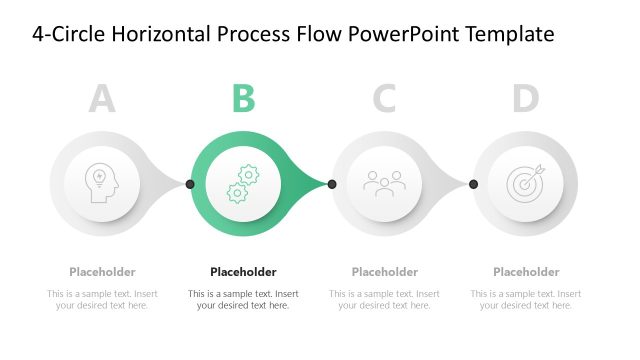
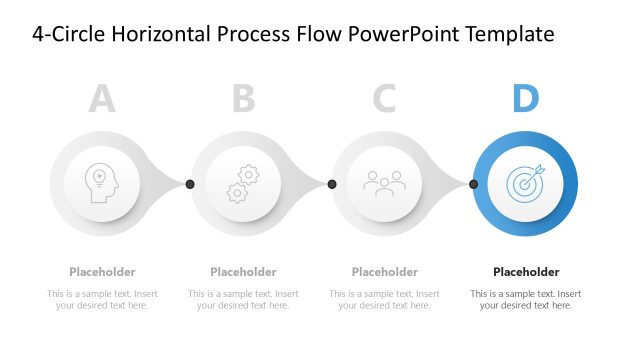
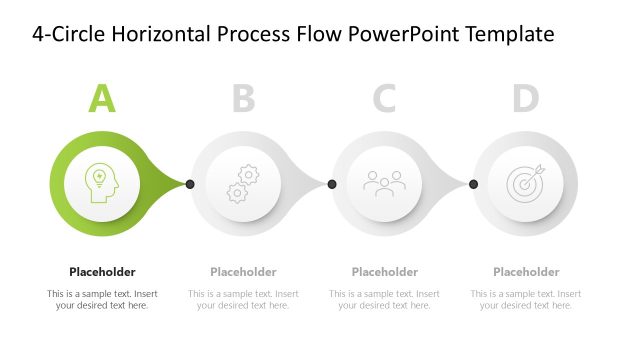
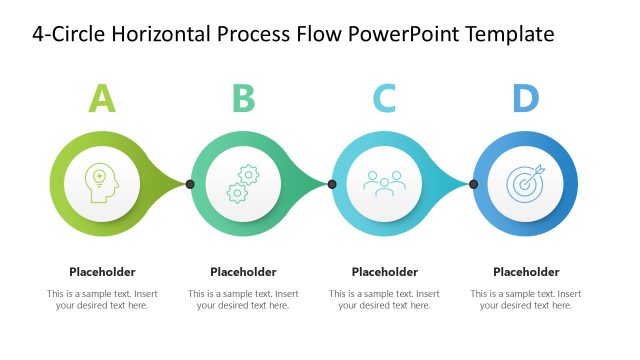
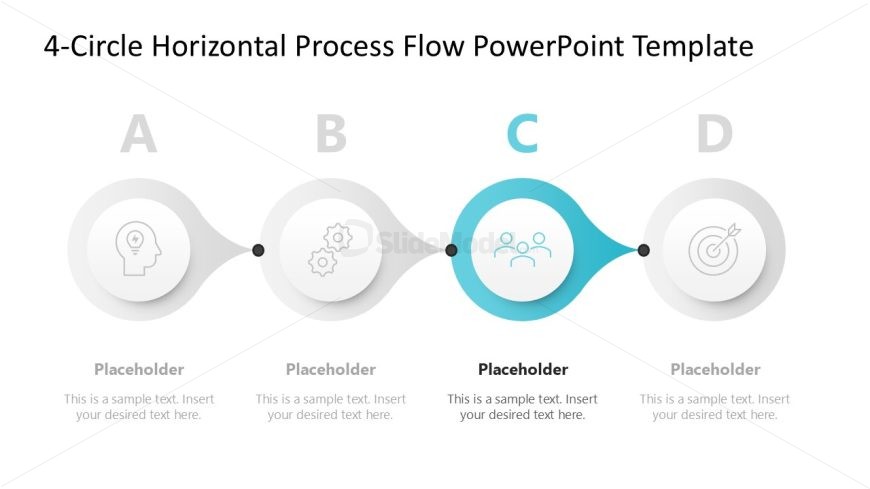
The layout features four circular nodes arranged horizontally. Each node is connected by a smooth, flowing line. The first two nodes on the left are gray with icons representing a head and gears. The third node, highlighted in teal, contains an icon of three people. The fourth node is gray with a target icon. Text placeholders are positioned below each node, aligned centrally, indicating where content can be inserted. The overall composition emphasizes the flow from left to right, creating a clear visual hierarchy.
How to Use It
This layout serves as a horizontal process flow diagram, ideal for illustrating sequential steps or stages in a process. It fits well in presentations discussing project phases, workflows, or timelines. In business contexts, it can be used to outline strategic initiatives, operational processes, or product development stages. This slide works effectively when presenting a clear progression of ideas or actions, making it suitable for both team meetings and client presentations.
Text Placeholders & Capacity
Keep your copy within these limits so it fits without resizing. Node body slots can hold about 10 words each.
| Placeholder | Count | Max characters (approx.) |
|---|---|---|
| Item heading | 4 | 20 |
| Item body | 4 | 50 |
Slide Keywords
Download unlimited PowerPoint templates, charts and graphics for your presentations with our annual plan.
DOWNLOADReturn to 4-Circle Horizontal Process Flow Infographic PowerPoint Template.