Slide 2 of 5 from 4-Circle Horizontal Process Flow Infographic PowerPoint Template
4-Circle Horizontal Process Diagram Template for PPT
4-Circle Horizontal Process Flow Infographic
- Diagram
- Process Flow
- Process Slide
- 16:9
- 100% Editable
What’s on This Slide
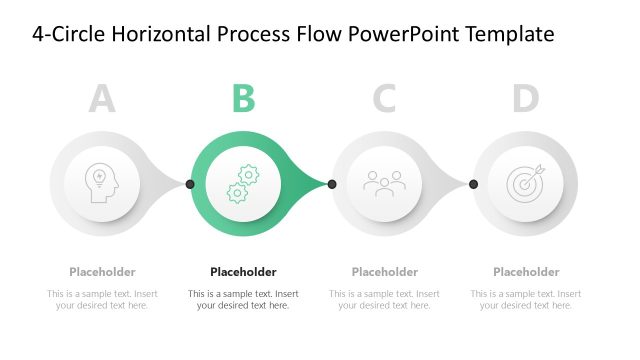
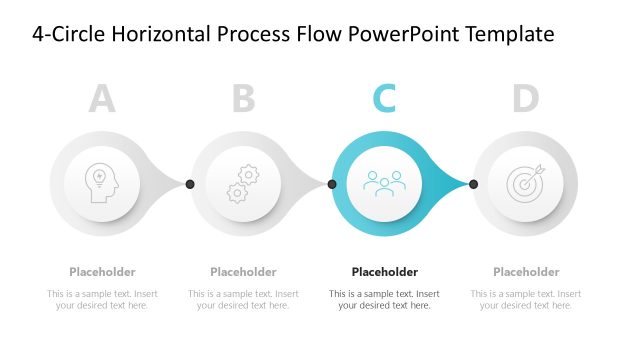
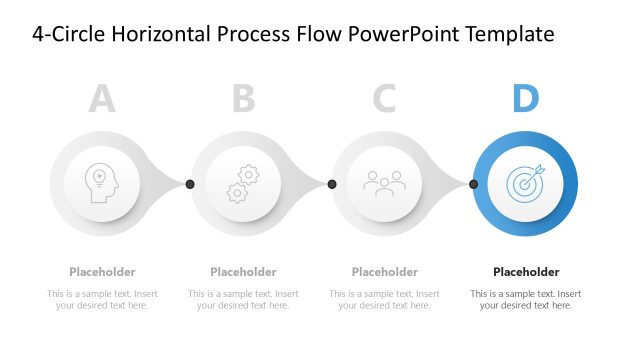
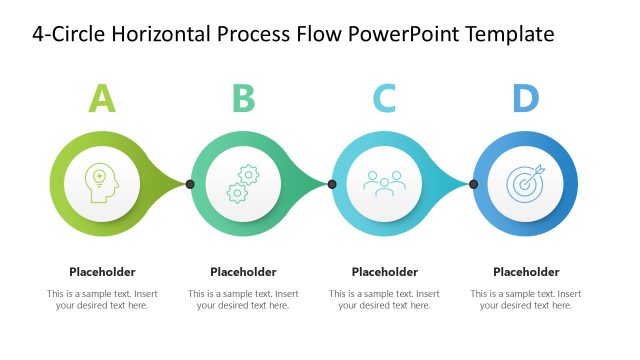
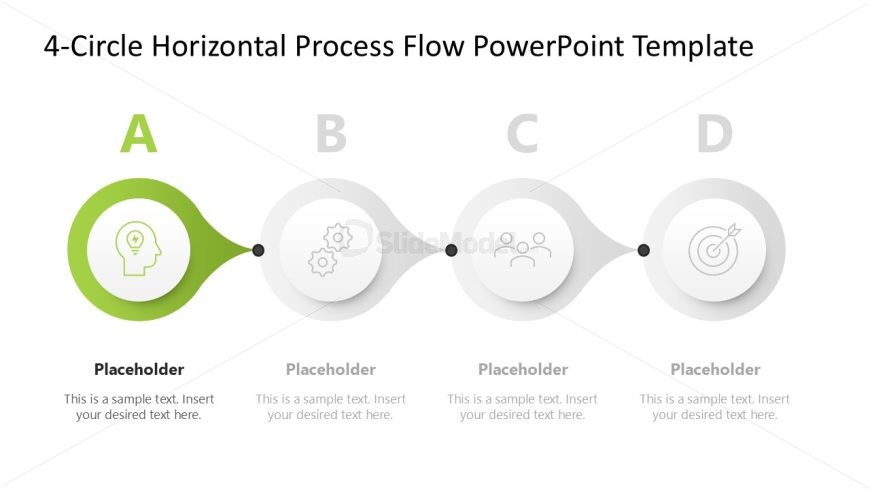
The layout features four circular nodes arranged horizontally. The first node on the left is highlighted in green, containing an icon of a head with a lightbulb. The second, third, and fourth nodes are gray, with icons representing gears, people, and a target, respectively. Each node has a corresponding text placeholder below it, aligned centrally. Connecting lines between the nodes create a flow effect. The background is white, providing contrast to the colored nodes, and the overall composition emphasizes the sequential nature of the process.
How to Use It
This layout serves as a horizontal process flow diagram, ideal for illustrating a sequence of steps or stages. It fits well after an introductory slide, providing clarity on a process or methodology. Common scenarios include project timelines, product development stages, or workflow explanations. The clear visual hierarchy aids in understanding complex processes by breaking them into manageable parts, making it suitable for business presentations and training sessions.
Text Placeholders & Capacity
Keep your copy within these limits so it fits without resizing. Node labels can hold about 30 characters each, while node bodies can hold around 50 characters.
| Placeholder | Count | Max characters (approx.) |
|---|---|---|
| Item heading | 4 | 30 |
| Item body | 4 | 50 |
Slide Keywords
Download unlimited PowerPoint templates, charts and graphics for your presentations with our annual plan.
DOWNLOADReturn to 4-Circle Horizontal Process Flow Infographic PowerPoint Template.