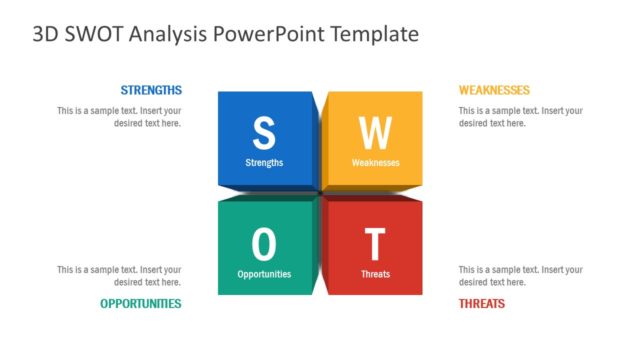
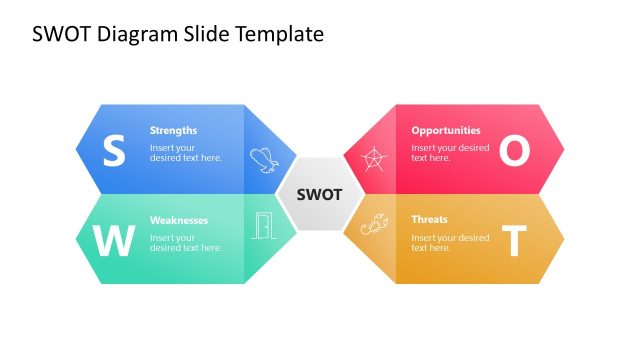
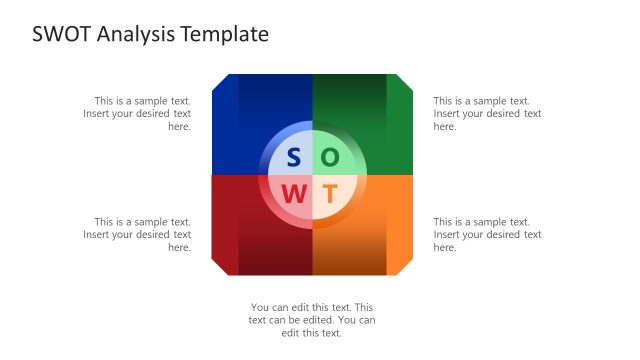
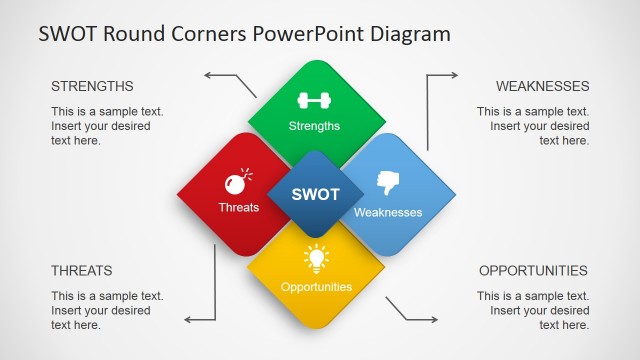
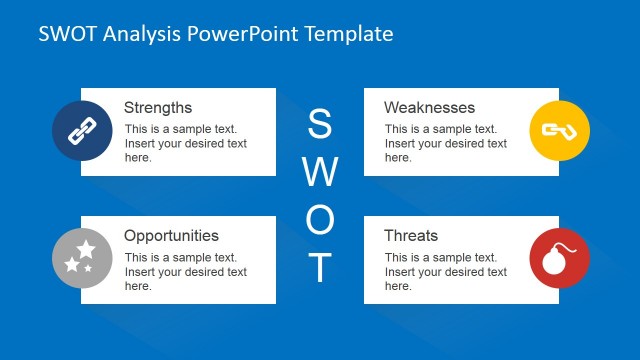
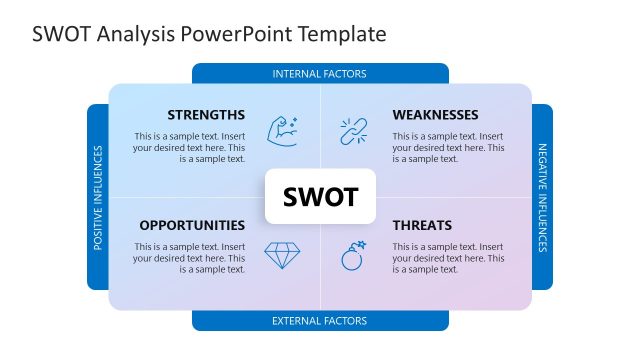
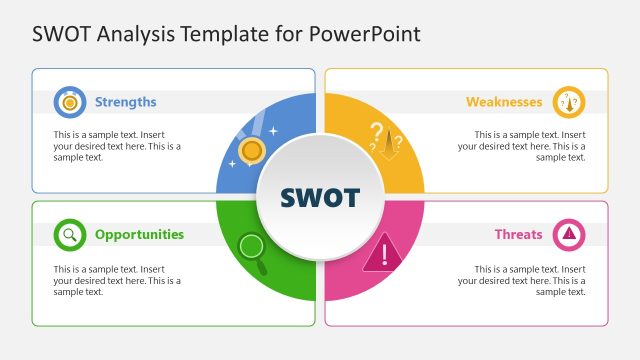
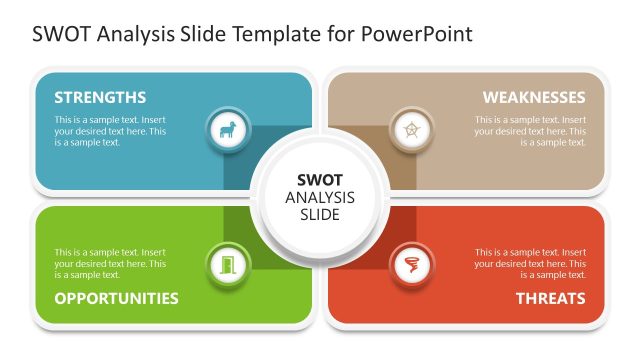
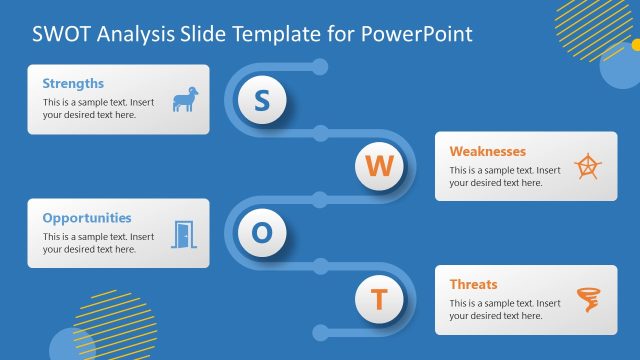
3D SWOT PowerPoint Template is a presentation design template for PowerPoint that you can use to make a SWOT Analysis PowerPoint presentation.
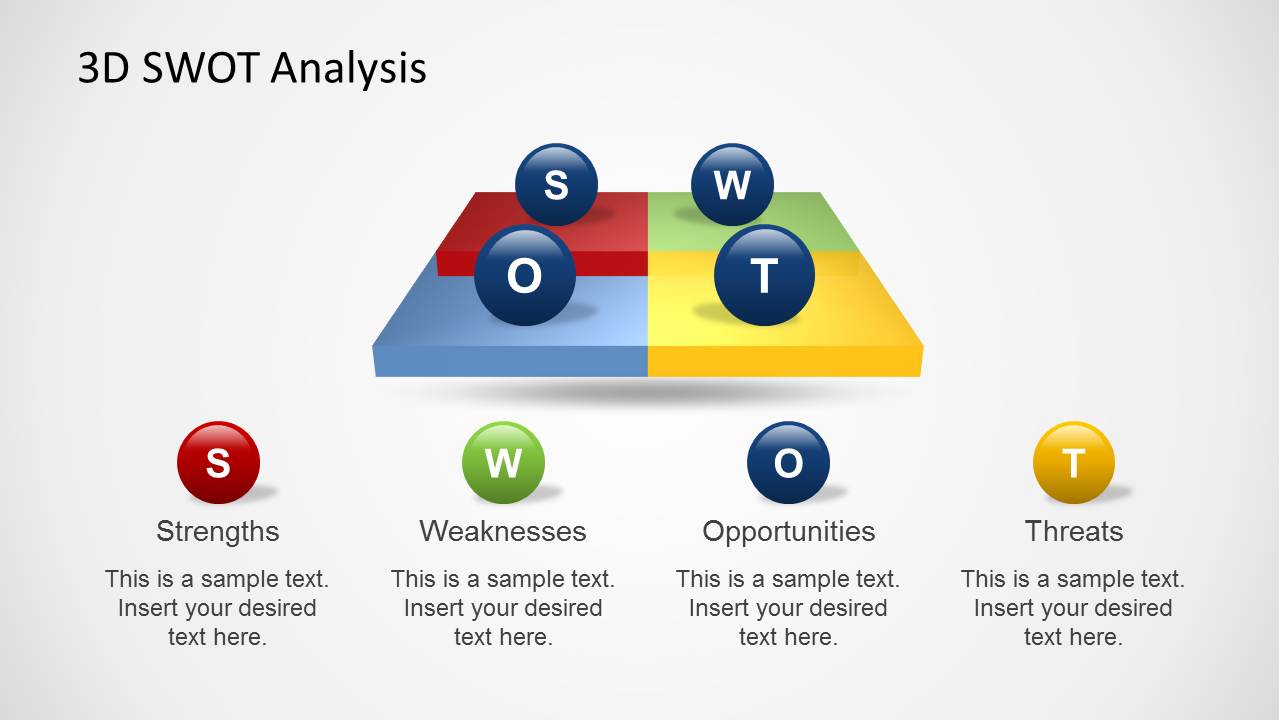
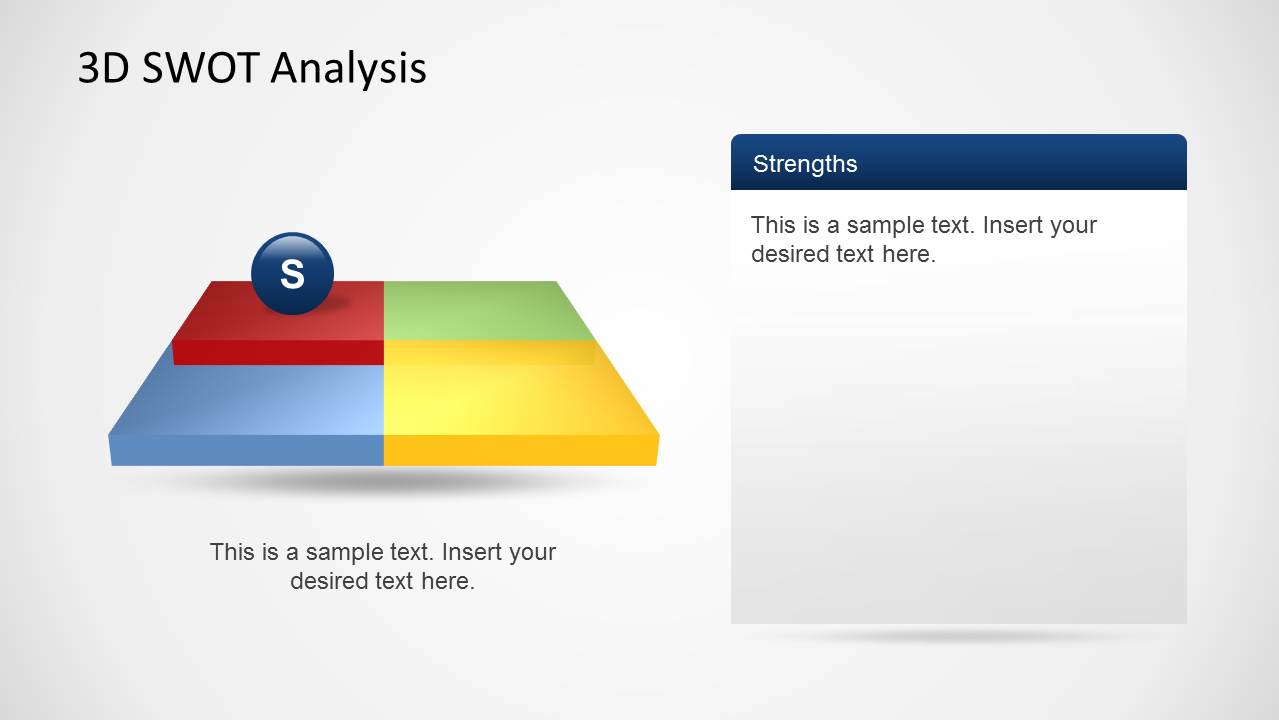
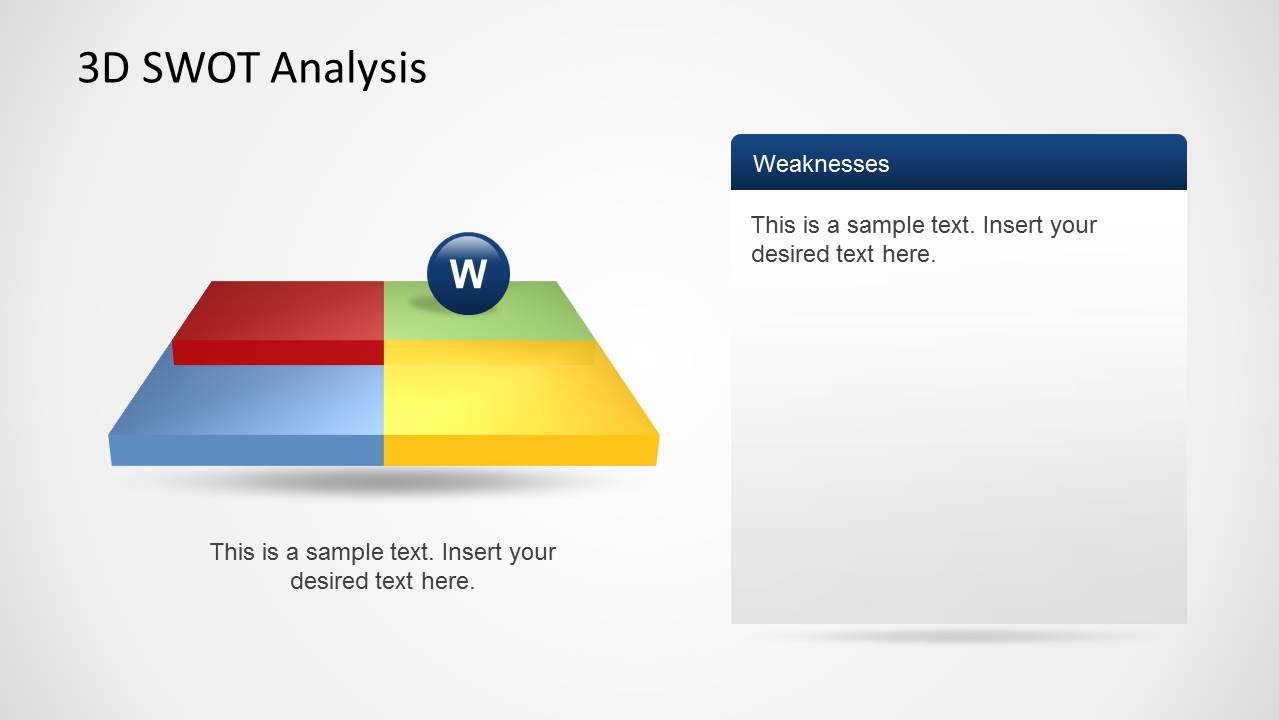
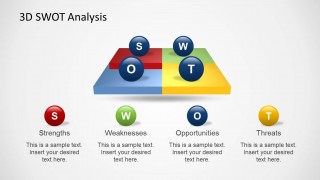
The 3D slides make it possible to not only create a standalone SWOT diagram but also to highlight and explain different aspects of the analysis with relevant text.
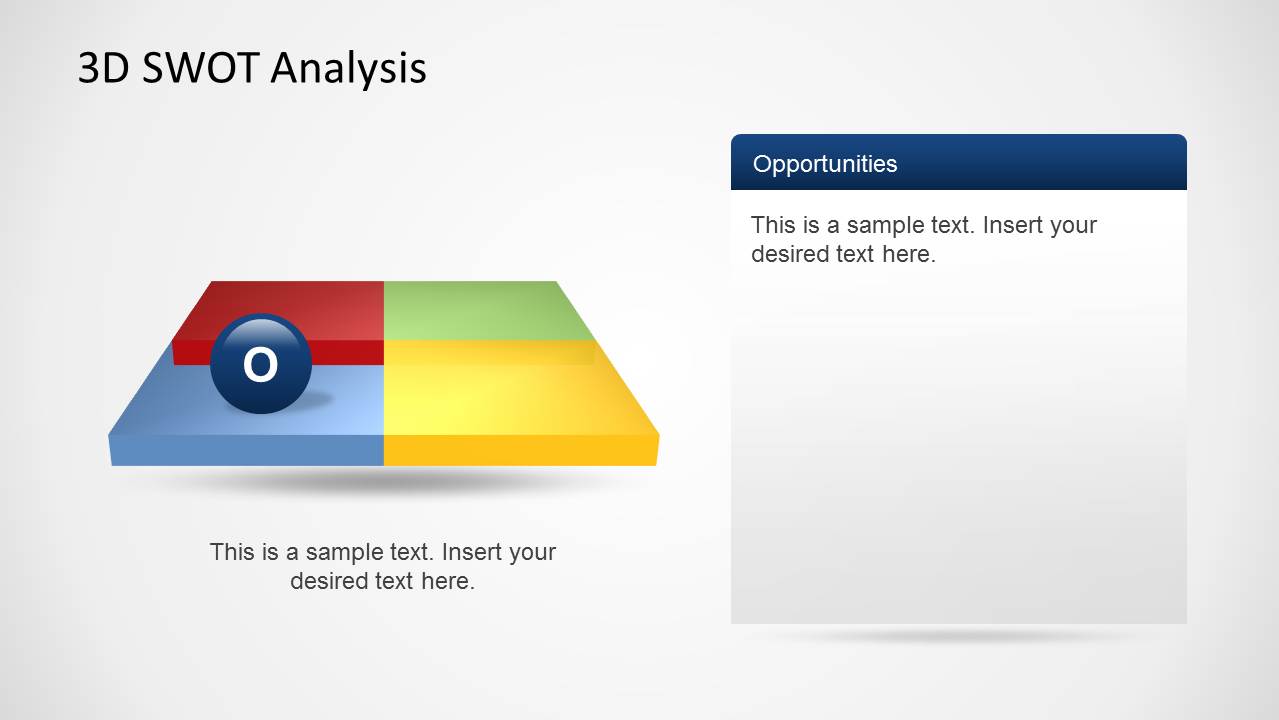
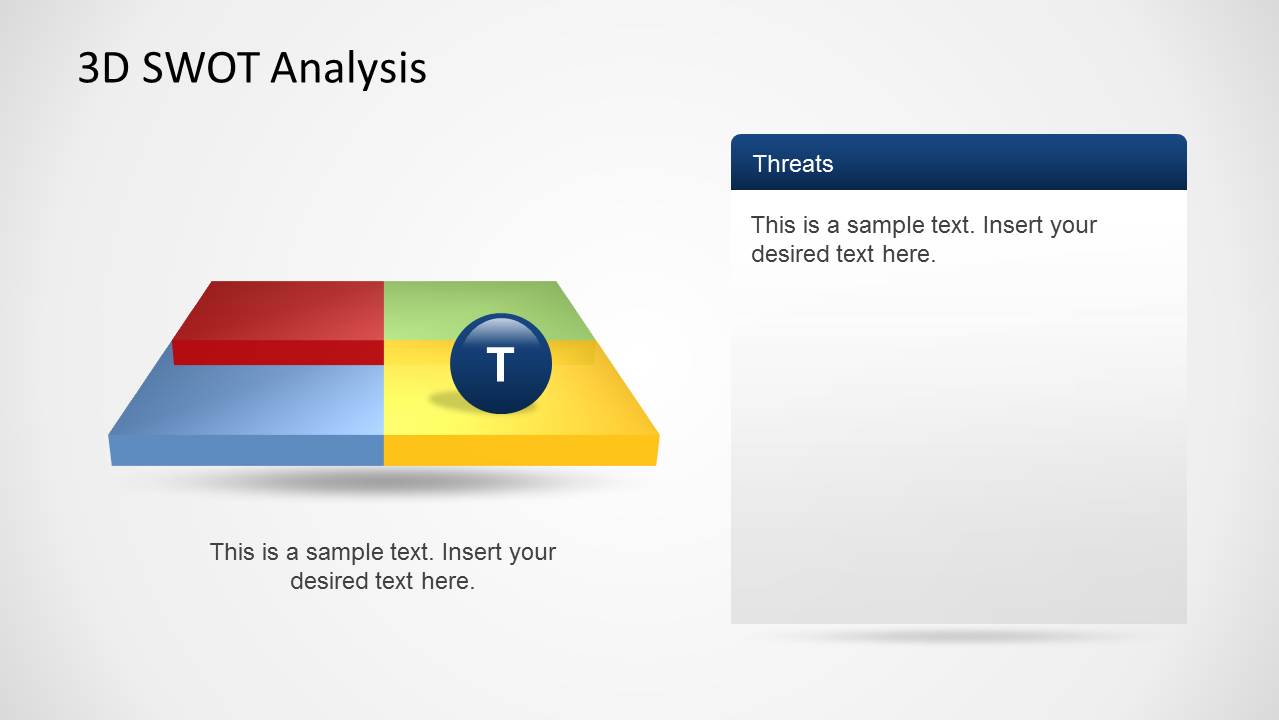
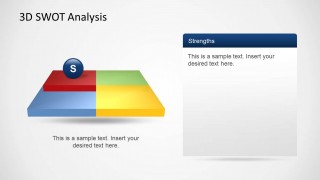
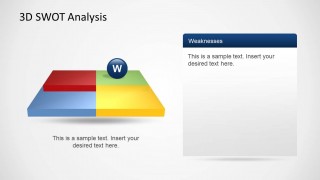
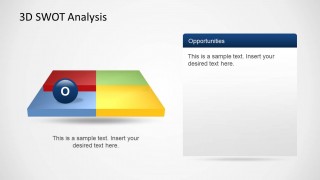
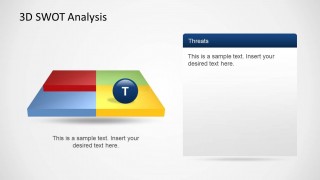
The editable slides provide sample diagram layouts for making the complete SWOT analysis and individual slides for explaining each aspect of the diagram in detail, such as Strengths, Weaknesses, Opportunities and Threats associated with a business venture.
What’s inside this template
Example presentation scenarios
- A consultant can use the 3D SWOT overview to align executives on the four strategic categories before discussing recommendations.
- A product manager can present the Strengths and Weaknesses detail slides to compare internal capabilities during a roadmap planning meeting.
- A startup founder can use the Opportunities and Threats detail slides to explain market upside and external risks to advisors or investors.
- A strategy team can use the separate quadrant slides in a workshop to collect comments, refine wording, and build a shared SWOT summary.
Features
- 100% editable presentation template
- Compatible with Microsoft PowerPoint and Google Slides
- Scalable vector shapes, icons and illustrations
- AI-Ready for Microsoft Copilot and Claude
- Instant access and download
Frequently asked questions
Q: How should a presenter structure the SWOT message with this template?
A: Start with Slide 1 to define the overall situation and keep the four SWOT categories visible at once. Then move through the individual Strengths, Weaknesses, Opportunities, and Threats slides to explain one idea set at a time. Keep each detail slide focused on a few specific points so the 3D diagram remains a navigation aid, not decoration.
Q: Who is this SWOT template best suited for?
A: This template fits presenters who need to discuss a strategic position quickly with managers, clients, founders, or planning teams. It works well for business reviews, market assessments, project kickoff meetings, and consulting readouts where the audience must understand internal factors and external conditions before deciding on next steps.
Q: Why use the 3D quadrant platform instead of a flat SWOT table?
A: The raised 3D platform gives the SWOT model a spatial metaphor: each letter marker lands on a distinct area while still belonging to the same strategic surface. That helps audiences see the four categories as connected parts of one analysis, while the separate detail slides reduce crowding and support a guided explanation.
3D SWOT PowerPoint Template
5-slide PowerPoint presentation template with 3D SWOT quadrants and strategy analysis detail slides
The 3D SWOT PowerPoint Template is a 5-slide strategy deck for building a SWOT analysis in PowerPoint. It includes a four-quadrant 3D SWOT overview, separate Strengths, Weaknesses, Opportunities, and Threats detail slides, round letter markers, and editable text panels for business planning teams and consultants.


 Loading...
 Microsoft PowerPoint
  Microsoft Copilot
  Claude for PowerPoint
 Other formats supported
Subscribe today and get immediate
access to download our PowerPoint templates.