Slide 2 of 10 from 3D Puzzle Diagram PowerPoint Templates
3D Puzzle Box PowerPoint Templates
3D Puzzle Diagram Design for Presentations
- Diagram
- Process Flow
- Process Slide
- 16:9
- 100% Editable
What’s on This Slide
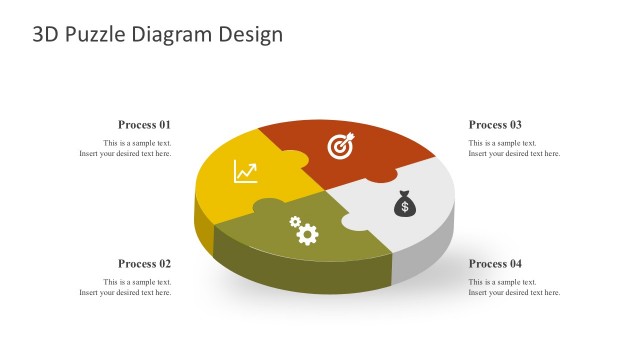
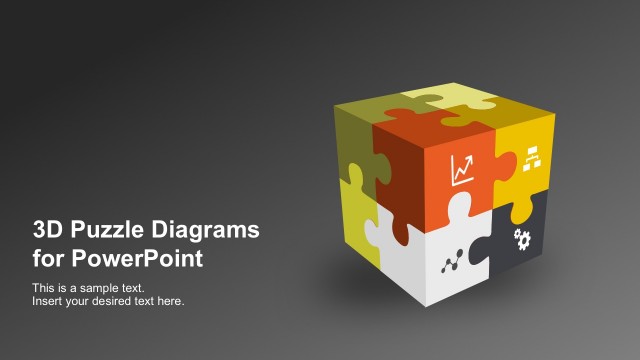
The slide features a 3D puzzle cube positioned centrally, with four colored puzzle pieces visible on its sides. Each piece contains an icon representing different processes, such as a graph, hierarchy, and gears. To the right, there are four vertically aligned text placeholders labeled 'Process 01' to 'Process 04,' each accompanied by a corresponding icon. The text placeholders are aligned to the right and are structured to allow for descriptions. The overall layout is balanced, with a clear visual hierarchy emphasizing the cube and the process labels.
How to Use It
This layout serves as a visual representation of a multi-step process or framework, making it suitable for explaining sequential tasks or concepts. It fits well in a presentation sequence after introducing a problem or concept, transitioning into detailed steps. Ideal scenarios include project management discussions, product development phases, or strategic planning sessions, where clarity in process representation is essential. The design allows for easy customization of text and icons to match specific content needs.
Text Placeholders & Capacity
Keep your copy within these limits so it fits without resizing. Node body slots can accommodate roughly 10-12 words each.
| Placeholder | Count | Max characters (approx.) |
|---|---|---|
| Slide title | 1 | 30 |
| Item heading | 4 | 20 |
| Item body | 4 | 50 |
Slide Keywords
Download unlimited PowerPoint templates, charts and graphics for your presentations with our annual plan.
DOWNLOADReturn to 3D Puzzle Diagram PowerPoint Templates.