Slide 5 of 7 from 3D Cylinder Chart Template for PowerPoint
6065-01-3d-cylinder-chart-5
3D Cylinder Chart for Data Presentation
- Chart
- Bar Vertical
- Evaluation Slide
- 16:9
- 100% Editable
The 3D Cylinder Chart with Text Placeholders slide from the 3D Cylinder Chart Template for PowerPoint offers a structured layout ideal for business presentations requiring clear data visualization. Featuring editable shapes and a subtle world map background, this slide supports detailed market analysis and performance reviews within a professional slide deck.
What’s on This Slide
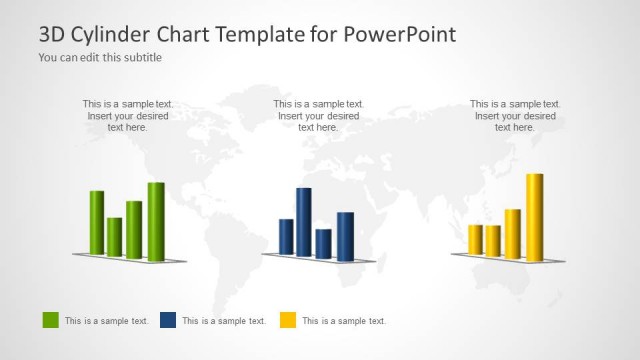
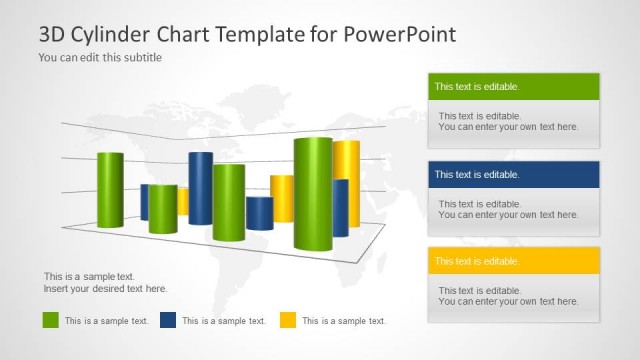
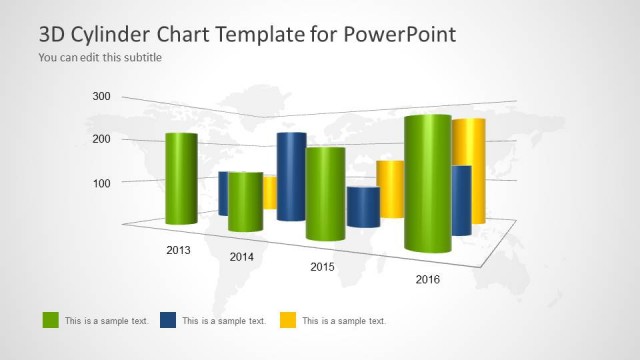
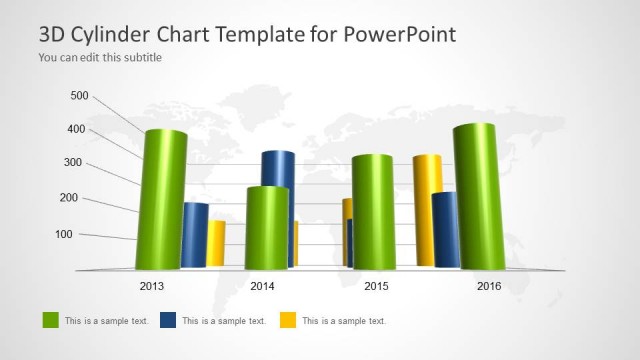
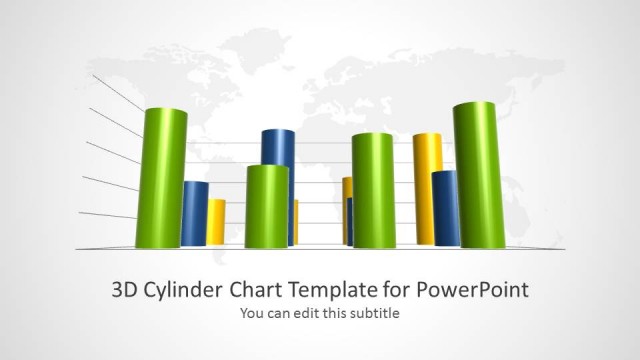
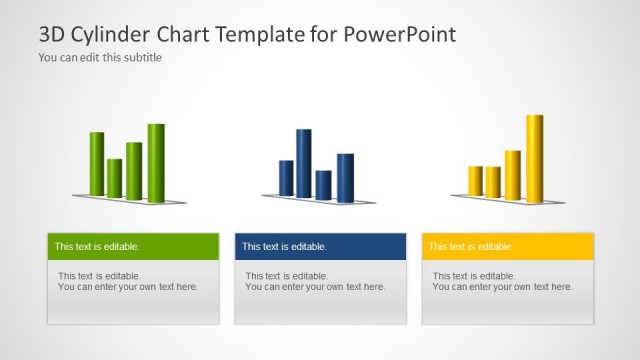
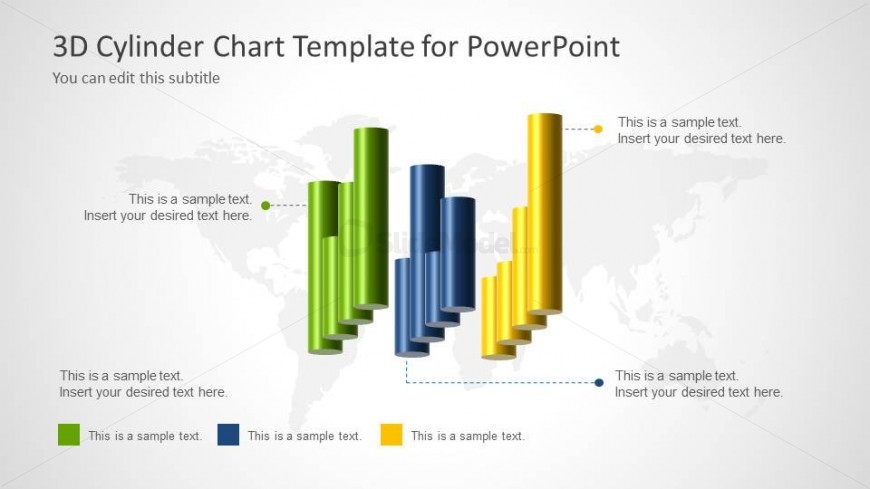
The slide features a 3D cylinder chart positioned centrally, displaying multiple colored cylinders in green, yellow, and blue. Each cylinder represents a data category and varies in height, indicating different values. Text placeholders are located above and below the chart, aligned to the left and right, with additional placeholders at the bottom for further descriptions. A subtle world map is visible in the background, enhancing the visual context without overpowering the chart. The overall layout is clean and structured, emphasizing the data presentation.
How to Use It
This layout serves as a data visualization tool, ideal for comparing categories over time or by segment. It fits well in a presentation sequence following introductory slides, providing a detailed analysis of trends or performance metrics. Suitable for business scenarios such as sales reports, market analysis, or project evaluations, this slide allows for clear communication of complex data. It can be used individually or as part of a series to present comprehensive data insights.
Text Placeholders & Capacity
Keep your copy within these limits so it fits without resizing. Body slots can hold roughly 5-6 words each.
| Placeholder | Count | Max characters (approx.) |
|---|---|---|
| Slide title | 1 | 30 |
| Subtitle | 1 | 30 |
| Item body | 3 | 30 |
| Body paragraph | 4 | 30 |
Slide Keywords
Download unlimited PowerPoint templates, charts and graphics for your presentations with our annual plan.
DOWNLOADReturn to 3D Cylinder Chart Template for PowerPoint.