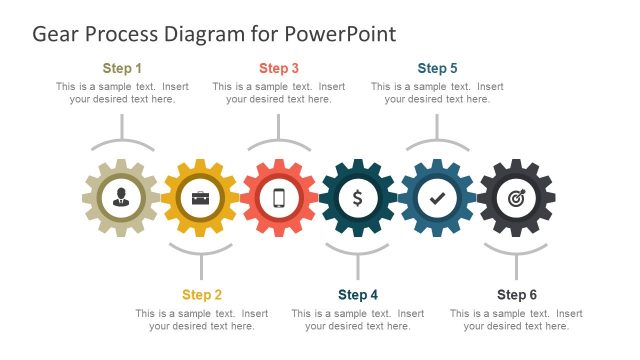
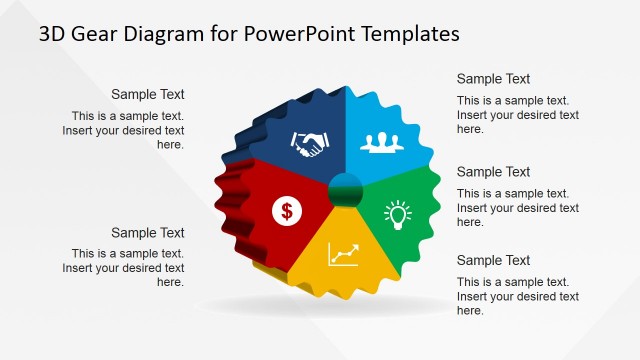
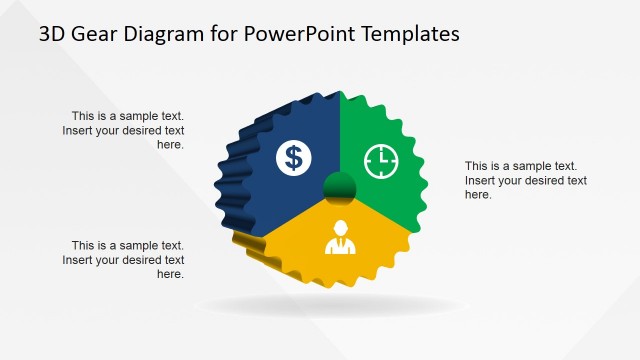
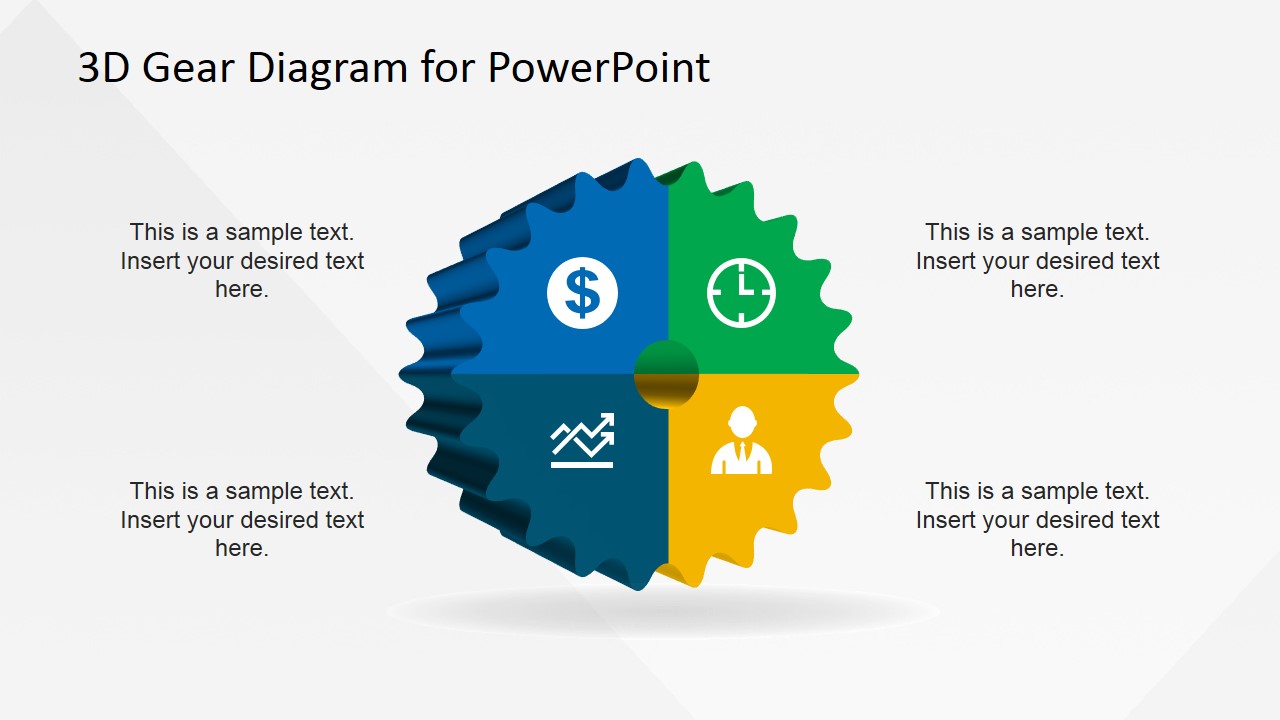
3D Gear Diagram Template for PowerPoint is a 3D diagram design created in PowerPoint that you can use to describe a circular process flow.
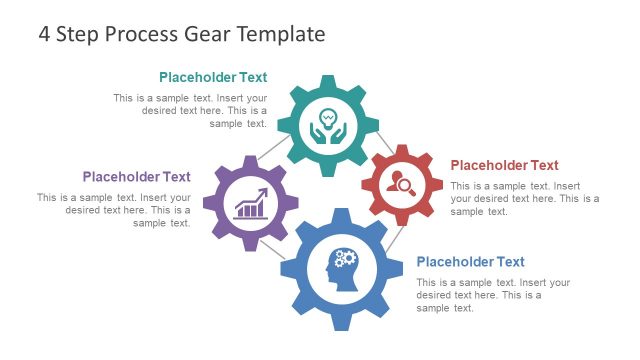
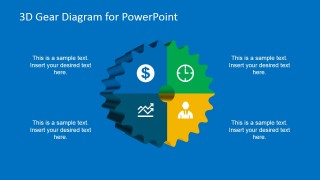
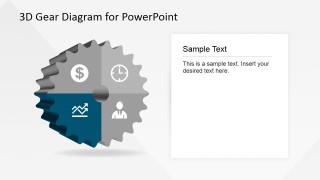
You can download this 3D Gear diagram design to prepare presentations with catchy diagrams that help to describe a process or work flow in a PowerPoint presentation. It contains four components inside the 3D gear illustration with PowerPoint icons. There are several slides included in this PowerPoint with different gear layouts but keeping the same color and design consistency.
Alternatively you can download other diagrams and PowerPoint templates for presentations including process flow PowerPoint templates and workflow slide designs.
What’s inside this template
Example presentation scenarios
- An operations manager can use the four-quadrant gear overview to explain how finance, timing, performance, and people-related workstreams connect inside one process.
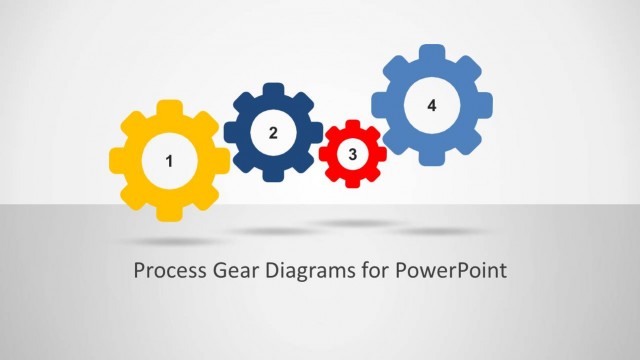
- A consultant can use the interlocking gear cluster to show a client how separate initiatives depend on each other within an operating model.
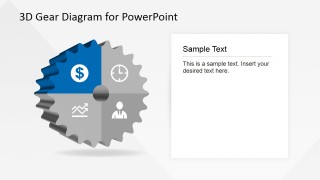
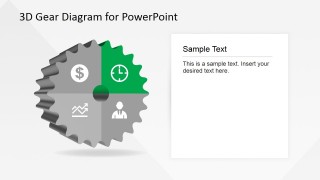
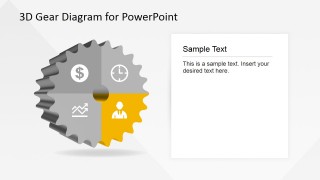
- A project leader can use the highlighted quadrant detail slides to walk stakeholders through each process component without crowding the overview slide.
- A team lead can use the blue-background overview slide to open a workflow discussion where four responsibilities need equal visual weight.
Features
- 100% editable presentation template
- Compatible with Microsoft PowerPoint and Google Slides
- Scalable vector shapes, icons and illustrations
- AI-Ready for Microsoft Copilot and Claude
- Instant access and download
Frequently asked questions
Q: How should a presenter explain the four-part gear without overloading the audience?
A: Start with the full gear overview to name the four parts and define the central relationship. Then move to the quadrant detail slides, giving each icon and color one clear message. Keep the text card short on each detail slide so the audience remembers the part-to-whole connection.
Q: Who is this gear diagram template best suited for?
A: It works best for presenters explaining systems where parts must move together: operations managers, consultants, project leaders, and department heads. The four-quadrant gear and interlocking gear cluster help them present process steps, business capabilities, or workstreams as connected rather than isolated tasks.
Q: Why use a gear metaphor for this kind of process message?
A: Gears imply motion, dependency, and coordination, which makes them effective for workflows where one area affects the next. The overview slide shows the whole mechanism, while the isolated quadrant slides give the presenter room to explain each component. This prevents the process from feeling like a disconnected list.
You may also like:


3D Gear Diagram Template for PowerPoint
7-slide presentation template for 3D gear process diagrams, interlocking gears, and quadrant callouts
This 7-slide diagram template presents a circular process with 3D gear visuals for Microsoft PowerPoint and Google Slides. It includes a four-part gear overview, an interlocking gear cluster, highlighted quadrant detail slides, and icon callouts for business process, workflow, operations, or capability discussions.


 Loading...
 Microsoft PowerPoint
  Microsoft Copilot
  Claude for PowerPoint
 Other formats supported
Subscribe today and get immediate
access to download our PowerPoint templates.