Slide 7 of 7 from 3D Four Steps List PowerPoint Template
4 Steps 3D Bar Diagram PPT
3D Four Steps List PowerPoint Slide
- Diagram
- Other
- Process Slide
- 16:9
- 100% Editable
What’s on This Slide
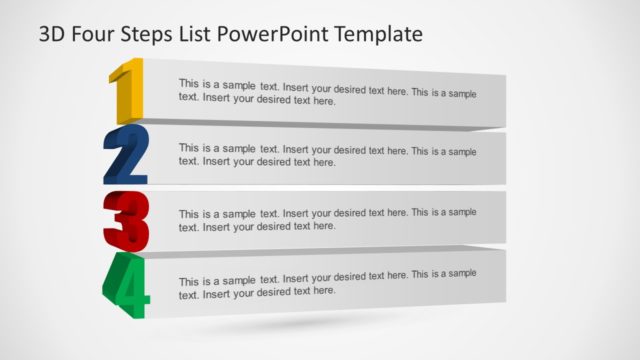
The layout features four 3D blocks arranged horizontally, each representing a step. The blocks are numbered from one to four, with the first block on the left and the fourth on the right. Each block has a different color: yellow, blue, red, and green. Text placeholders are positioned within each block, aligned to the center, allowing for insertion of specific content. The background is a light gradient, enhancing the visibility of the colorful blocks. The overall composition emphasizes a clear progression from step one to step four.
How to Use It
This layout serves as a sequential representation of a four-step process or framework. It is suitable for presentations that outline stages in a project, product development, or strategic planning. Positioned towards the end of a presentation, it effectively summarizes key points or actions. This slide can be used in business contexts where clear, visual communication of steps is essential, such as training sessions, workshops, or project updates.
Text Placeholders & Capacity
Keep your copy within these limits so it fits without resizing. Each text slot can hold a moderate amount of text, roughly 3-5 words for labels and 10-15 words for body text.
| Placeholder | Count | Max characters (approx.) |
|---|---|---|
| Item heading | 4 | 20 |
| Item body | 4 | 50 |
Slide Keywords
Download unlimited PowerPoint templates, charts and graphics for your presentations with our annual plan.
DOWNLOADReturn to 3D Four Steps List PowerPoint Template.