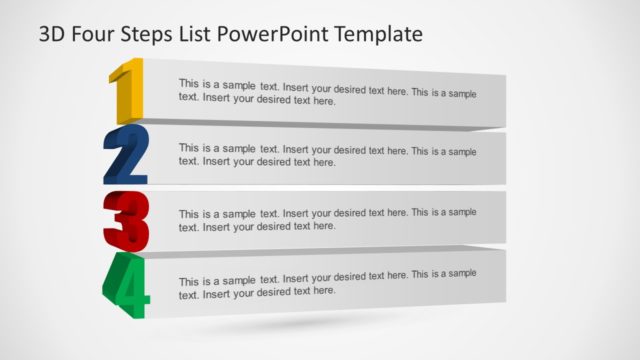
Slide 5 of 7 from 3D Four Steps List PowerPoint Template
4 Step of 3D PowerPoint
3D Four Steps List PowerPoint Template
- Text Layout
- Bullet List
- Process Slide
- 16:9
- 100% Editable
What’s on This Slide
The slide features a prominent green number '4' positioned at the bottom left. To the right, a 3D rectangular shape serves as a text container, with a placeholder for sample text aligned centrally within it. The background is light, enhancing the visibility of the elements. The title is positioned at the top, centered above the main content. The overall layout emphasizes the number while providing space for detailed text, maintaining a clear visual hierarchy and separation between elements.
How to Use It
This layout is ideal for presenting a four-step process or list in a sequential manner. It fits well in a presentation sequence after introducing a problem or concept, allowing for a clear transition into actionable steps. Common scenarios include project planning, product development stages, or outlining strategic initiatives. The design supports clarity and focus on each step, making it suitable for business presentations and educational contexts.
Text Placeholders & Capacity
Keep your copy within these limits so it fits without resizing. Text slots are spacious, allowing for detailed content without overflow.
| Placeholder | Count | Max characters (approx.) |
|---|---|---|
| Slide title | 1 | 30 |
| Body paragraph | 1 | 100 |
Slide Keywords
Download unlimited PowerPoint templates, charts and graphics for your presentations with our annual plan.
DOWNLOADReturn to 3D Four Steps List PowerPoint Template.