Slide 2 of 7 from 3D Four Steps List PowerPoint Template
1 Step of 3D PowerPoint
3D Step One Layout for Presentations
- Text Layout
- Single Statement
- Process Slide
- 16:9
- 100% Editable
What’s on This Slide
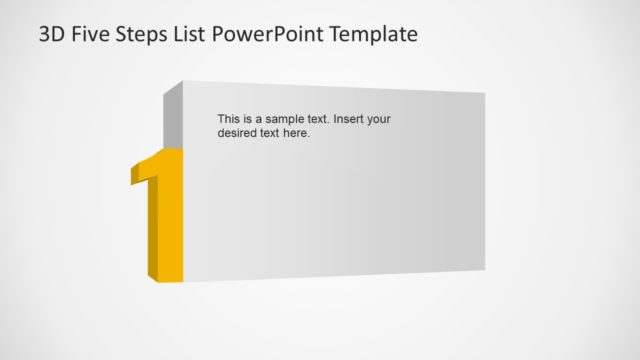
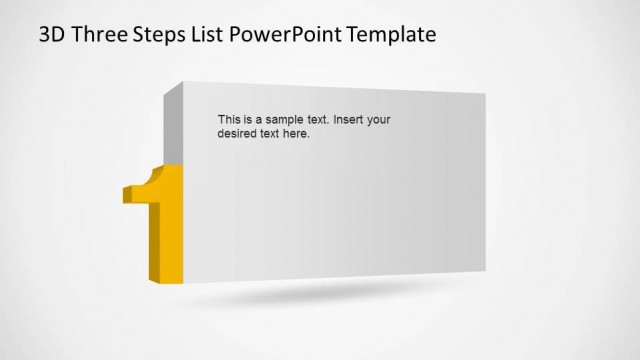
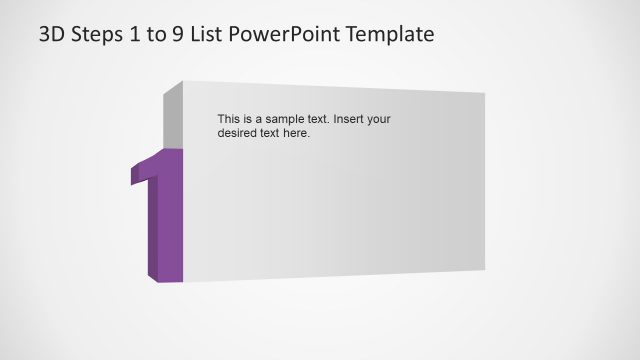
The layout features a prominent 3D number '1' positioned on the left side, colored in yellow. To the right, there is a rectangular text placeholder aligned vertically, allowing for text insertion. The background is a light gradient, transitioning from white to a soft gray, creating depth. The title is centered at the top, indicating the slide's purpose. The overall composition emphasizes the number while providing a clear space for the accompanying text, maintaining a balanced visual hierarchy throughout the slide.
How to Use It
This layout serves as an introductory point in a sequence, ideal for outlining the first step in a process. It fits well after a title slide and before subsequent steps, helping to guide the audience through a structured presentation. Common scenarios include project phases, training modules, or product features, where clarity in the first step is crucial. It can be used in business settings to present strategies, plans, or methodologies effectively.
Text Placeholders & Capacity
Keep your copy within these limits so it fits without resizing. Text slots can accommodate a moderate amount of content, roughly 10-15 words each.
| Placeholder | Count | Max characters (approx.) |
|---|---|---|
| Slide title | 1 | 40 |
| Body paragraph | 1 | 100 |
Slide Keywords
Download unlimited PowerPoint templates, charts and graphics for your presentations with our annual plan.
DOWNLOADReturn to 3D Four Steps List PowerPoint Template.