Slide 2 of 4 from 3D Circular Process Diagram 2 Steps for PowerPoint
Chevron 2 Steps Circular Process PPT
3D Circular Process Diagram for PowerPoint
- Diagram
- Circular Cycle
- Process Slide
- 16:9
- 100% Editable
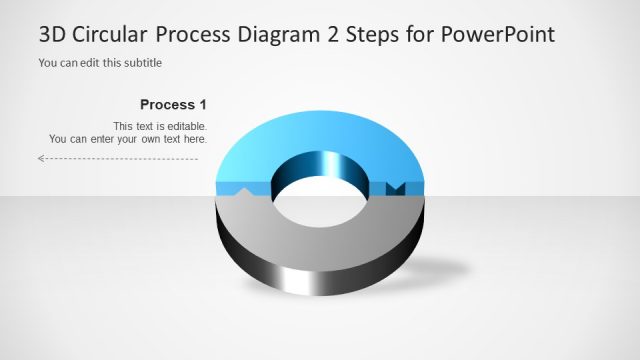
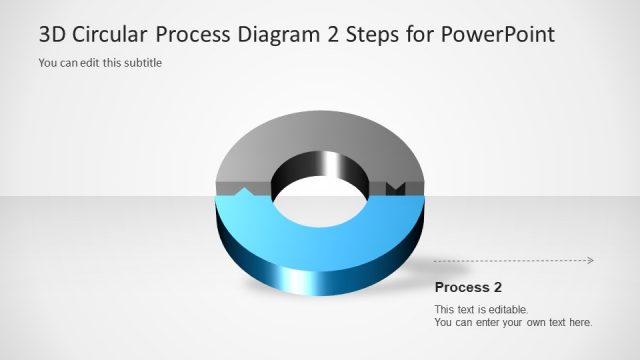
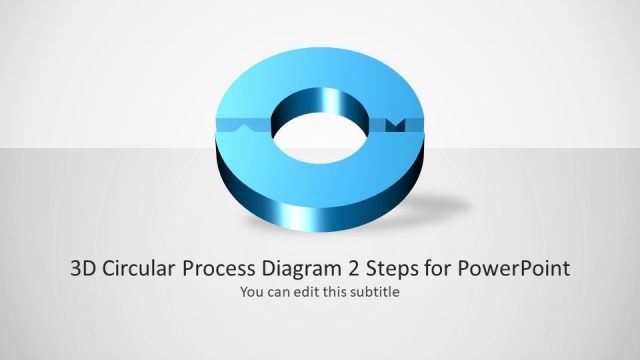
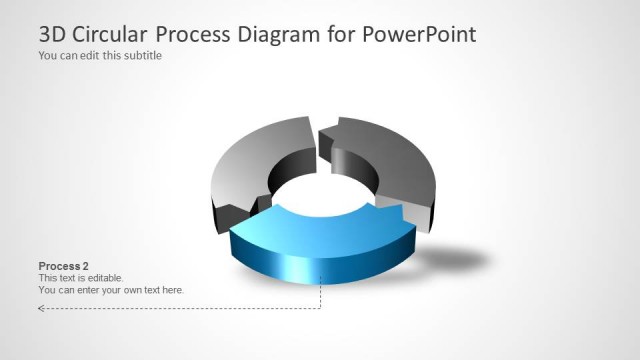
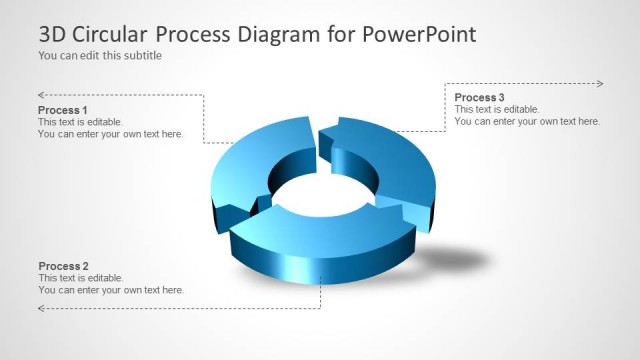
The 3D Circular Process Diagram slide from the 3D Circular Process Diagram 2 Steps for PowerPoint template offers a clear visual tool for illustrating two-step workflows or cyclical processes. This slide is designed with editable shapes and a gradient blue 3D circular diagram, making it suitable for business presentations focused on project management or product development. It integrates seamlessly into corporate presentation slide decks requiring precise process explanation.
What’s on This Slide
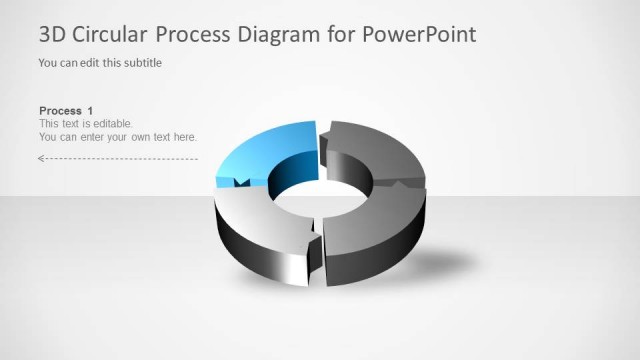
The slide features a 3D circular diagram with two distinct sections. Each section is labeled 'Process 1' and includes editable text placeholders positioned centrally within each segment. The circular shape is visually divided into two halves, with a gradient blue color scheme that enhances its three-dimensional appearance. The background is a light gradient, providing contrast to the diagram. The text placeholders are aligned to the left and right of the circular shape, maintaining a balanced visual hierarchy. The overall composition emphasizes the circular flow of the processes depicted.
How to Use It
This layout serves as a two-step process diagram, ideal for illustrating sequential workflows or cyclical processes. It fits well in presentations that require a clear visual representation of steps involved in a process. Business scenarios include project management, product development, or operational workflows. It can be used to clarify complex processes by breaking them down into manageable parts. This slide is best positioned after a problem statement to outline solutions or next steps.
Text Placeholders & Capacity
Keep your copy within these limits so it fits without resizing. Node body slots can hold about 10-12 words each.
| Placeholder | Count | Max characters (approx.) |
|---|---|---|
| Slide title | 1 | 40 |
| Subtitle | 1 | 40 |
| Item heading | 2 | 20 |
| Item body | 2 | 50 |
Slide Keywords
Download unlimited PowerPoint templates, charts and graphics for your presentations with our annual plan.
DOWNLOADReturn to 3D Circular Process Diagram 2 Steps for PowerPoint.