Slide 3 of 4 from 3D Circular Process Diagram 2 Steps for PowerPoint
2 Steps PowerPoint Circular Diagram
3D Circular Process Diagram for PowerPoint
- Diagram
- Circular Cycle
- Process Slide
- 16:9
- 100% Editable
What’s on This Slide
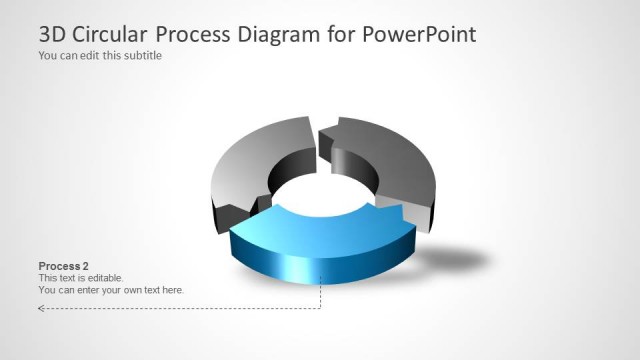
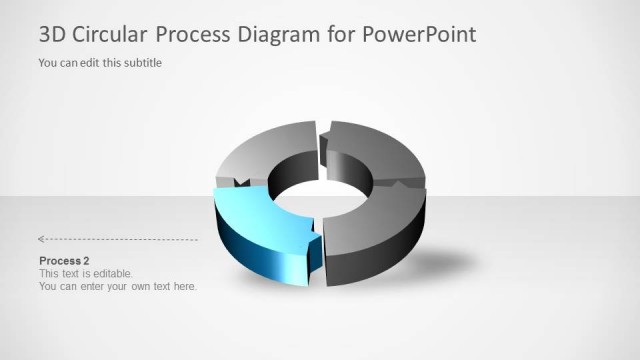
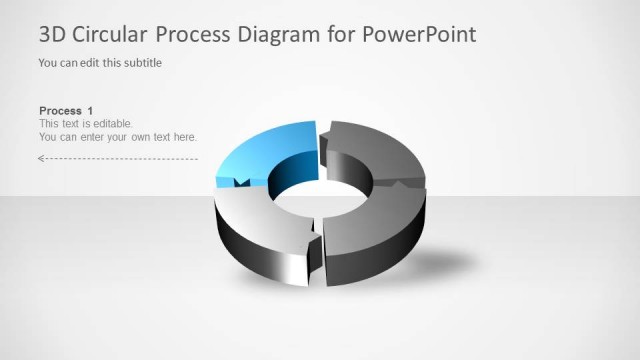
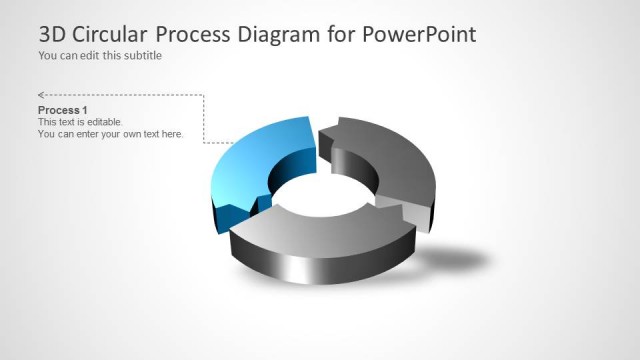
The slide features a 3D circular diagram positioned centrally, with a blue and gray color scheme. The upper section is a blue arc, while the lower section is a gray arc, creating a layered effect. There is a prominent editable text placeholder labeled 'Process 1' located in the center of the circle. Below this, another editable text placeholder states 'This text is editable. You can enter your own text here.' The background is light, enhancing the diagram's visibility. An arrow points left, suggesting a flow direction.
How to Use It
This layout serves as a two-step process diagram, ideal for illustrating sequential stages in a presentation. It fits well after a problem statement and before a detailed roadmap. Common scenarios include project management updates, product development phases, or workflow explanations. The circular design emphasizes continuity and progression, making it suitable for topics requiring a clear visual representation of steps or processes.
Text Placeholders & Capacity
Keep your copy within these limits so it fits without resizing. Node body slots can accommodate roughly 8-10 words each.
| Placeholder | Count | Max characters (approx.) |
|---|---|---|
| Slide title | 1 | 38 |
| Subtitle | 1 | 38 |
| Item heading | 1 | 15 |
| Item body | 1 | 50 |
Slide Keywords
Download unlimited PowerPoint templates, charts and graphics for your presentations with our annual plan.
DOWNLOADReturn to 3D Circular Process Diagram 2 Steps for PowerPoint.