Slide 4 of 6 from 3D 4 Steps Jigsaw PowerPoint Pie Chart
3D Pie Chart PowerPoint Step 3 Jigsaw Puzzle
3D 4 Steps Jigsaw Pie Chart for Presentations
- Diagram
- Segmented Wheel
- Process Slide
- 16:9
- 100% Editable
What’s on This Slide
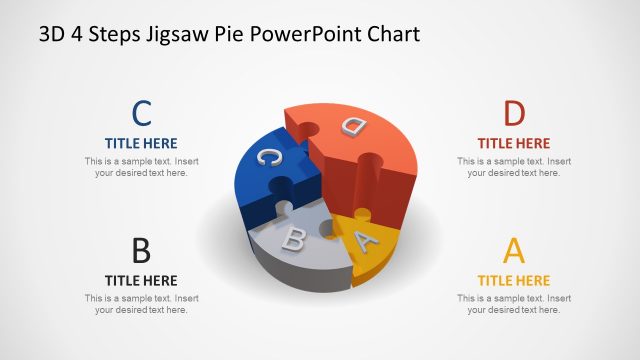
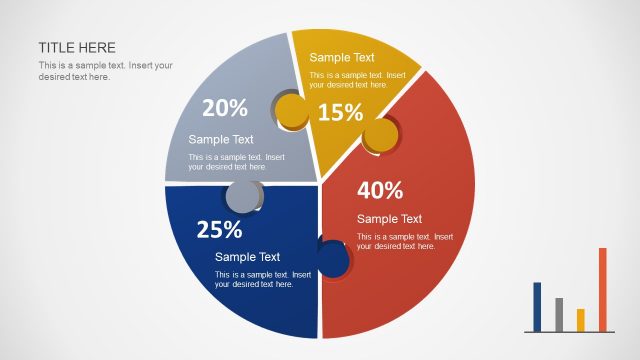
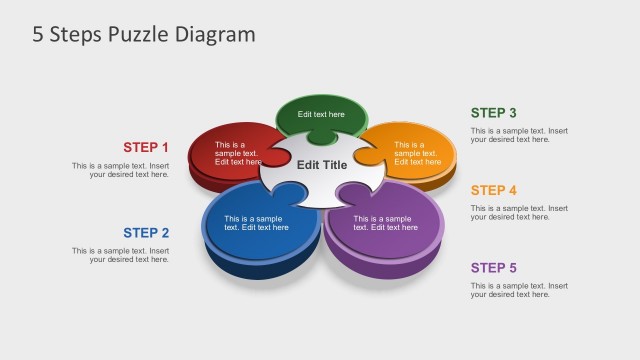
The layout features a 3D jigsaw pie chart divided into four segments labeled A, B, C, and D. The segments are arranged in a circular formation, with segment C highlighted and detached from the main pie chart. An arrow connects segment C to a separate, smaller representation of the same piece, positioned on the right side. The background is light, enhancing visibility. Text placeholders are present, with the title at the top and a body text area below the smaller piece. The overall composition emphasizes the central pie chart while allowing space for additional information.
How to Use It
This layout serves as a visual representation of a four-step process or concept, ideal for illustrating sequential ideas or components. It fits well in a presentation sequence after introducing a problem or concept, leading into a detailed explanation. This structure is useful in business scenarios such as project planning, strategy development, or product features breakdown, where clarity in steps is essential. The design allows for easy adaptation to various topics while maintaining a cohesive visual flow.
Text Placeholders & Capacity
Keep your copy within these limits so it fits without resizing. Node labels are single characters; body text can accommodate several sentences.
| Placeholder | Count | Max characters (approx.) |
|---|---|---|
| Slide title | 1 | 25 |
| Item heading | 4 | 1 |
| Item body | 1 | 150 |
Slide Keywords
Download unlimited PowerPoint templates, charts and graphics for your presentations with our annual plan.
DOWNLOADReturn to 3D 4 Steps Jigsaw PowerPoint Pie Chart.