Slide 2 of 4 from 30-60-90 Day Planning Template for PowerPoint
60 Days Planning Template PowerPoint
60 Day Planning Overview Slide
- Diagram
- Timeline Horizontal
- Process Slide
- 16:9
- 100% Editable
What’s on This Slide
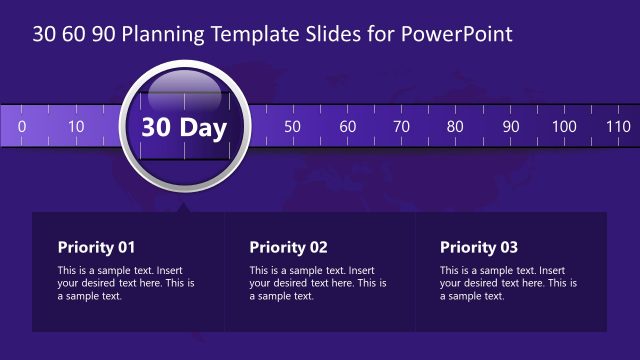
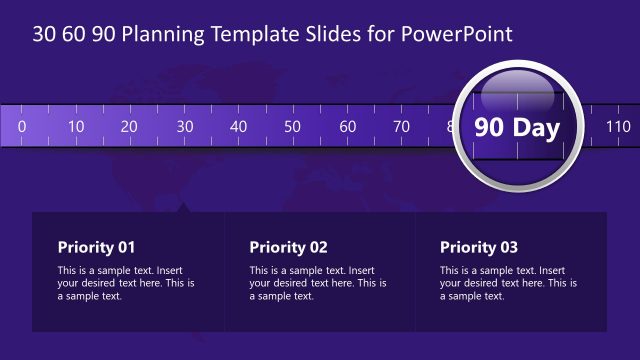
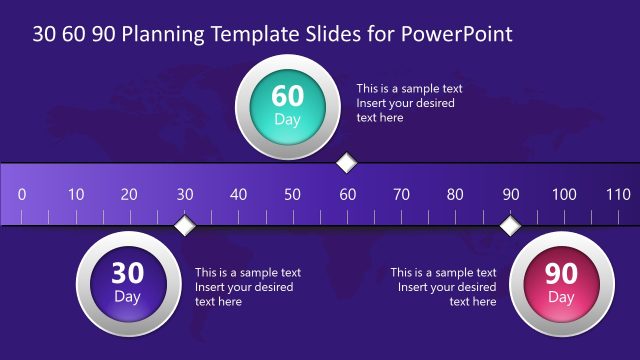
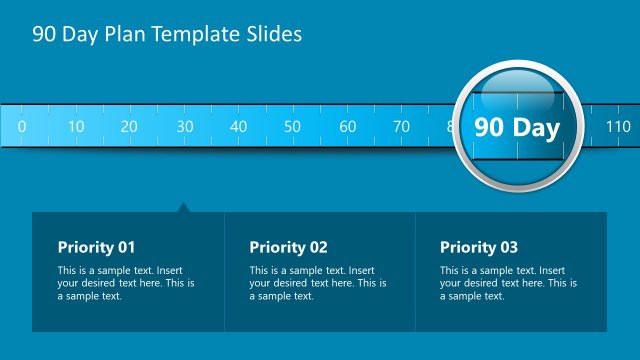
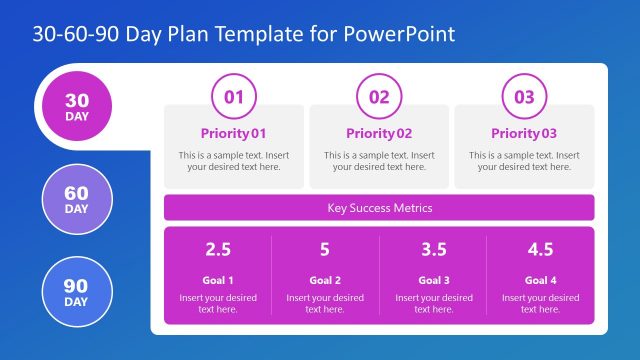
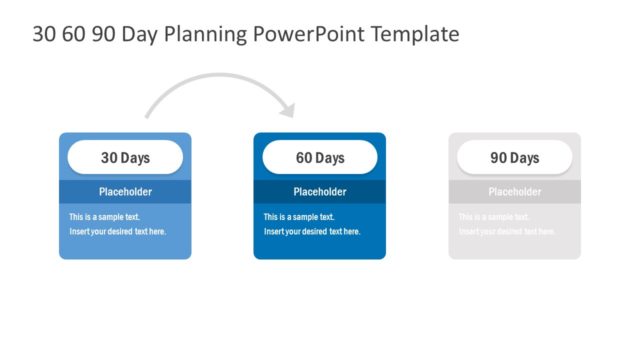
The slide features a horizontal timeline with a central circular node labeled '60 Day.' The timeline is marked with intervals from 0 to 100. Below the timeline, there are three rectangular text boxes aligned horizontally, each labeled 'Priority 01,' 'Priority 02,' and 'Priority 03.' Each box contains a text placeholder for sample text, positioned centrally within the rectangles. The background is a gradient of purple, and the overall layout emphasizes the central node, creating a clear visual hierarchy. The text boxes are well-defined and separated from the timeline.
How to Use It
This layout serves as a 60-day planning overview, ideal for presenting key priorities within a structured timeline. It fits well in a sequence following an introductory slide, providing clarity on objectives for the second phase of a plan. This structure is useful in business contexts such as project management, strategic planning, or performance reviews, where specific milestones and priorities need to be communicated effectively. It can be utilized to highlight major tasks or goals for a defined period.
Text Placeholders & Capacity
Keep your copy within these limits so it fits without resizing. Node body slots can hold approximately 20-30 words each.
| Placeholder | Count | Max characters (approx.) |
|---|---|---|
| Item heading | 3 | 30 |
| Item body | 3 | 150 |
| Slide title | 1 | 40 |
Slide Keywords
Download unlimited PowerPoint templates, charts and graphics for your presentations with our annual plan.
DOWNLOAD